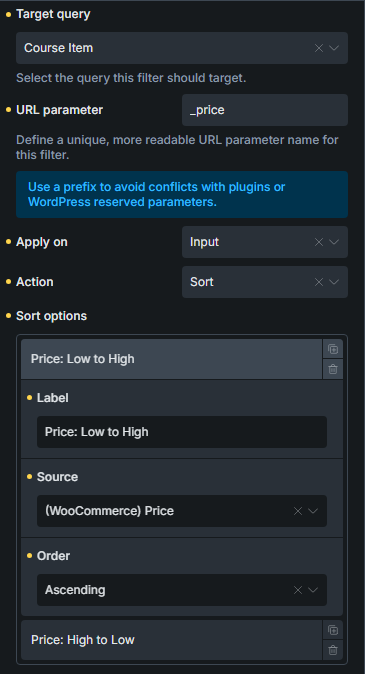
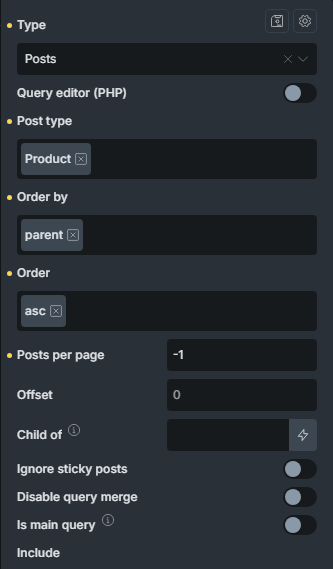
I’m using a Bricks Filter Select element with the following sort options:
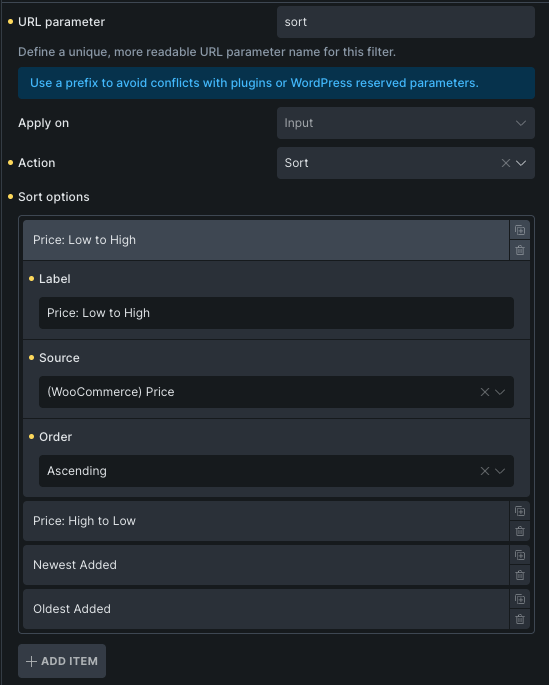
-
Price: Low to High
-
Price: High to Low
I’ve tried both:
-
WooCommerce Price
-
Post Meta Numeric Value with _price as the meta key
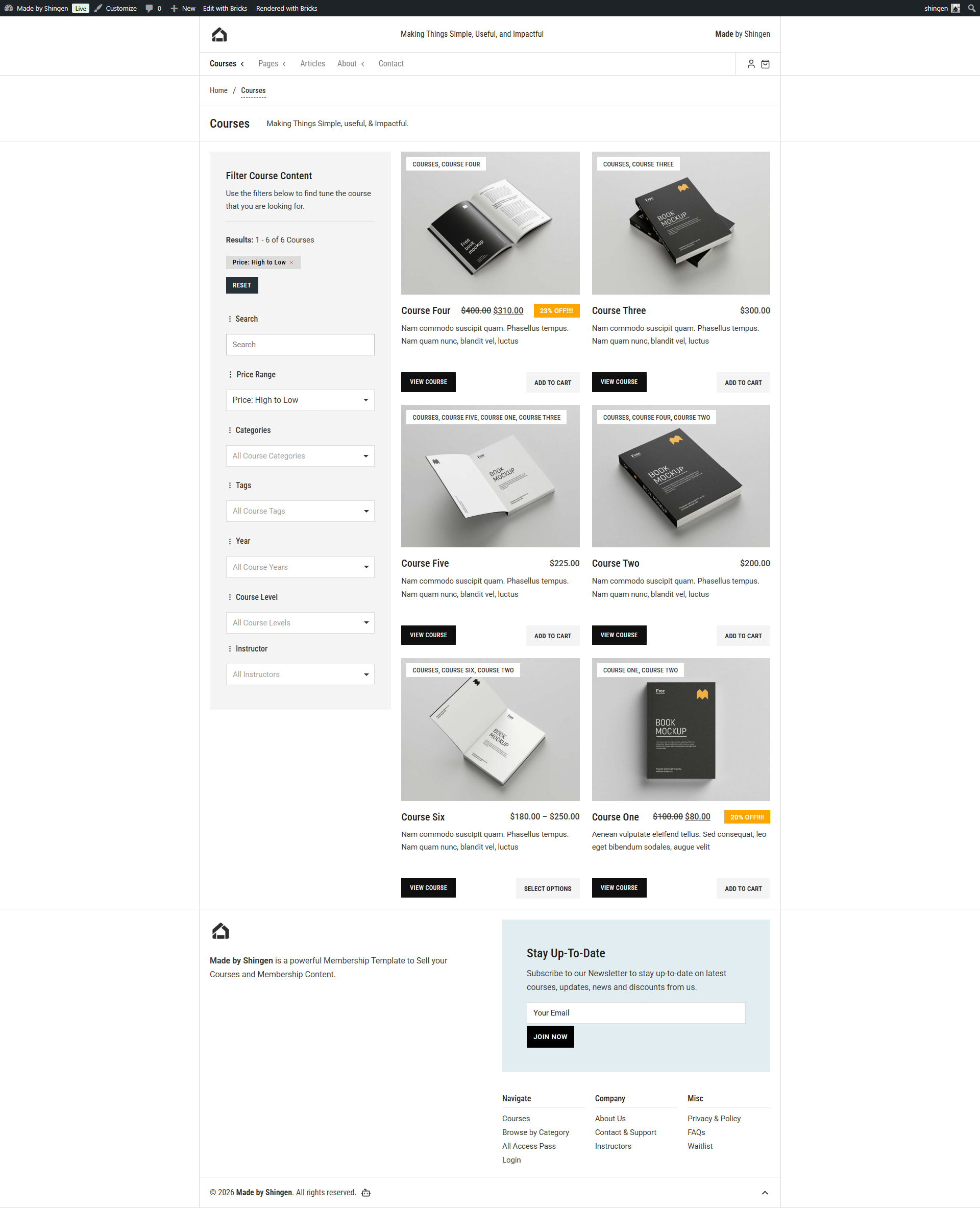
However, neither option sorts variable products correctly. The product order seems inconsistent and doesn’t match the actual displayed prices.
What’s interesting is that the default WooCommerce archive sorting (“Sort by price: low to high” and “high to low”) works perfectly on the shop page, so I assume WooCommerce is using its own logic or lookup table for variable product pricing.
Has anyone encountered this issue with Bricks filters? Is there a recommended way to sort variable products by price using a Bricks Filter Select element so that it matches WooCommerce’s default archive sorting?
Any suggestions would be appreciated. Thanks!