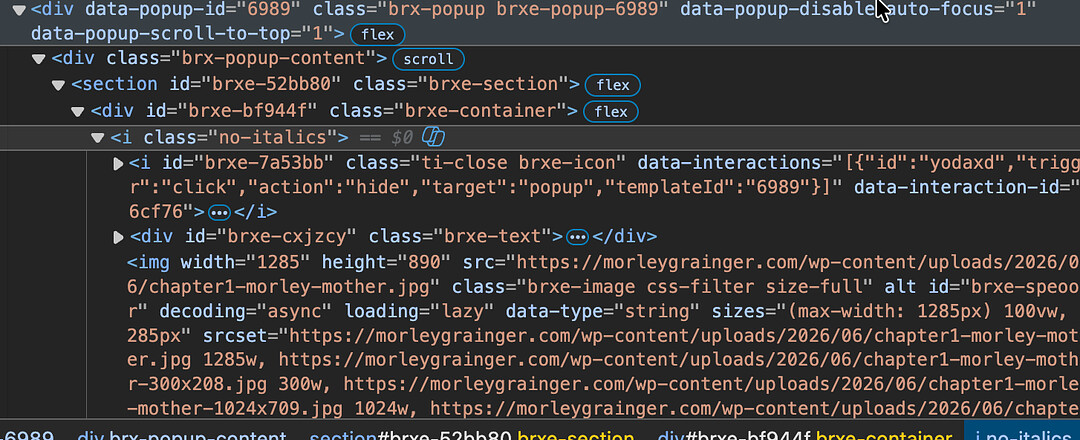
Sorry I’m lost here - how do I get rid of no-italics from the container element class please?
Very weird that it’s showing up in the all the chapter 1+ Containers when I only applied it to plain text elements in chapters 49 + … I see it in this code above but I don’t know where even in the Bricks Editor where to get rid of that … there must be a global container setting I have to fix up. Checked the Bricks academy but I couldn’t find instructions on it.
Many thanks
Carl