SOLVED: How to change the size of the lightbox?

Browser: Chrome 110
OS: macOS / Windows / Linux / etc.
URL: Link to a page that illustrates this issue
Video: Short screen recording that illustrates this issue (free tool: jam.dev)

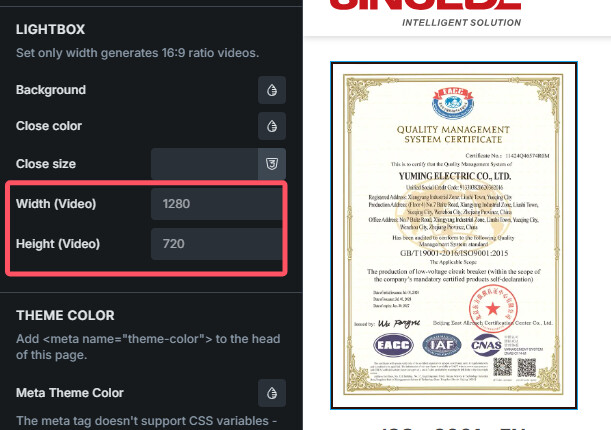
I was trying to use the lightbox but finding no places to change the size of the lightbox.

I couldn’t find the places to change the size of images in the theme settings

image

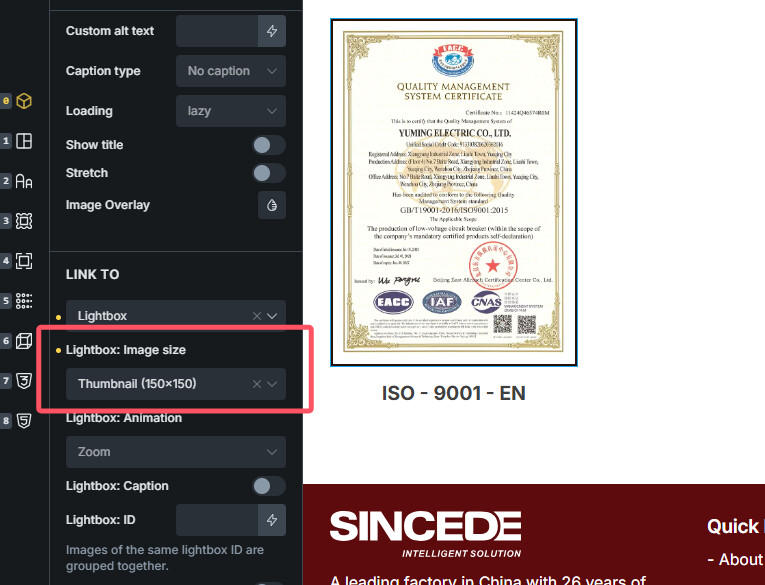
I use the image size in the panel, but it didn’t work

Hi @Mezzy,

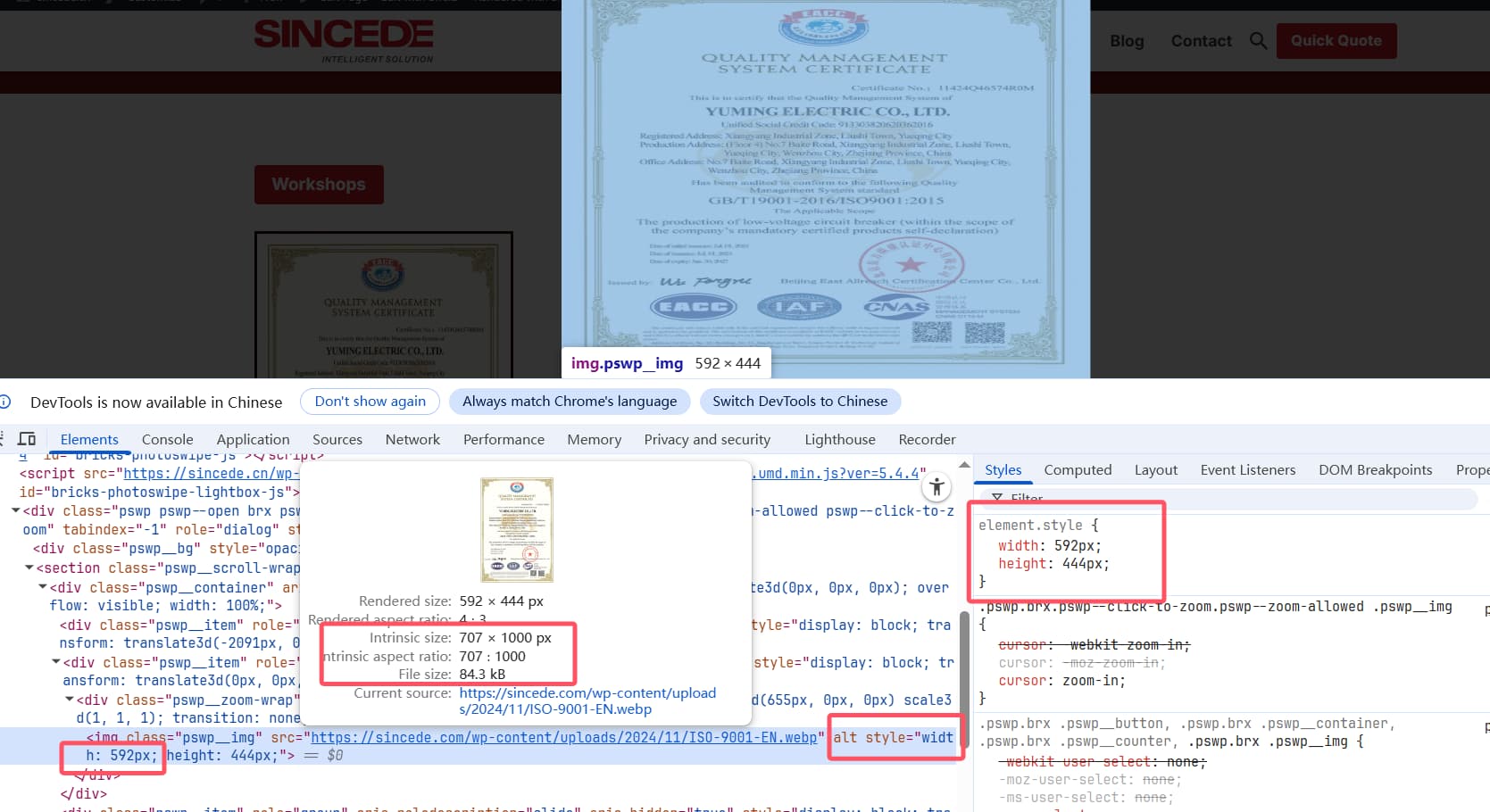
currently, we have a default size for the image element that is passed as a URL, which is set to 800x600 px - which seems to be happening here as well. We will improve this in the future, as we already have the internal task for this.

I’ve linked this topic with the mentioned internal task and we will update this topic as soon as we release the update.

Ps. Let me know if you are not using custom URL as a image source.

Best regards,
Matej

No, I was not using custom url, I just chose the lightbox

Can you show your setup?

Matej

We fixed this issue in Bricks 2.1.3, now available as a one-click update in your WordPress Dashboard.

Please take your time to read the changelog entry before updating, and let us know if you continue to experience issues.