Bricks Version: 1.6
Browser: Chrome
OS: Windows 11
URL: My Blog – My WordPress Blog
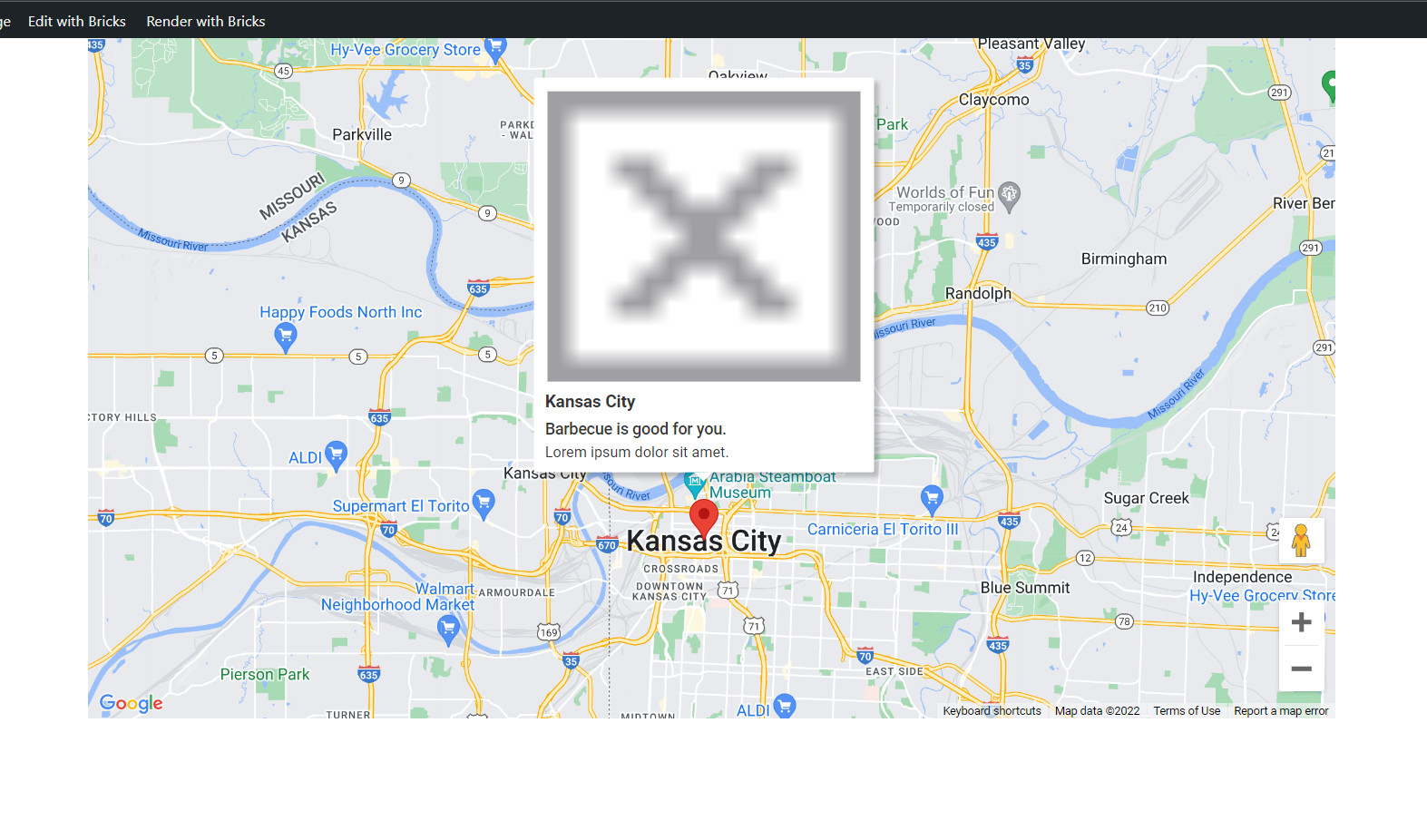
When I add a infobox to a google map, it shows a giant X icon on the front end. It shows normal in the builder.
Bricks Version: 1.6
Browser: Chrome
OS: Windows 11
URL: My Blog – My WordPress Blog
When I add a infobox to a google map, it shows a giant X icon on the front end. It shows normal in the builder.
Hi,
Thanks so much for your report!
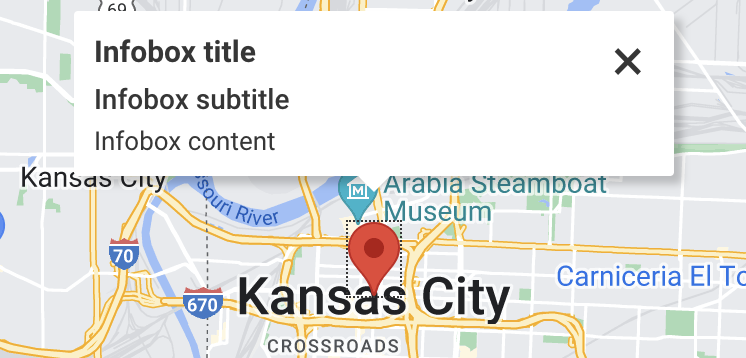
Unfortunately, I cannot reproduce the issue. The strange thing is that my close button is a span, and yours is an image 
Do you use any optimizing or minifying plugins / tried with disabled plugins?
Best regards,
timmse
I emailed you an Admin login. It has no plugins installed and not using any cache or minifiers.
It does this on more than one of my websites.
Thanks!
Hi @macksix ,
Just replied to your email. Thank you very much for your time.
We are able to reproduce it.
This problem will occur if the current page doesn’t have jQuery loaded.
Already been recorded in the bug tracker.
Regards,
Jenn
Hi,
We’ve fixed this bug in Bricks 1.6.1, now available as a one-click update within your WordPress Dashboard.
Please let us know if you are still experiencing issues.
Best regards,
timmse