Browser: Chrome 110 OS: macOS / Windows / Linux / etc. URL: Link to a page that illustrates this issue Video: Short screen recording that illustrates this issue (free tool: jam.dev)
Hello,
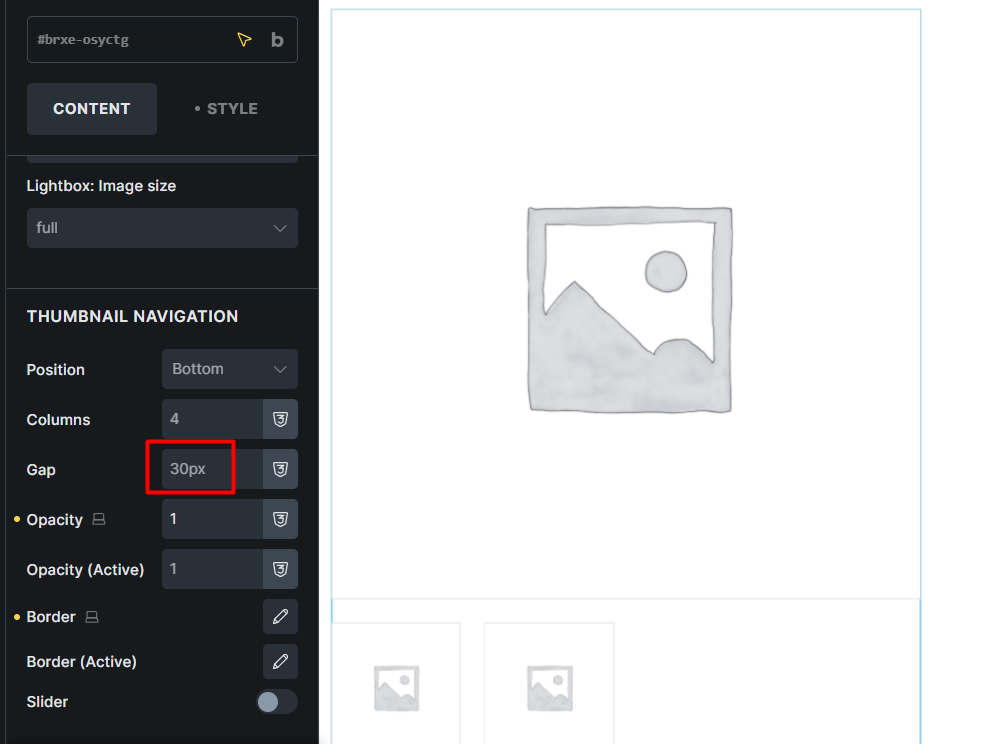
In the Product gallery element, the Thumbnail navigation section displays a Gap value of 30px, while in the frontend it is 20px.
As a suggestion, it would be nice if there were new controls for the large image border and the gap between the main image and the Thumbnail navigation.
Thanks for reporting this. I noticed a similar issue recently where the placeholder value didn’t match the actual gap setting in the gallery. Hopefully the team can identify the root cause and include a fix in an upcoming update.