Browser: Chrome 145.0.7632.46
OS: Windows
Hi team,
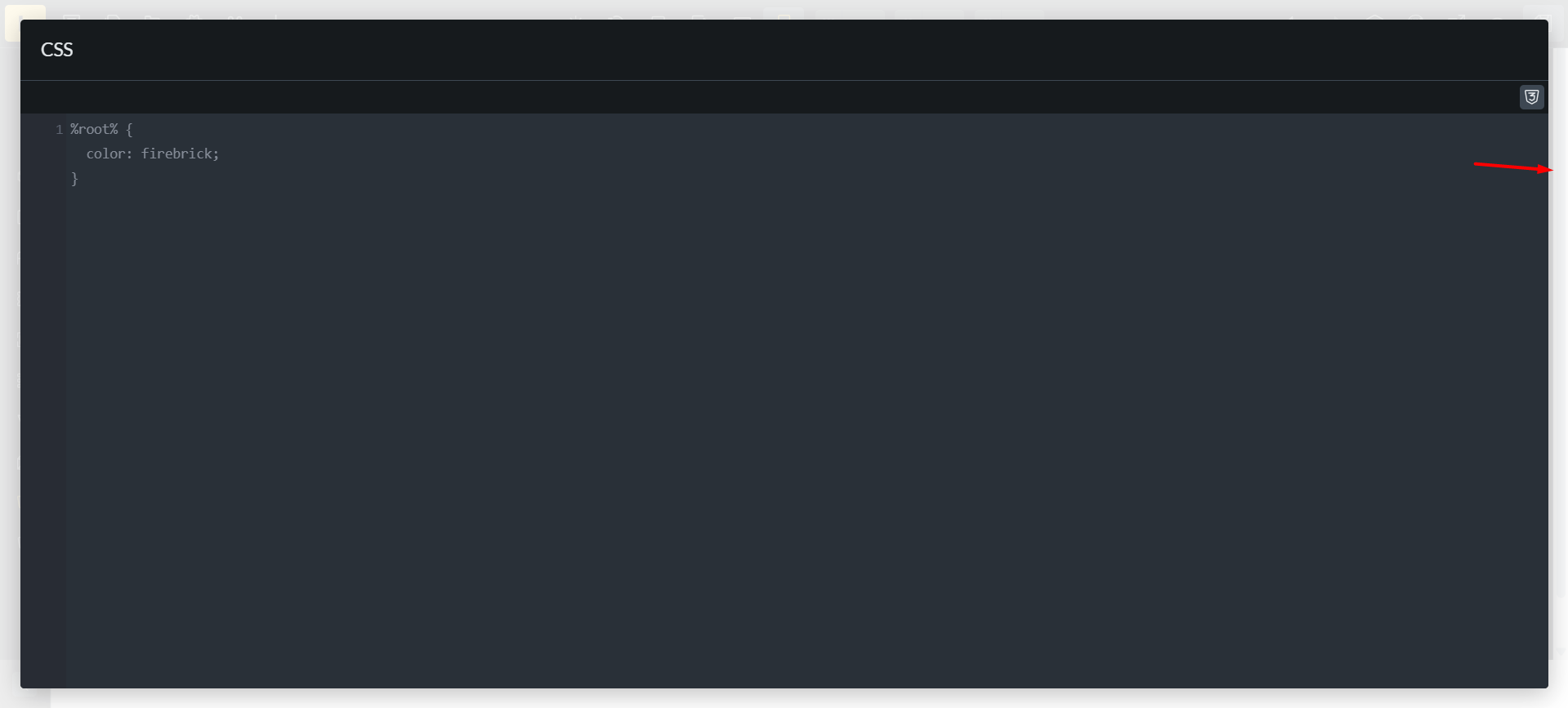
Although this bug does not cause any problems in the workflow, it is an issue that exists. After opening popups in the builder such as code full screen, query/icon/front manager, the builder moves a little. That’s why the builder is a bit jumpy when closing these popups. But the Style manager popup is fine and displays well.
For example, enable fullscreen in Custom CSS. There is a white space on the right side of the builder, and after closing fullscreen, you will experience the builder jumping.