Browser: Chrome 110 OS: macOS / Windows / Linux / etc. URL: Link to a page that illustrates this issue Video: Short screen recording that illustrates this issue (free tool: jam.dev)
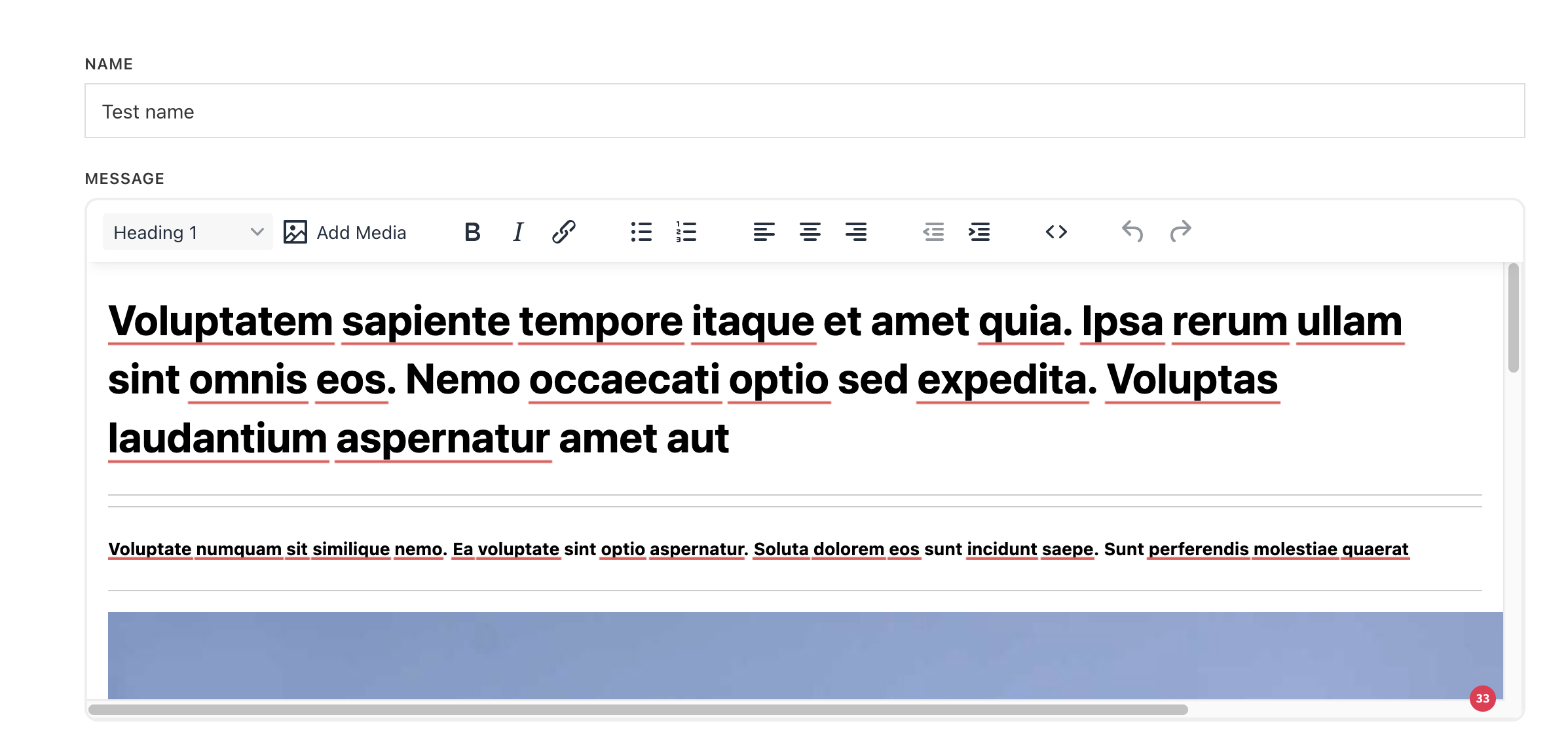
When using the Frontend Form Action “Update Post”, existing post data is not being populated into the form fields for the field types TextArea and RichText. This means that when users submit the form, any existing content in TextArea or RichText fields is lost.
hmm… either I don’t fully understand the problem, or I can’t replicate it locally. Here, I added “update post” action, I choose the post and mapped the fields, and it’s populating.
However, I may have overlooked something, so I would appreciate it if you could record a video with voice, showing your setup, the issue and how to replicate it.
Thanks for the video. Setup seems to be ok here. What you can check is if the meta key really exists in the database for this field and it has the value?
Also, if you try to update it via the front end, does the value update? And if it does, after a refresh, is it still empty?
Sorry for the late reply. I can confirm that there are meta_keys “beschreibung” in my WP_Postmeta table. In some cases, the value is something I typed; in other cases, it is something technical like field_68d6a4172a131. If I update the value using the text input type, then the value updates. But if I change it to input type textarea, the value is not populated, but it still updates. Hence, the user could delete the existing data without intending to.
Would it help you if I provide you with an (Updraft) backup of my site?
thank you for the update. Next thing, you can try to update it without any other plugin active.
If it still does not work with only Bricks installed and active, then you can Since I can’t replicate the issue, can you send temporary login credentials to your test/staging website and a link to this topic to help@bricksbuilder.io using the email address you used during the purchase, so we can take a look?
thank you. With your setup, I was able to replicate the issue and I’ve recorded it in our internal bug tracker.
Once the issue is fixed, we will update this topic.
We fixed this issue in Bricks 2.1, and since then also released version 2.1.1, which includes a few additional (unrelated) fixes.
The latest version 2.1.1 is now available as a one-click update in your WordPress Dashboard.
Please take your time to read the changelog entries before updating: