Browser: Chrome 140.0.7339.208
OS: Windows
Hi,
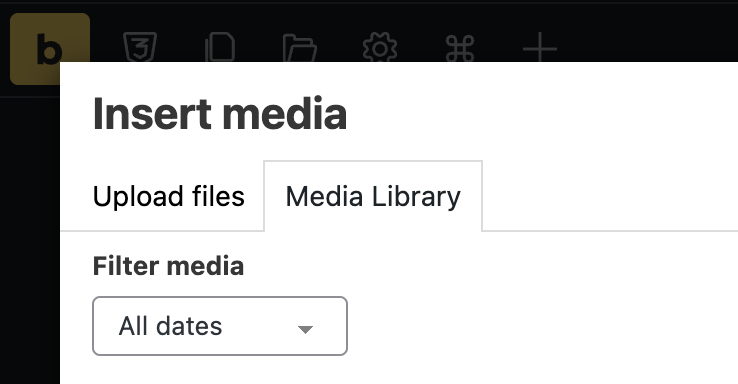
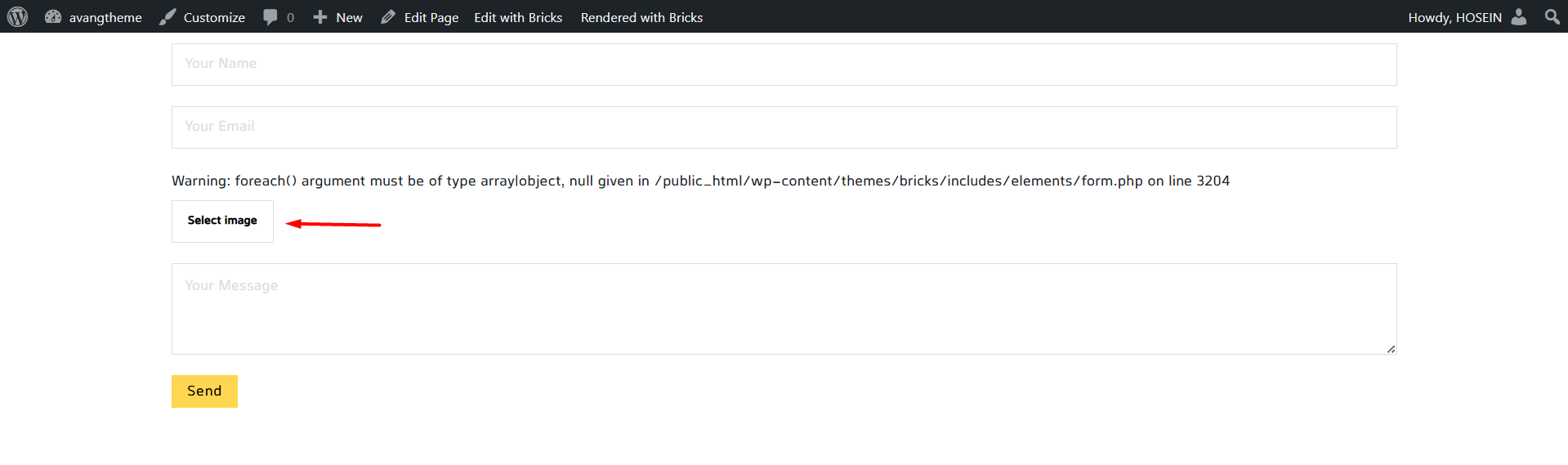
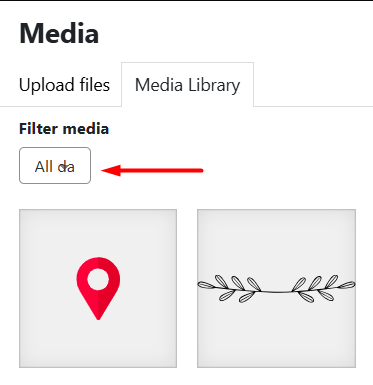
Date filter is broken when using the image field to select an image.
Browser: Chrome 140.0.7339.208
OS: Windows
Hi,
Date filter is broken when using the image field to select an image.
Hi Hosein,
Thanks so much for your report!
Where exactly are you in your screenshot? Unfortunately, I cannot reproduce the problem. Please inspect the select field in dev tools to see what is causing the issue (maybe custom CSS, or a plugin style conflict).
Best regards,
timmse
Hi Stefan,
Sorry, my screenshot wasn’t clear enough. But in your screenshot I see that you are in the builder. Please click on the image field in the preview to open the media. There doesn’t seem to be any interference. The problem still exists without any plugins or custom code.
Thanks
In future, please mention which element the problem occurs in, either in the title (I already edited it) or in the text. It’s not as if there’s only one place to select images from the media library 
However, the select field isn’t broken at all, it’s just using the default width, which is not sufficient in this case.
We fixed this issue in Bricks 2.1.3, now available as a one-click update in your WordPress Dashboard.
Please take your time to read the changelog entry before updating, and let us know if you continue to experience issues.