Browser: Chrome 110
OS: Windows
URL: video
Video: video
form fields id disappearing/not rendering randomly
please fix this
thanks
Browser: Chrome 110
OS: Windows
URL: video
Video: video
form fields id disappearing/not rendering randomly
please fix this
thanks
Hi @sinanisler,
thank you for the report. I remember I replicated this issue well in the past, but I’ve tried now and I can’t.
Is this happening always on your end?
Matej
it is very easy to replicate it
@Matej Seems like the id field is only shown when you select the form element in the structure panel. When you select it on the canvas it is missing. At least that’s how it behaves on my end in quick tests. 
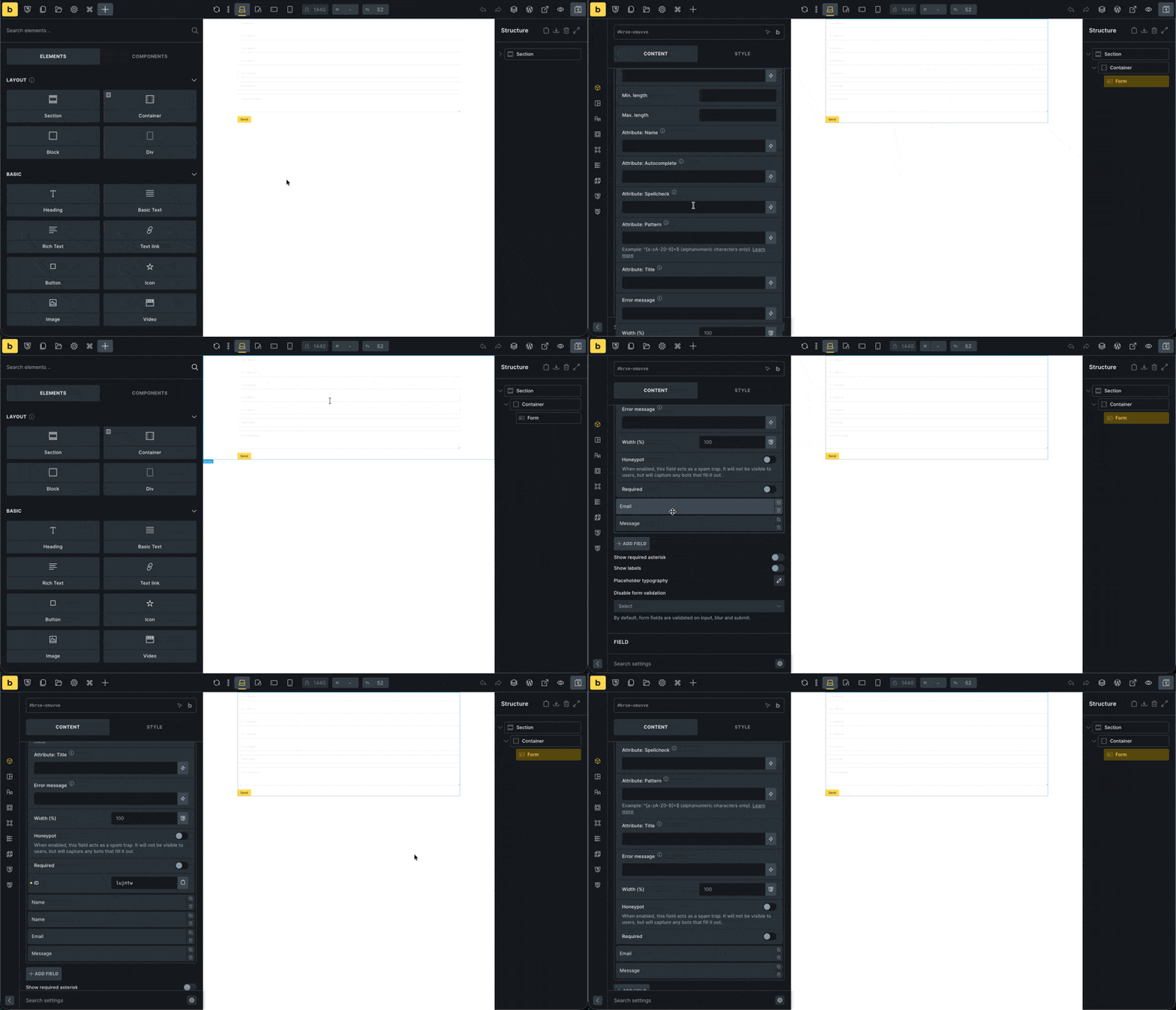
Hope it helps.
Hi @aslotta,
Thank you so much for this. You are spot on, I can replicate it this way as well, and I’ve added it to our bug tracker @sinanisler .
No wonder I was never able to replicate the issue on my end, as I always selected the elements via structure panel. 
Thank you!
Matej
We fixed this issue in Bricks 2.1.3, now available as a one-click update in your WordPress Dashboard.
Please take your time to read the changelog entry before updating, and let us know if you continue to experience issues.