If add a custom font to bricks but don’t directly use it on a page, it doesn’t preload it. That makes sense, as it’s not being used on the page.
If I set an element on the page to use the font by styling it via the ID, it will preload the font, like so:
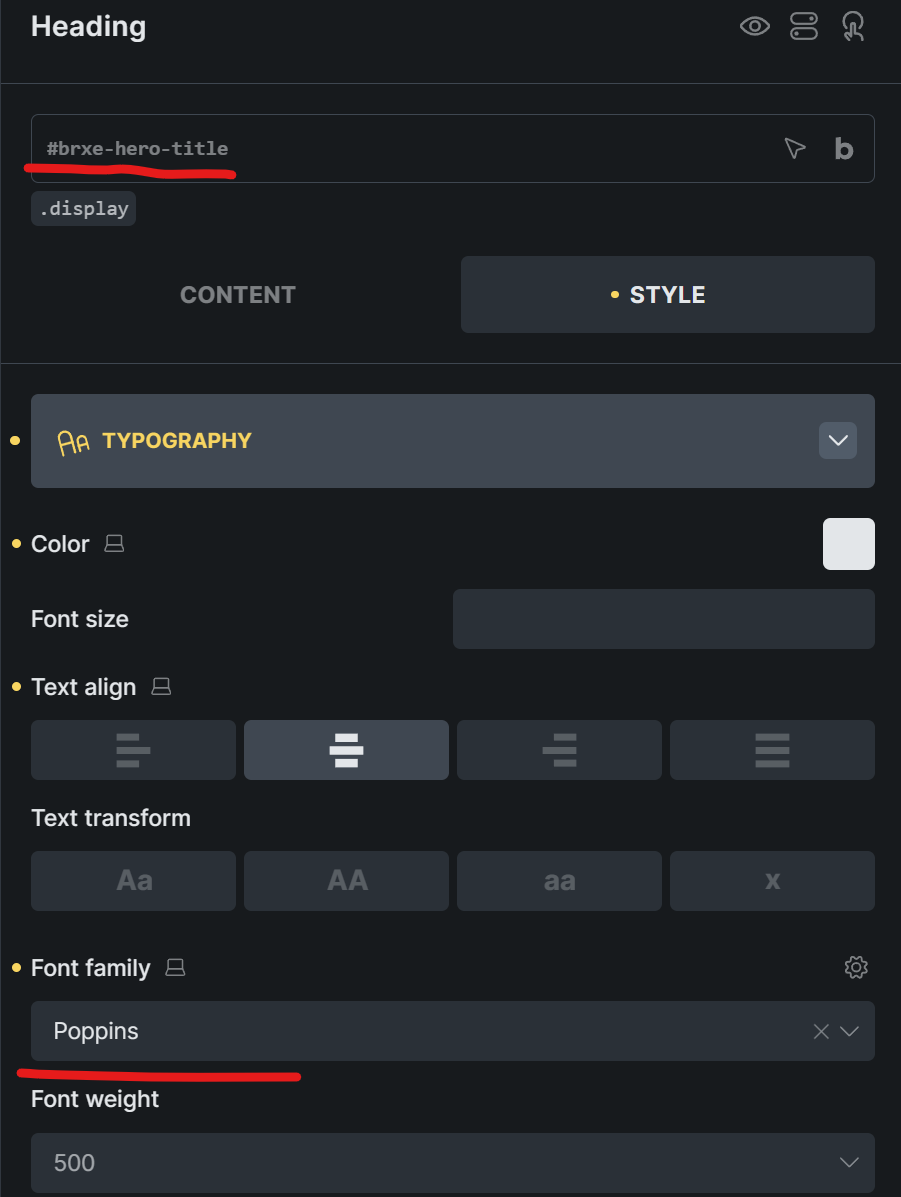
this adds a preload to the font.
HOWEVER!
If I create a class (like .display) that selects that font, and then apply that class to the same element instead of changing it on via id, it does NOT preload the font, even though it’s being used on the page:
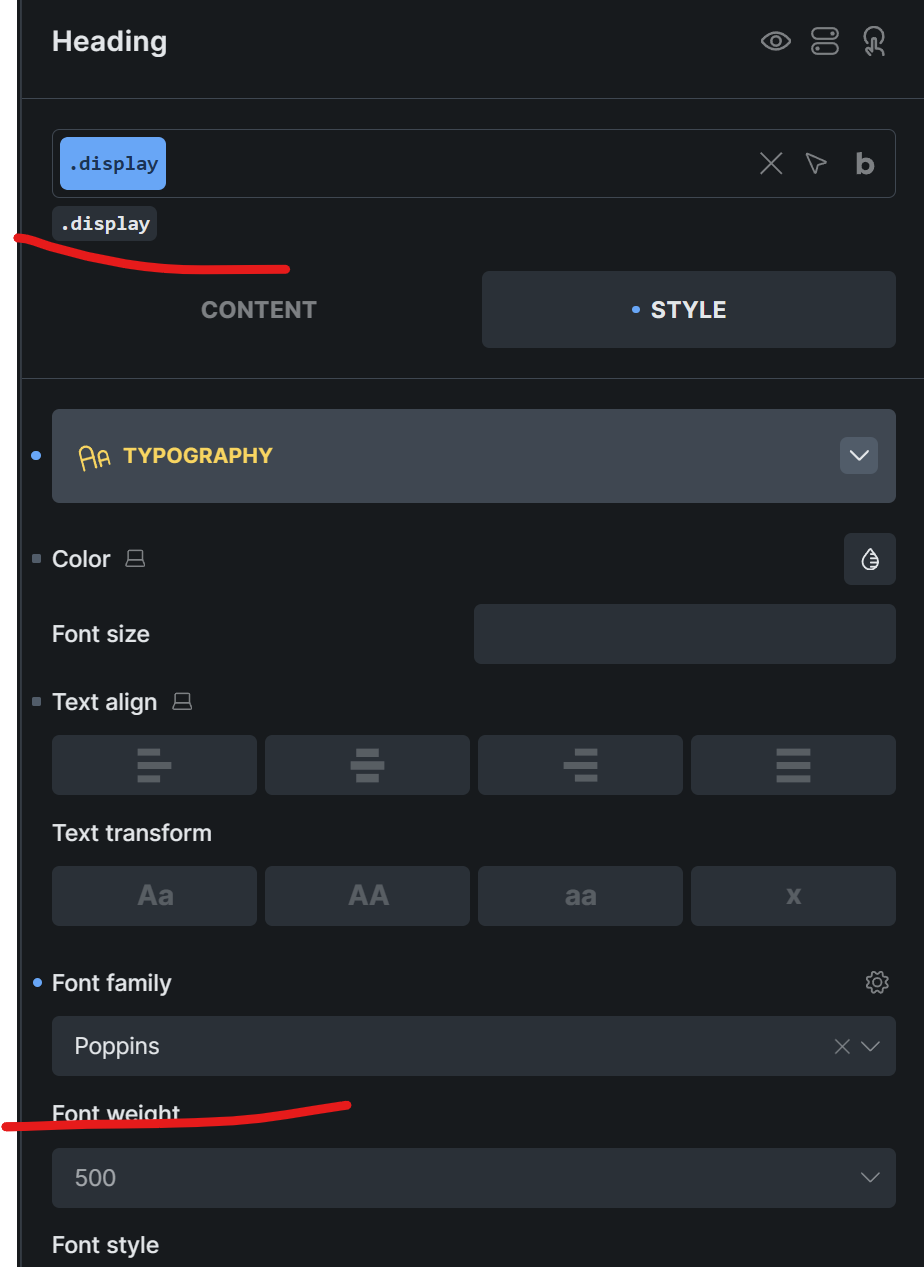
I know there are any number of workarounds - (set the font directly, add my own preload to the head, etc.), but this feels like unexpected behavior.