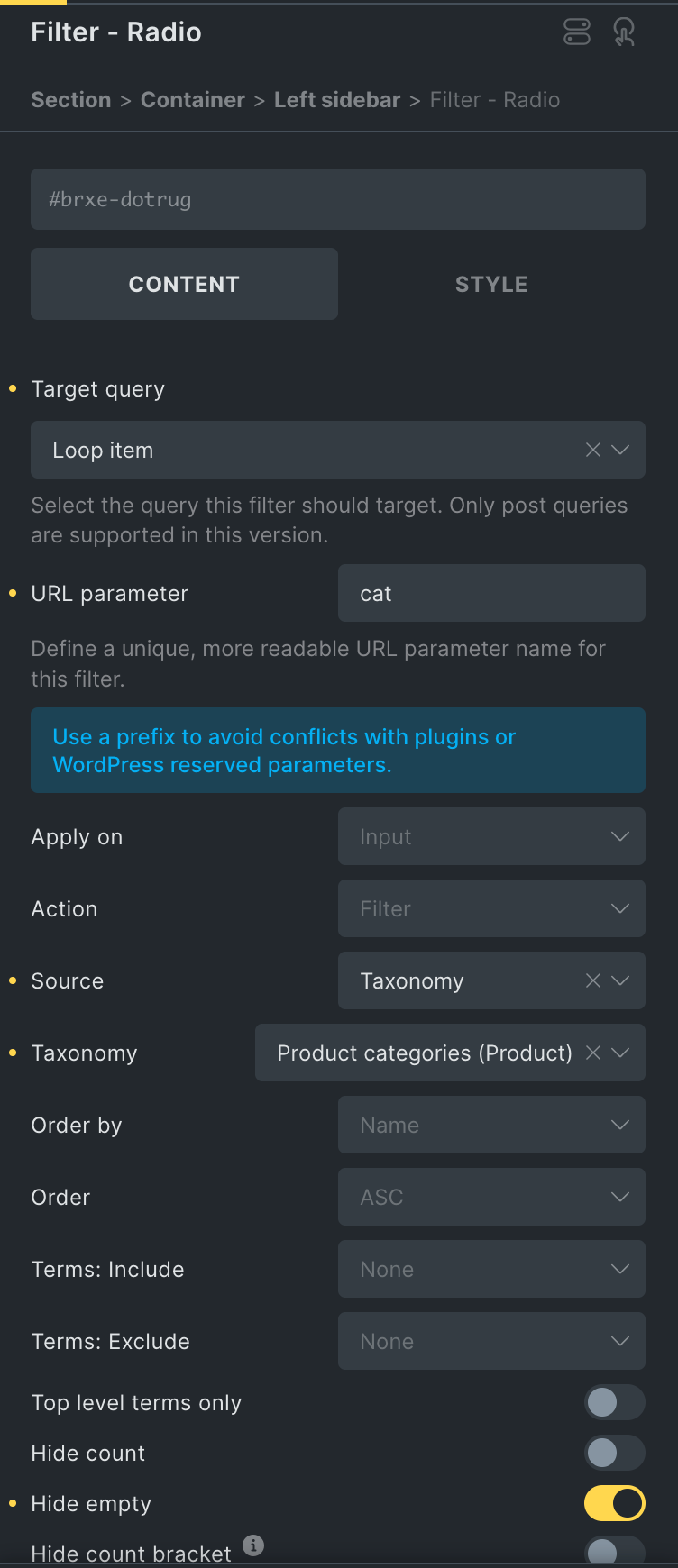
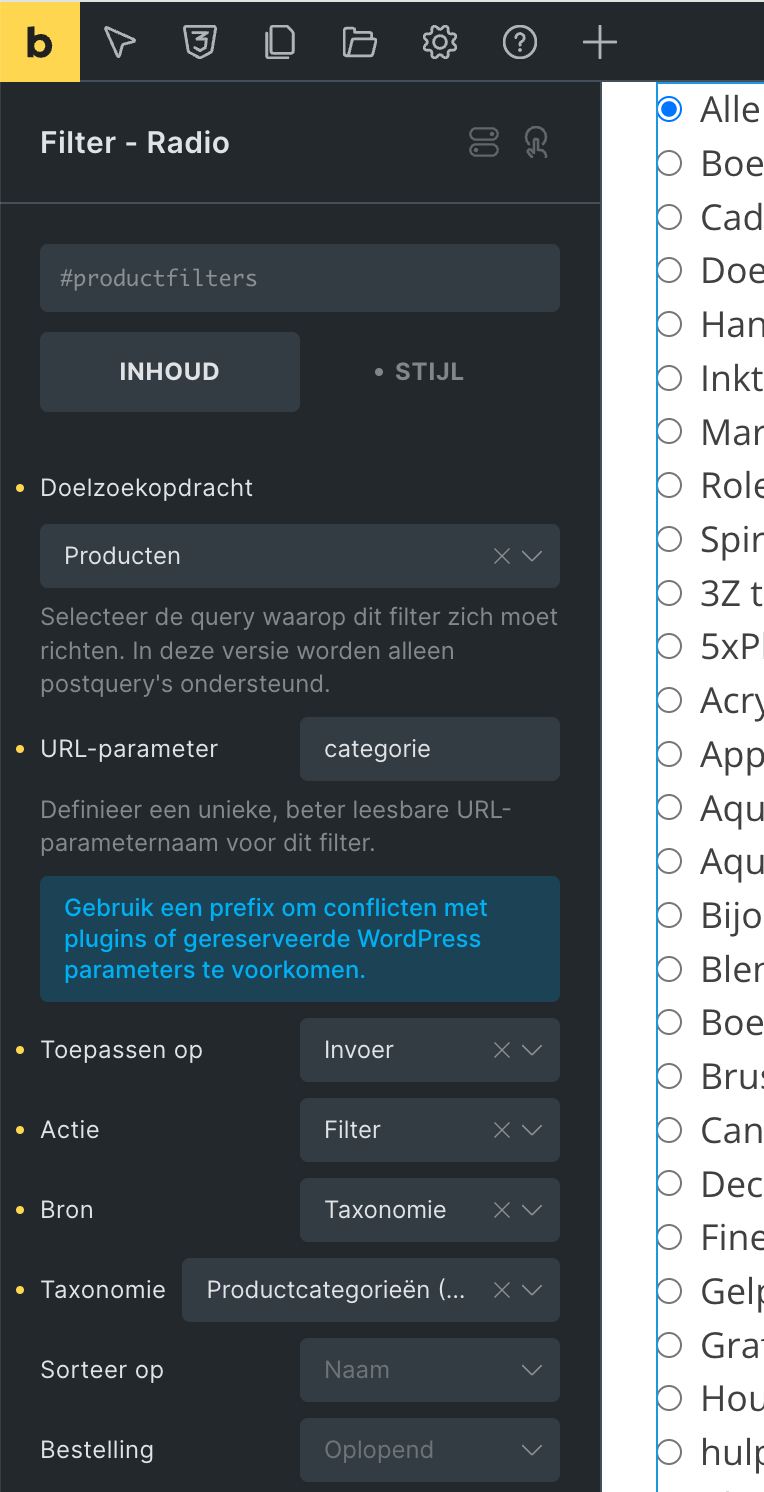
Hi, I have a problem with the Bricks filters for filtering on WooCommerce categories. After the latest update they don’t work anymore. When I revert Bricks to version 1.11 it works again.
This is a shop that is still in development fortunately. I have a very simple radio filter for filtering WooCommerce categories. The filter does not work anymore since the Bricks update. I have checked everything and also don’t see any console errors. Even disabled all plugins one by one. But only a revert to Bricks 1.11 makes them work again. This is how it looks like in the latest version: CleanShot 2024-11-16 at 16.01.55 · CleanShot Cloud
Oh and in the last part I refresh the browser after having selected a category and then it does work. Can you please tell me how to fix this? Or is it a bug?
Since it’s a webshop I can’t place the link in the post but can send it via DM if someone wants to check.
PS: I already responded to this post: WAIT: Query filters Keep loading But since I am not sure if this is still seen I decided to report a new (possible) bug.
thank you for the login credentials. Turns out, this is a known bug, that we already received a report for
We’ve uploaded a quick fix on your website, so please test if it’s working now and let us know.
Thank you!
@Matej Yes, it’s working again! Many thanks for your help!! Can you let me know what you changed? And is this something that will be included in the future Bricks updates?
@Jan, sure, please send your login information (and a way to reproduce the error, so that we make sure that it’s the same as this one), and a link to this thread to help@bricksbuilder.io using the email address you used during the purchase, then we will take a look.
@barthusz, Perfect, thanks for your response Sadly, I can’t exactly tell what has changed, since my colleague uploaded the fix as he created it, but it will most likely be included is the next version.
I’ve also linked this topic to the internal bug report, so that we will update it once we release a fix