Browser: Chrome 146.0.7680.165
OS: Windows
Hi,
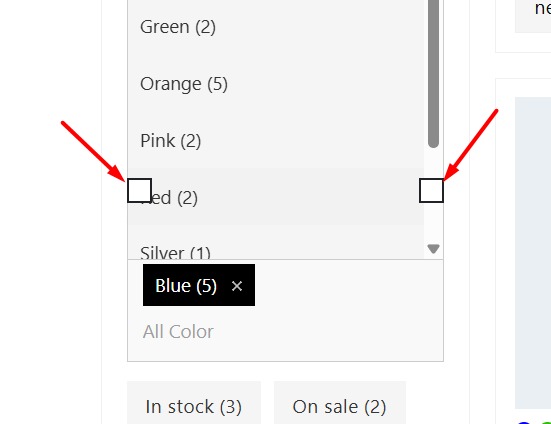
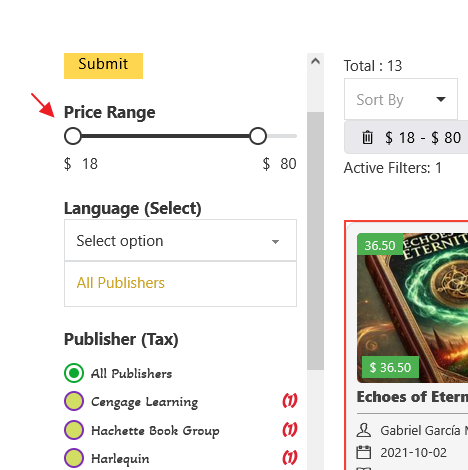
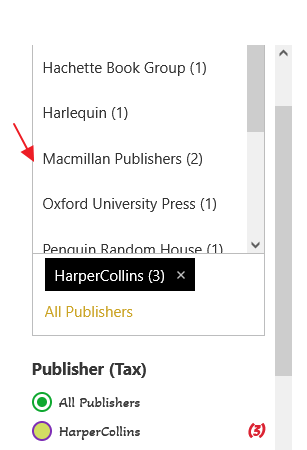
As we can see in the image below, if the enhanced select option is enabled, price range thumbs are placed on the select filter content.
Hi @HOSEIN ,
Do you mean you have a “Filter - range” element placed above the “Filter - select” (with Enhanced select enabled)
Then, when clicking on the “Filter - select”, the “Filter - range” slider’s thumbs has higher z-index and overlap the opened dropdown?
If this is correct, I am not sure how to replicate this issue. Because it’s fine here (Frontend and Builder) Maybe custom CSS causing issue?
Regards,
Jenn
Hi Jenn,
Yes, that is exactly what happens. I am not sure what the difference is that causes no issues for you. There is no custom CSS.
Thanks for your direct message and I can see the issue on Windows Chrome.
Added it to the bug tracker.
We’ve addressed this in Bricks 2.3.3, now available as a one-click update in your WordPress Dashboard.
Please read the changelog entry before updating, and let us know if you experience any issues.