Browser : Version 140.0.7312.0 (Official Build) dev (64-bit)
OS : Windows 11 PRO Version 24H2 Build 26100.4652
URL : https://mac.circea.dev/
PHP : 8.3.22
WP : 6.8.2
Description
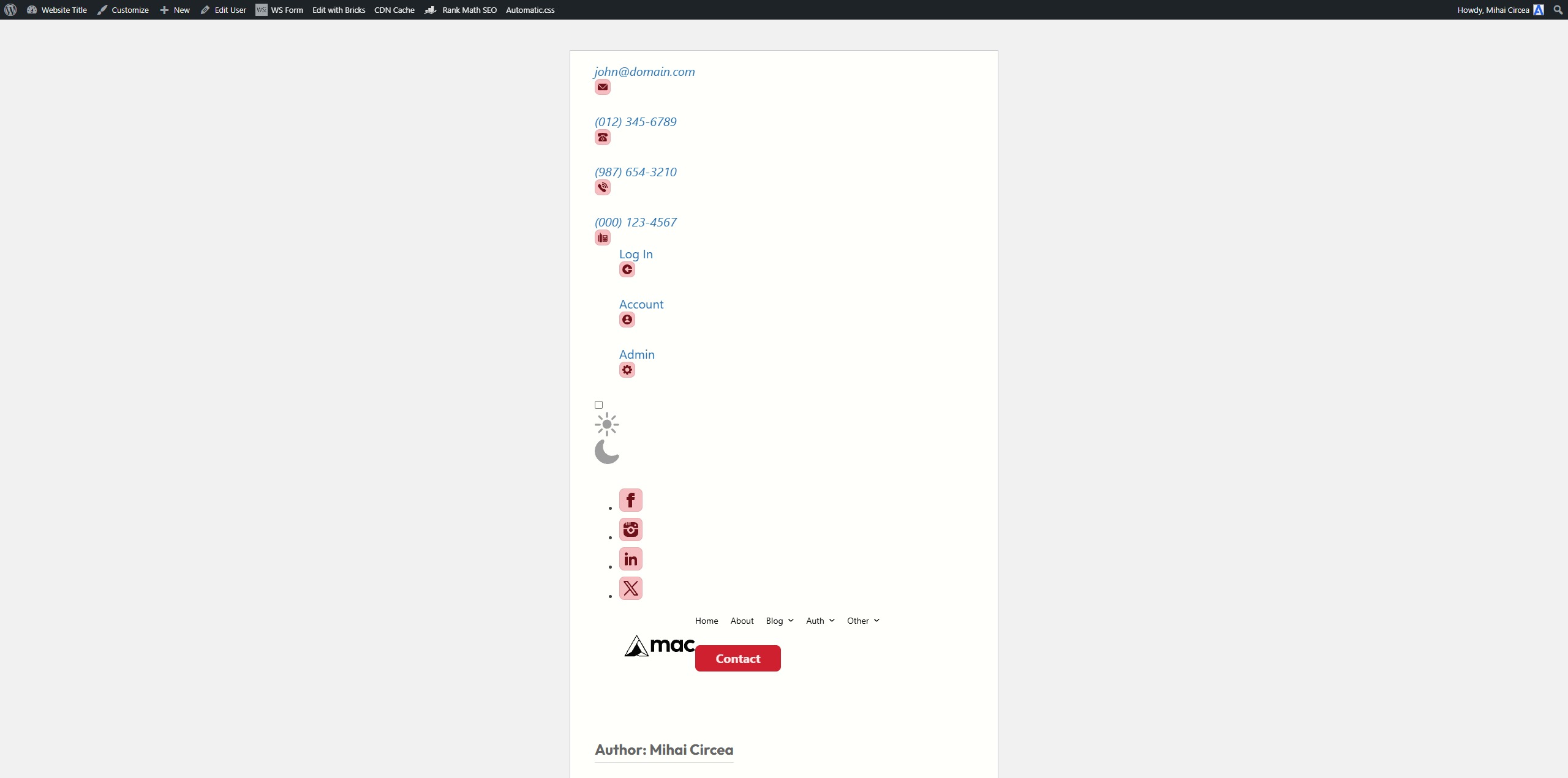
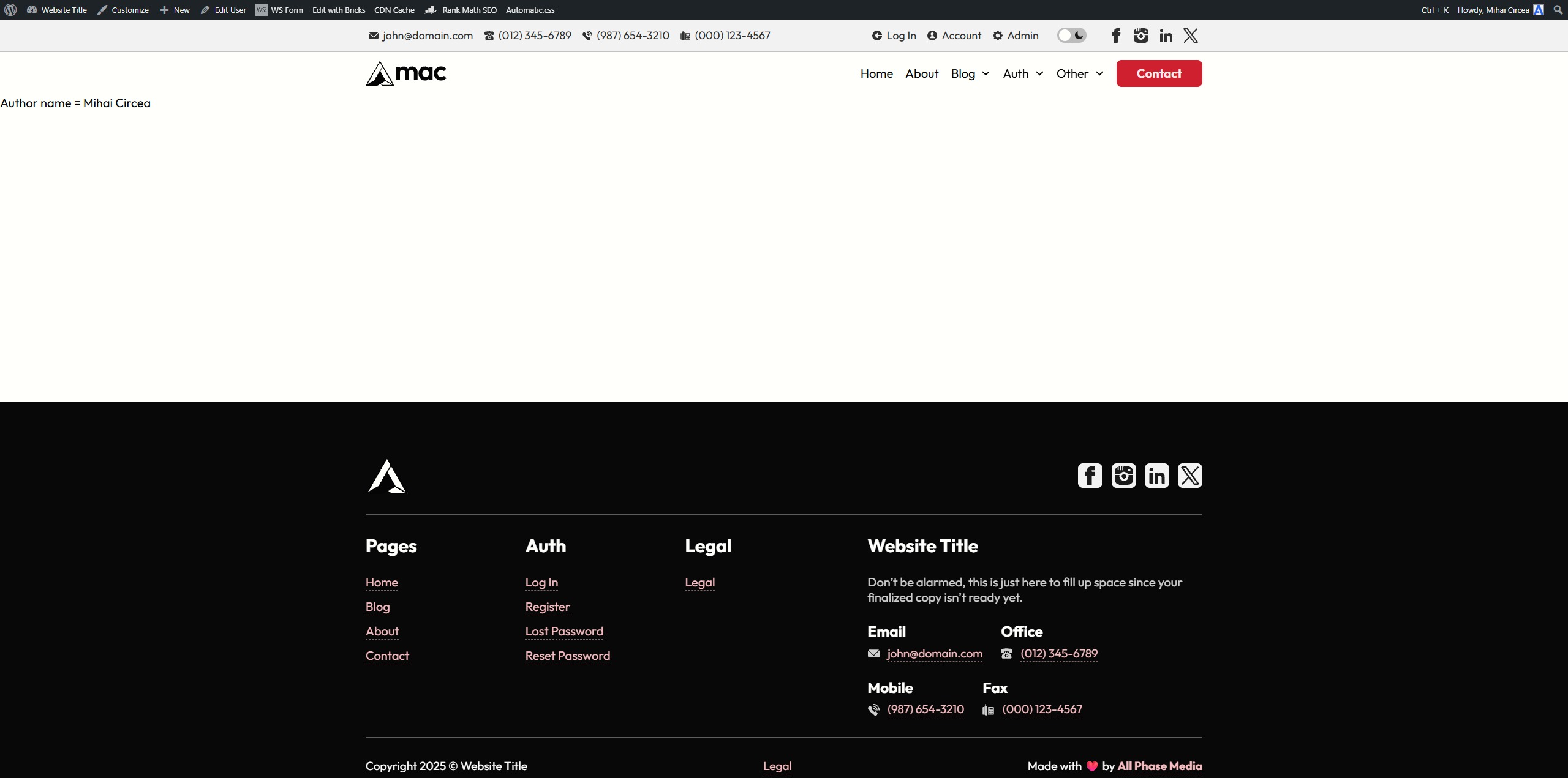
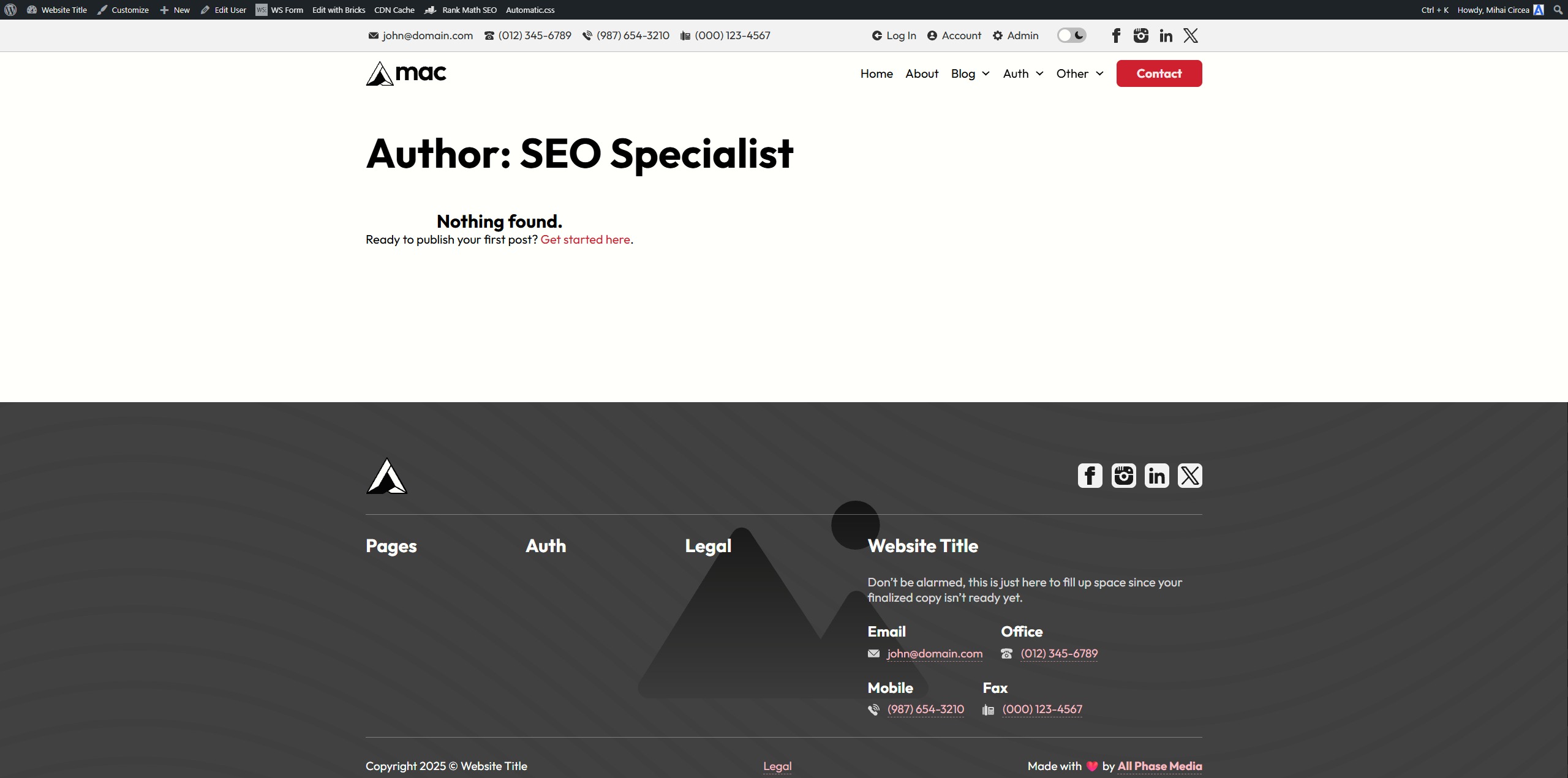
Getting fatal error on single posts and author archives when there is no assigned template or the assigned template is empty.
For the author archives, it’s only happening for my own user’s author archive.
Assigning a template and adding any element fixes the problem.
Logs
Author
[04-Aug-2025 05:05:44 UTC] PHP Fatal error:  Uncaught Error: Class "Bricks\Element_Posts" not found in /home/fo17nkj/public_html/wp-content/themes/bricks/template-parts/content.php:34
Stack trace:
#0 /home/fo17nkj/public_html/wp-content/themes/bricks/archive.php(13): include()
#1 /home/fo17nkj/public_html/wp-includes/template-loader.php(106): include('/home/fo17nkj/p...')
#2 /home/fo17nkj/public_html/wp-blog-header.php(19): require_once('/home/fo17nkj/p...')
#3 /home/fo17nkj/public_html/index.php(17): require('/home/fo17nkj/p...')
#4 {main}
  thrown in /home/fo17nkj/public_html/wp-content/themes/bricks/template-parts/content.php on line 34
Post
[04-Aug-2025 05:19:39 UTC] PHP Fatal error:  Uncaught Error: Class "Bricks\Element_Post_Meta" not found in /home/fo17nkj/public_html/wp-content/themes/bricks/template-parts/post.php:28
Stack trace:
#0 /home/fo17nkj/public_html/wp-includes/template.php(812): require()
#1 /home/fo17nkj/public_html/wp-includes/template.php(745): load_template()
#2 /home/fo17nkj/public_html/wp-includes/general-template.php(206): locate_template()
#3 /home/fo17nkj/public_html/wp-content/themes/bricks/single.php(20): get_template_part()
#4 /home/fo17nkj/public_html/wp-includes/template-loader.php(106): include('/home/fo17nkj/p...')
#5 /home/fo17nkj/public_html/wp-blog-header.php(19): require_once('/home/fo17nkj/p...')
#6 /home/fo17nkj/public_html/index.php(17): require('/home/fo17nkj/p...')
#7 {main}
  thrown in /home/fo17nkj/public_html/wp-content/themes/bricks/template-parts/post.php on line 28