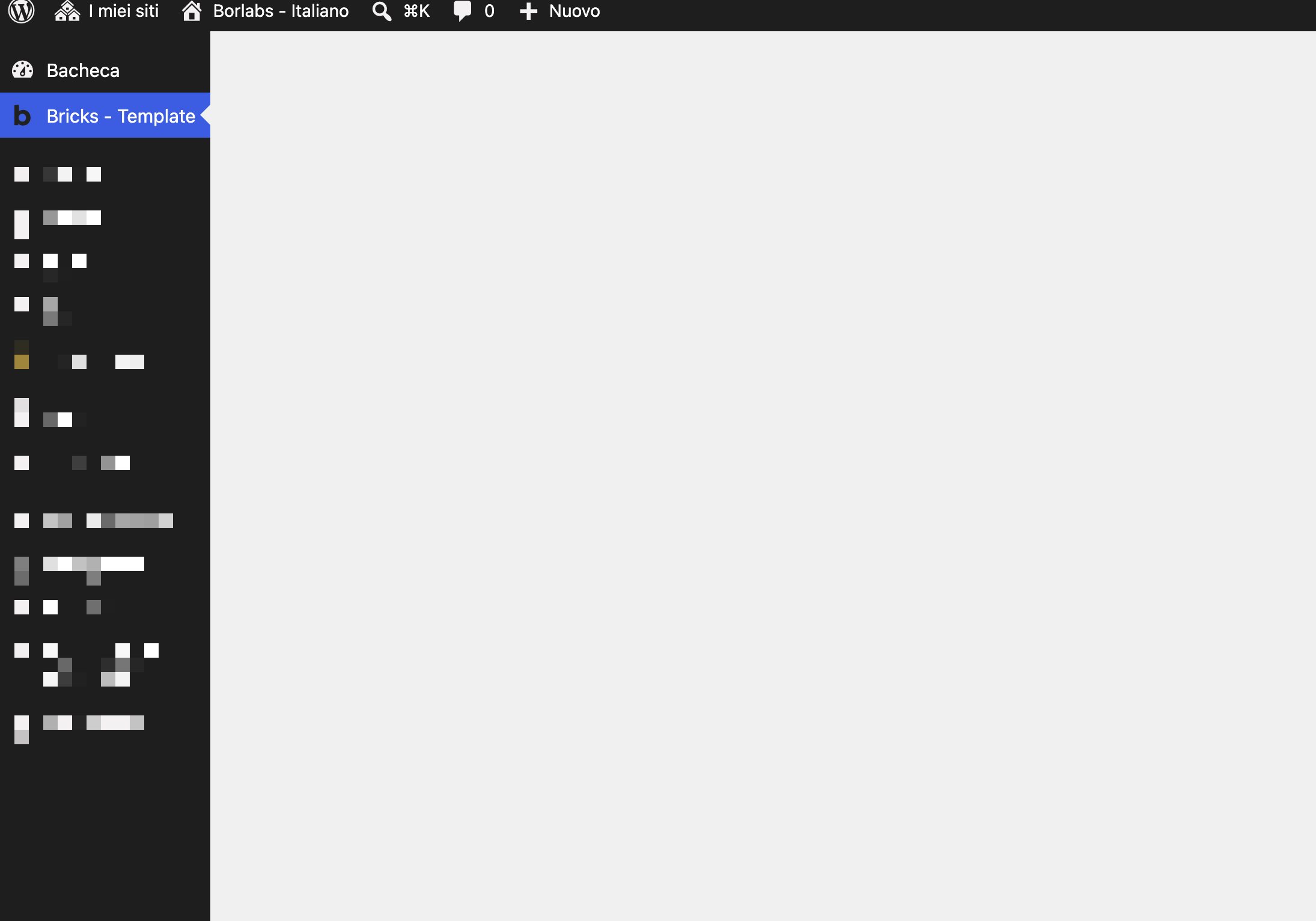
We are using Bricks Builder’s custom capabilities to provide users with the Editor role restricted access to the builder. Our editors should be able to create and edit Bricks templates.
However, the Templates link in the left WordPress admin navigation points to ?page=bricks-templates (screenshot A) instead of edit.php?post_type=bricks_template (screenshot B).
As a result, editors cannot access the templates directly from the admin menu, even though they have the required capabilities. The current workaround is to open a Bricks-enabled page first and then navigate to Templates from within the builder.
It appears that the admin menu link should point to edit.php?post_type=bricks_template for users with restricted Bricks capabilities.
I still can’t reproduce the problem with the exact same capabilities. I asked a colleague to test it separately: no problems there either.
There must be a difference somewhere in your setup… Can you email us your login credentials and a link to this thread so we can take a closer look? Thanks!