SOLVED: 'Edit footer' overlaps 'Edit Header' with tall footers

Browser: Chrome Version 137.0.7151.104
OS: macOS

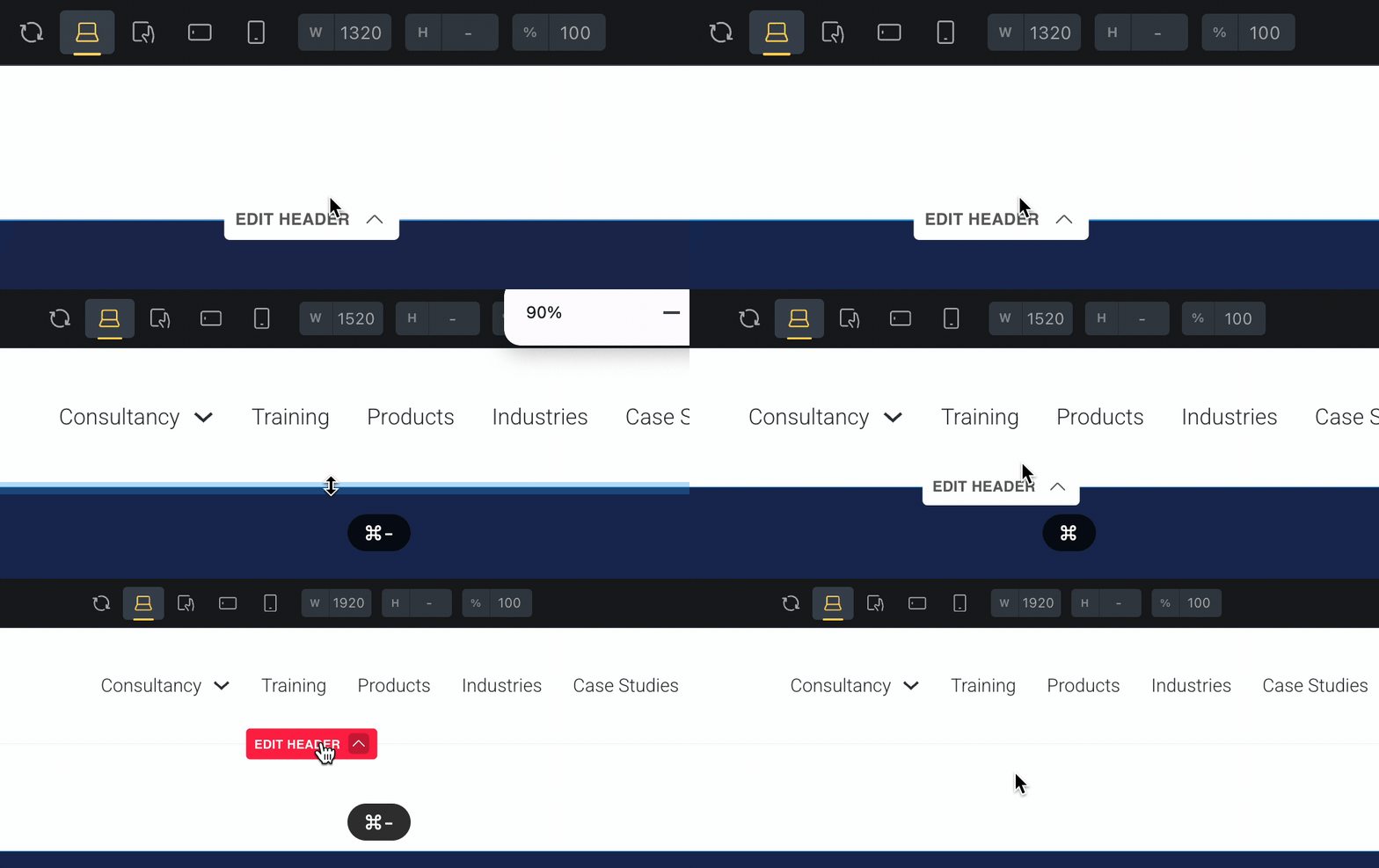
If you are editing a footer template with tall content, the ‘Edit footer’ overlaps the ‘Edit Header’ link.

Temp fix is to adjust the browser zoom out until it creates some space between them. (In my case to 75%)

Only happens if the content is tall enough and on my laptop. Large displays are fine.

2025-06-26 10.31.54

Hi Brendan,
Thanks so much for your report!

I see what you mean and have created an improvement task for this. As far as I know, we have not received any reports on this so far, so it seems to be an exceptional scenario (which can also be solved by zooming out, as you say).

Edit: By far the easiest way to get around this problem is to set a page (e.g. your homepage) in the populate content settings of the header template.
Best regards,
timmse

Great idea on setting a page to populate in the template! And thanks to you and the team for building such a fantastic product! :grinning:

We’ve addressed this in Bricks 2.4.6, now available as a one-click update in your WordPress Dashboard.

Please read the changelog entry before updating, and let us know if you experience any issues.