I’m seeing a regression in Bricks 2.3.8 where {query_results_count:<query_id>} returns 0 for an ACF query loop, even though the loop itself renders the expected items.
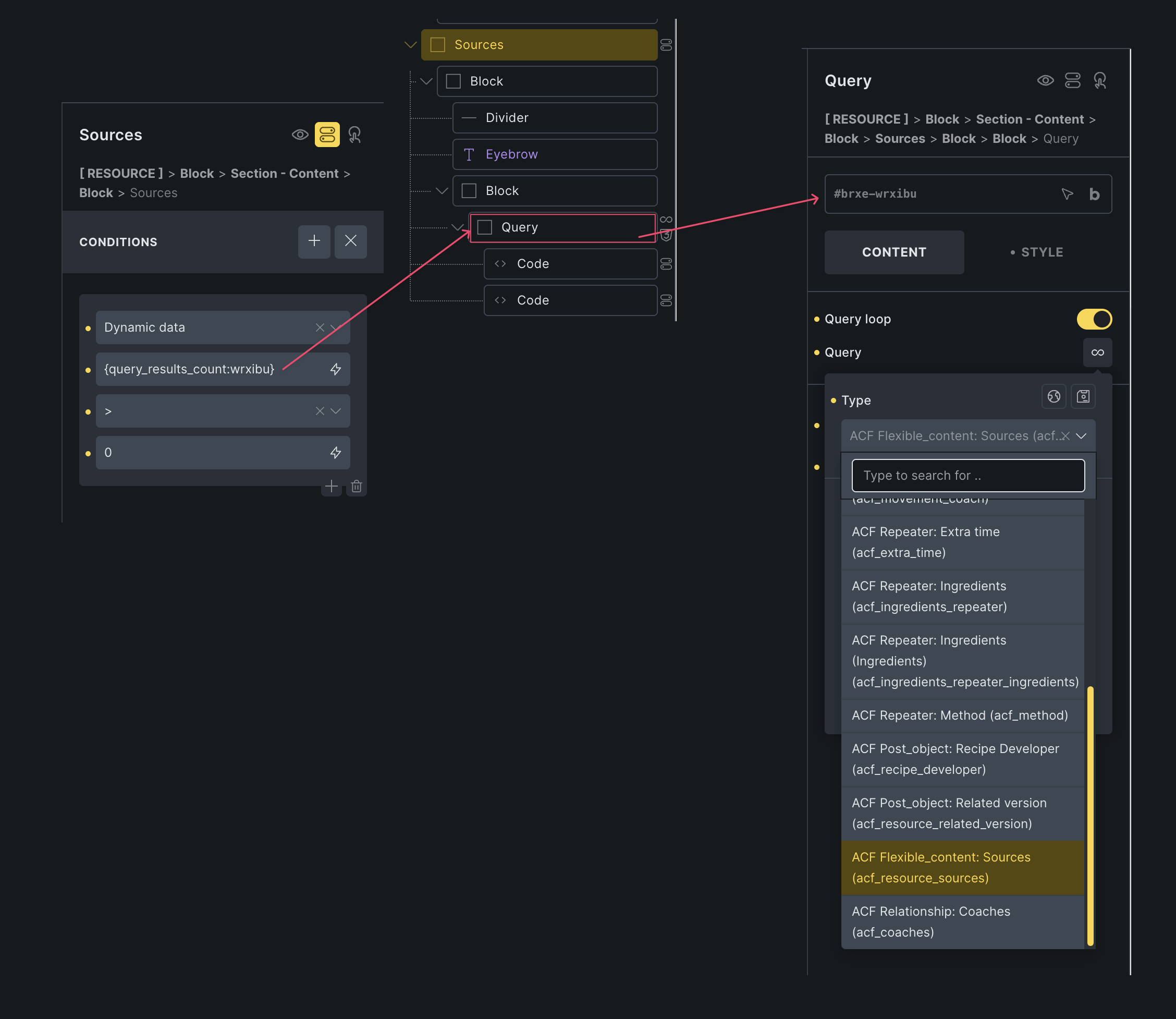
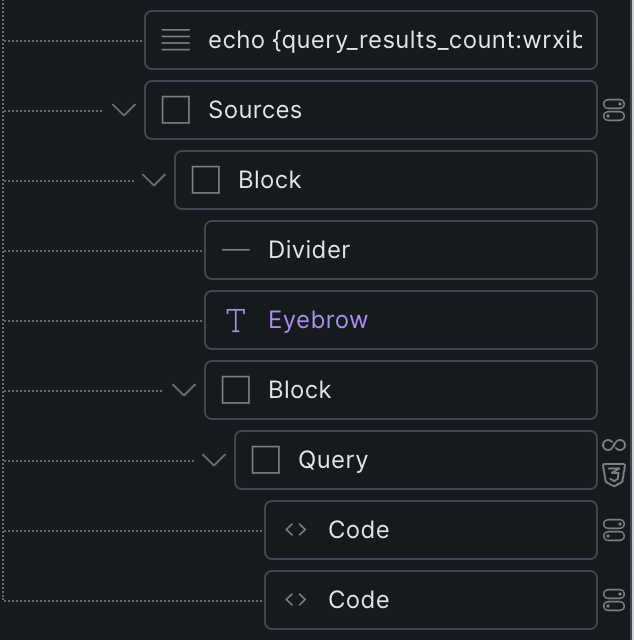
I did a local test, and it’s working perfectly fine. Can you please provide some screenshots on how you place the dynamic tag? It’s inside a component or outside a component?
Note: data-brx-loop-start="wrxibu-abc123" is correct if the query is located inside a component. It should be the same in 2.3.6 or 2.3.8
In 2.3.8, the loop still renders the 3 ACF rows, but:
{query_results_count:wrxibu}
outputs:
0
As a site-specific workaround, we use a custom echo function:
{echo:xxx_acf_array_count(resource_sources)}
This works because it counts the ACF field directly, bypassing {query_results_count}.
So it seems the component fix may not cover ACF/provider query loops, or this regressed between 2.3.6 and 2.3.8.
This condition in the screenshot will return false. And if I try to output {query_results_count:wrxibu} in a text field outside of the query loop, it will return 0.
I’m setting up a test environment and will send the access details via email.
I also tested locally with Bricks 2.3.8 and only ACF Pro active, using standard ACF metadata without ACFE. I separately disabled our relevant custom callbacks. The result remained the same: {query_results_count:wrxibu} returns 0, while the query correctly renders 3 items.
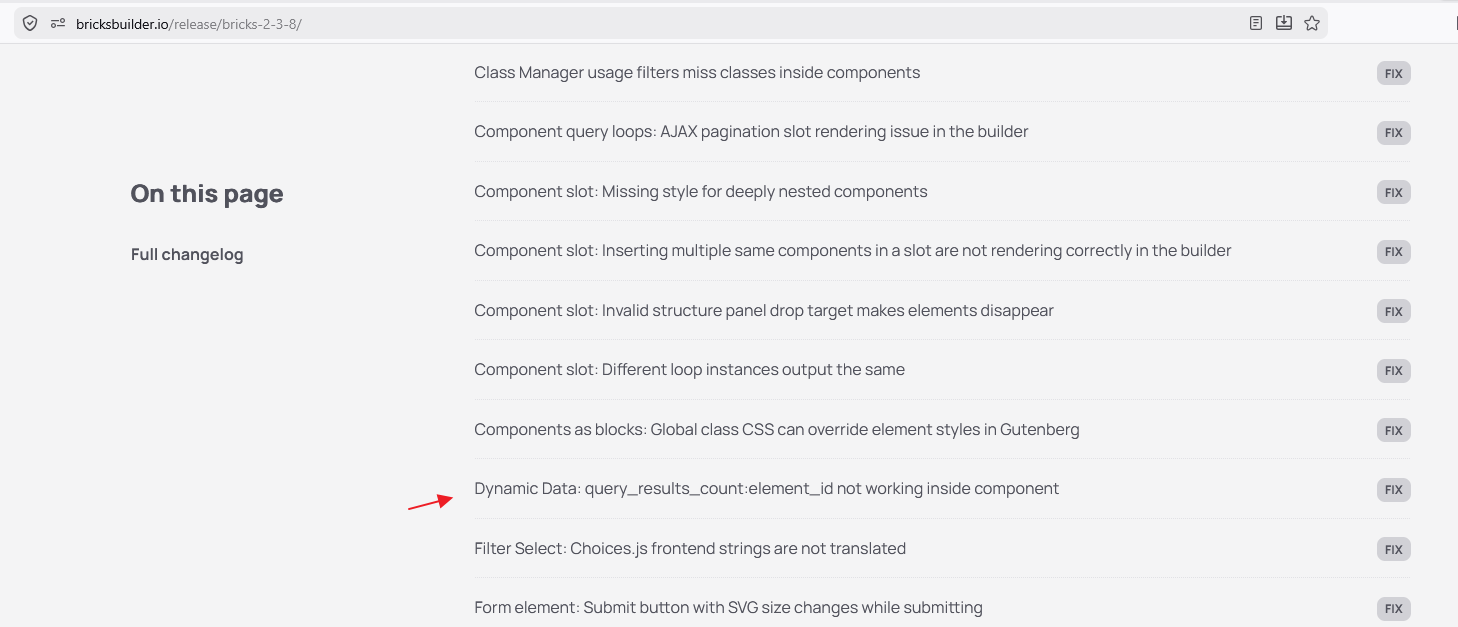
This appears to rule out our custom code, ACFE, and other plugins. It worked in 2.3.6; we skipped 2.3.7, so the regression appeared in either 2.3.7 or 2.3.8.
I am having an email conversation with Alessandro, confirmed it’s a bug when using {query_results_count} to target an ACF provider loop (Flexible content/Repeater) inside a Component Slot. I just sent him a potential fix zip file to test.
Are you using Component Slot too? You are welcome to send an email to help@bricksbuilder.io and include this forum thread URL as a reference so I can share the zip file with you if you want to try.
then mine my be unrelated or just my setup, Jenn. Thanks.
In my case I built a custom search results page with 5 sections, each for different CPTs, each looping 6 cards.
Then, I added a bricks query loop at the very bottom, and selected > is main query. Then I used the tag above {query_results_count:<query_id>} with the query ID of the query loop at the bottom of the page, but the count doesnt match what is outputted. Maybe its just the logic I am using is wrong.
Can you please create a new forum thread with screenshots of your setup? This is a different scenario. I will follow up on yours to check if it’s a bug.