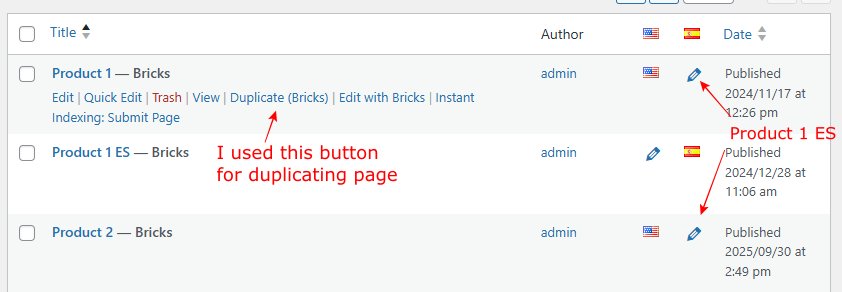
I have a problem duplicating pages. I’m using button Duplicate (Bricks).
I have a page Product 1, this page has a translation to Spanish - Product 1 ES.
Ihen I needed to duplicate Product 1, because my pages are pretty similar and here I got the problem.
The Product 1 page has been duplicated successfully with the name Product 2.
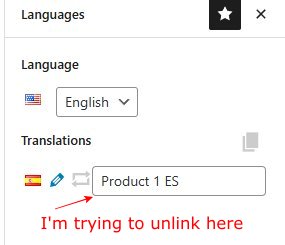
And now in Product 2 I can’t get rid of Product 1 ES linking. If I delete the linking in Product 2, the linking is automatically deleted everywhere on Product 1 and on Product 1 ES. And vice versa. If I add the linking on Product 1 the Product 2 will do the same. It seems to me that Product 1 and Product 2 pages have synchronized somehow after using Duplicate (Bricks).
I thought I can duplicate the page and remove any translations and I’m good to go. But now I’m stuck.
Any help appreciated.
I’m unable to replicate the issue on my end. Please try duplicating the post again, and if you encounter the same problem, kindly provide temporary admin access to help@bricksbuilder.io so we can investigate further. Be sure to include a link to this forum thread in your email so we can track your request.
Hi there.
Well, it isn’t a good solution. First of all multilingual sites mean that almost all pages have translations.
My client has a site with 7 languages and he wants to use “Duplicate” button for making new pages. But now he can’t.
So, I should say him that he must unlink all translations then make a copy of the page and then link tranlsations again, right? He won’t do it.
I think it’s a bug.
Hi @digitalpunk, thank you for explaining your use case. Most users use this feature to duplicate posts before any translations have been assigned.
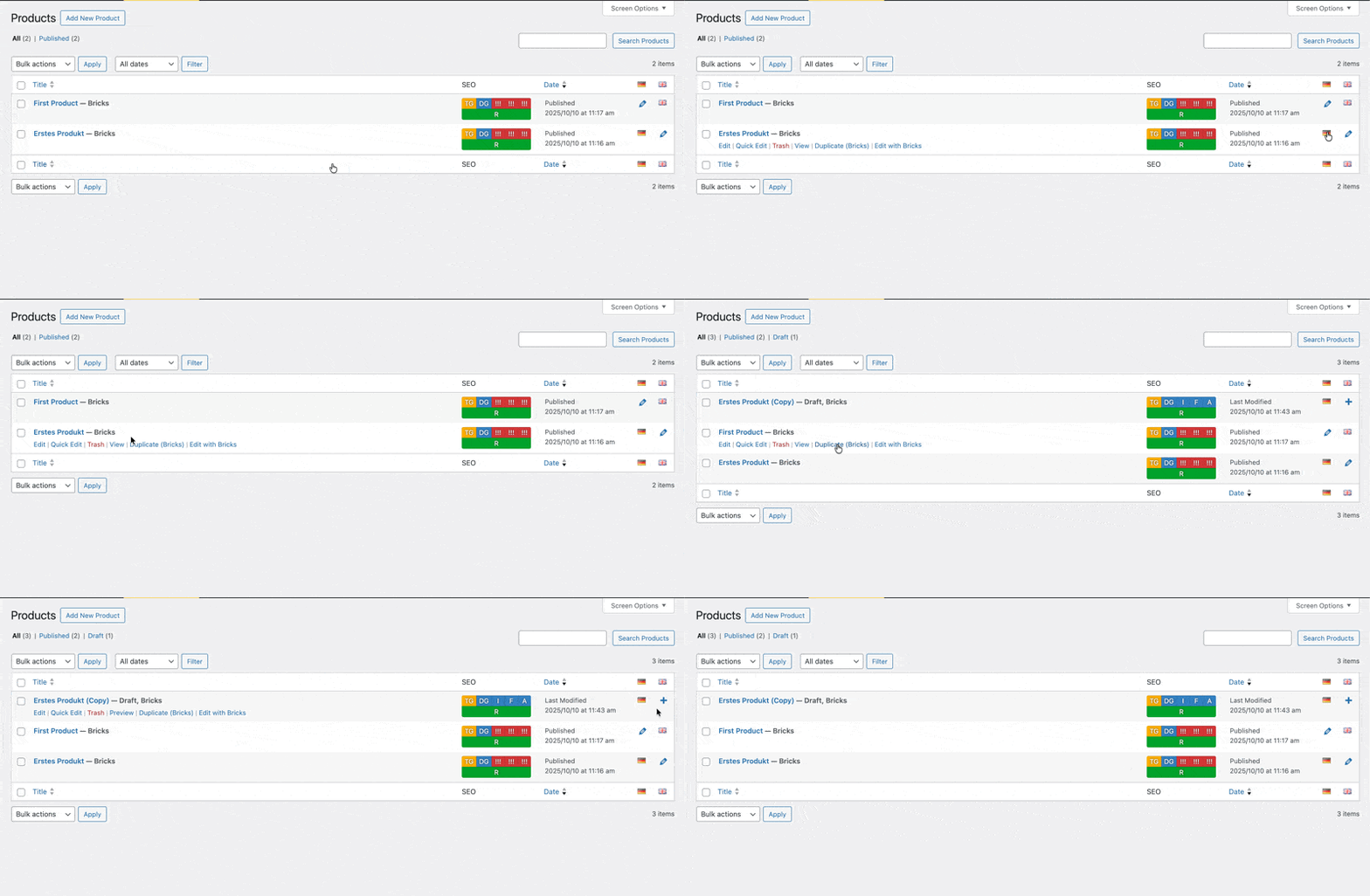
However, I agree that if a translation has already been assigned, it shouldn’t be copied over to the duplicated post, just as @aslotta suggested I’ve added this to our to-do list.
Please let us know if you are still experiencing issues.
As with any pre-stable release, please do not use it on a production/live website. It is only meant for testing in a local or staging environment. The more feedback we get, the better