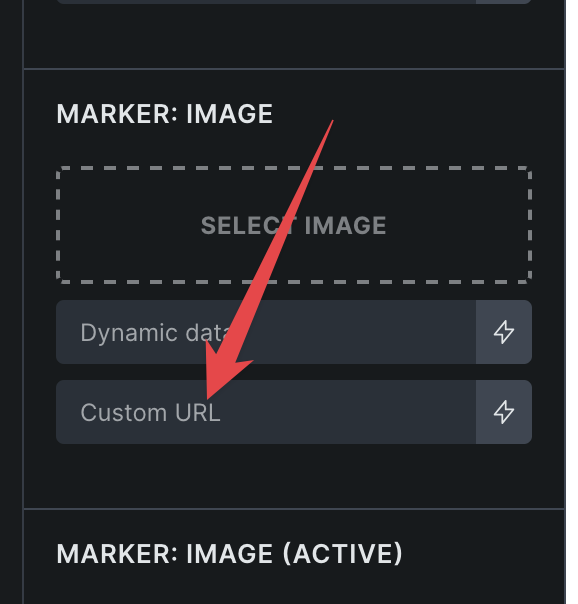
If you just choose the image, does it work then? I’ve tested with echo tag, where my function returns an image ID, and it works. What does your function return? Does it work with some other image?
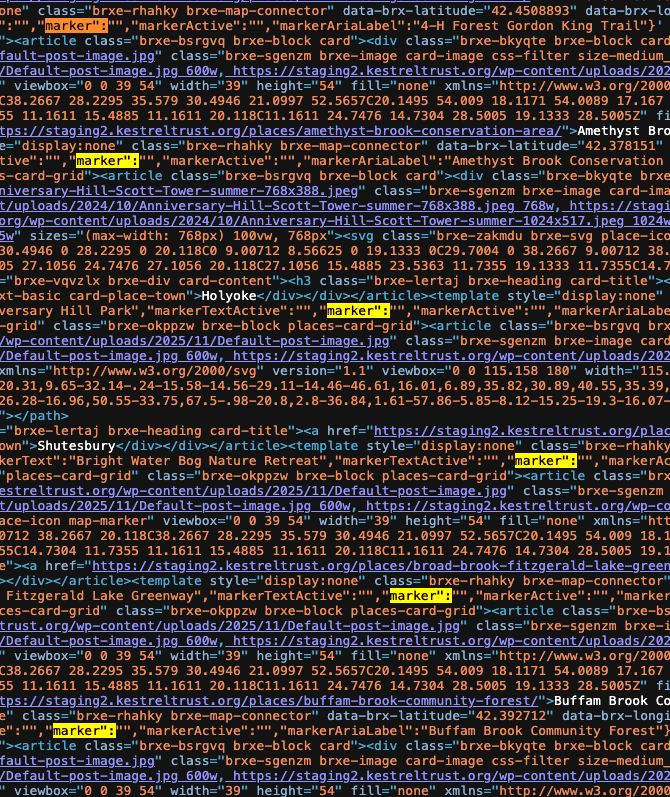
My function returns a URL that varies depending on a taxonomy. I have tried both possible URLs, and both appear in the builder sidebar (so they are valid and correct), just not on the actual page. It does not matter what what the URL is.
If I change the settings and the function to use an ID, that works to get them output on the page. Obviously that is not ideal because I do not want these images in the media library. And moreover, they do not display at the correct size; they are both scaled to 40px. One should be 24px and the other 46px.
Yes, we are aware of this issue in 2.1.4 (Reported by other users via email in November).
When using “Full URL” in custom URL control, it’s not rendering.
I believe Matej was using our latest development code (which already fixed this issue) and so he can’t replicate this issue
Please let us know if you are still experiencing issues.
As with any pre-stable release, please do not use it on a production/live website. It is only meant for testing in a local or staging environment. The more feedback we get, the better