SOLVED: Custom alt text not rendering API Query dynamic data

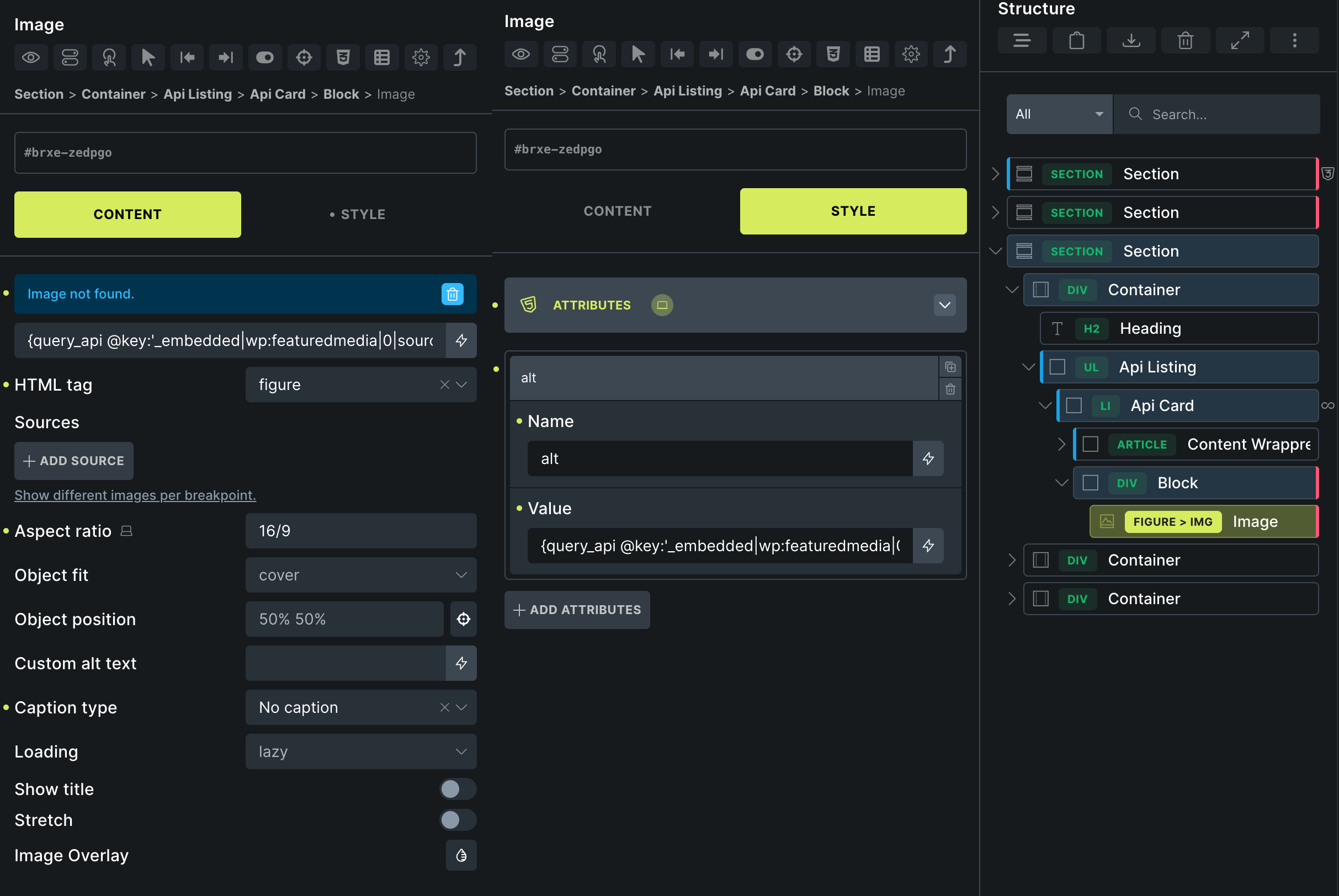
When adding an image and assigning a dynamic value to the custom alt text field, the value is not rendered. Adding it as a custom attribute, it works as expected. I started noticing this when using the API query feature and in my testing the nomal loop values are rendered properly.

This image highlights the workaround.

1 Like

Hi @stphnwlkr,

I am not able to replicate it locally. What is the return value of the dynamic tag? What if you enter it directly?

Please let me know,
Matej

@Matej

If I manually add text or use a native dynamic value, everything works fine. If I add the API dynamic value, the alt tag is moved, but left empty alt. In one example, when using the custom attribute, the alt text is rendered correctly alt=“man wearing black shirt.” This issue occurred when using both the WP API and the Flickr API, suggesting it’s related to {query_api @key:} rather than the returned value.

Hi @stphnwlkr,

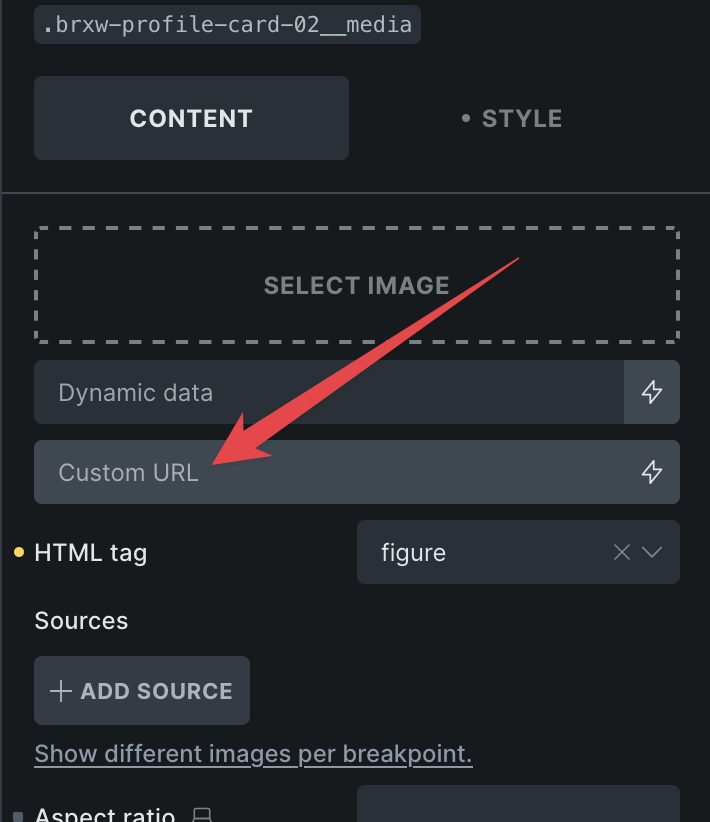
because your API is probably returning link (url) to the image, can you try adding the dynamic tag to the “Custom URL” control?

Is the ALT working then?
Matej

No change in behavior. Custom alt renders empty alt, custom attribute works as expected.

Hi @stphnwlkr,

I see. Thank you. If I use {query_api @key:'alt'} or similar, it’s not rendering. But, if I set {post_title} or just some text, then it works.

I’ve recorded the issue in the bug tracker, and we will update this topic once the issue is solved.

Thank you,
Matej

1 Like

We fixed this issue in Bricks 2.2 beta, which is now available in your account.
Changelog: Bricks 2.2-beta Changelog – Bricks

Please let us know if you are still experiencing issues.

As with any pre-stable release, please do not use it on a production/live website. It is only meant for testing in a local or staging environment. The more feedback we get, the better :v:
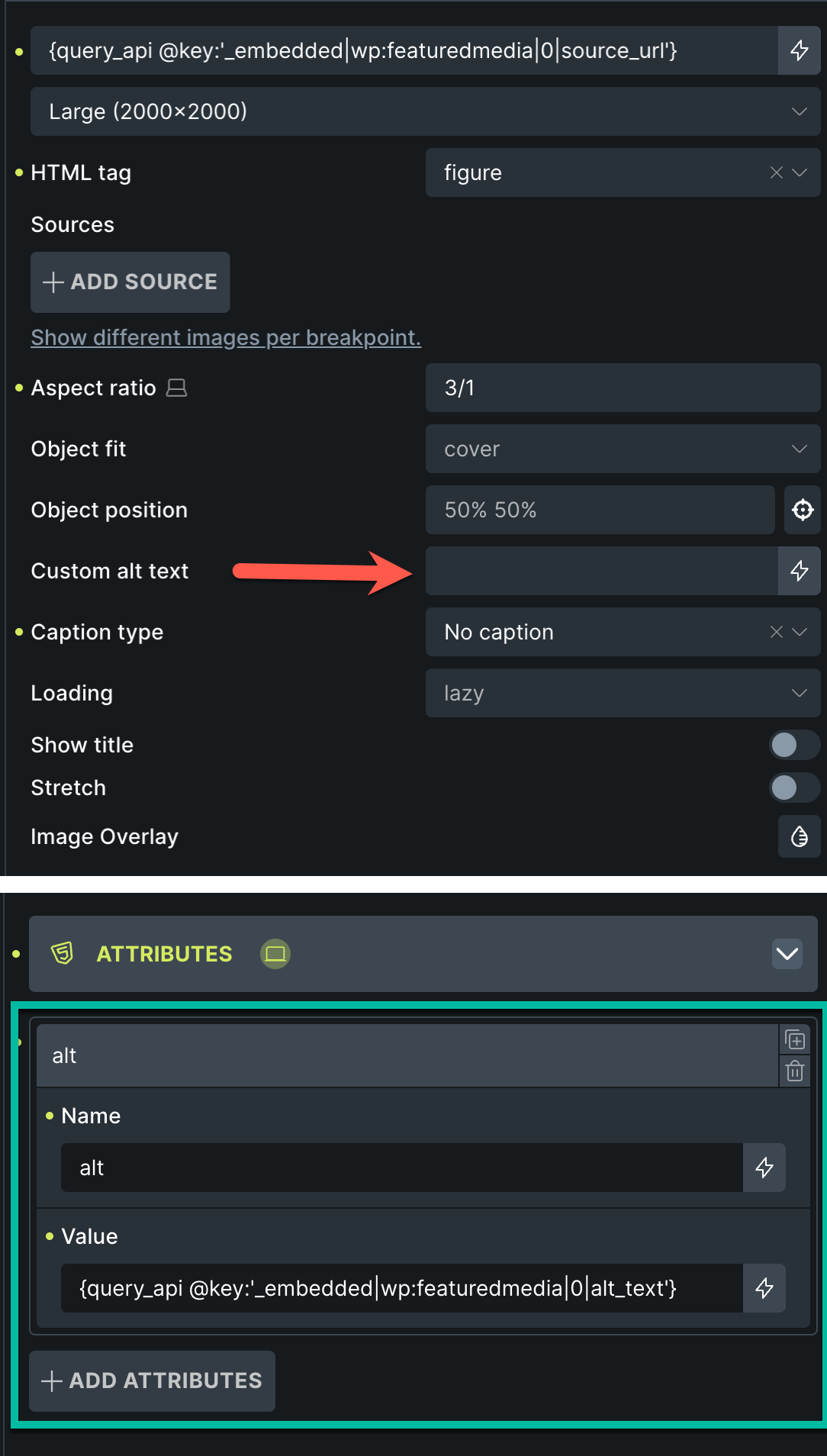
Just checked with 2.2 and I can confirm this is working. Thank you.