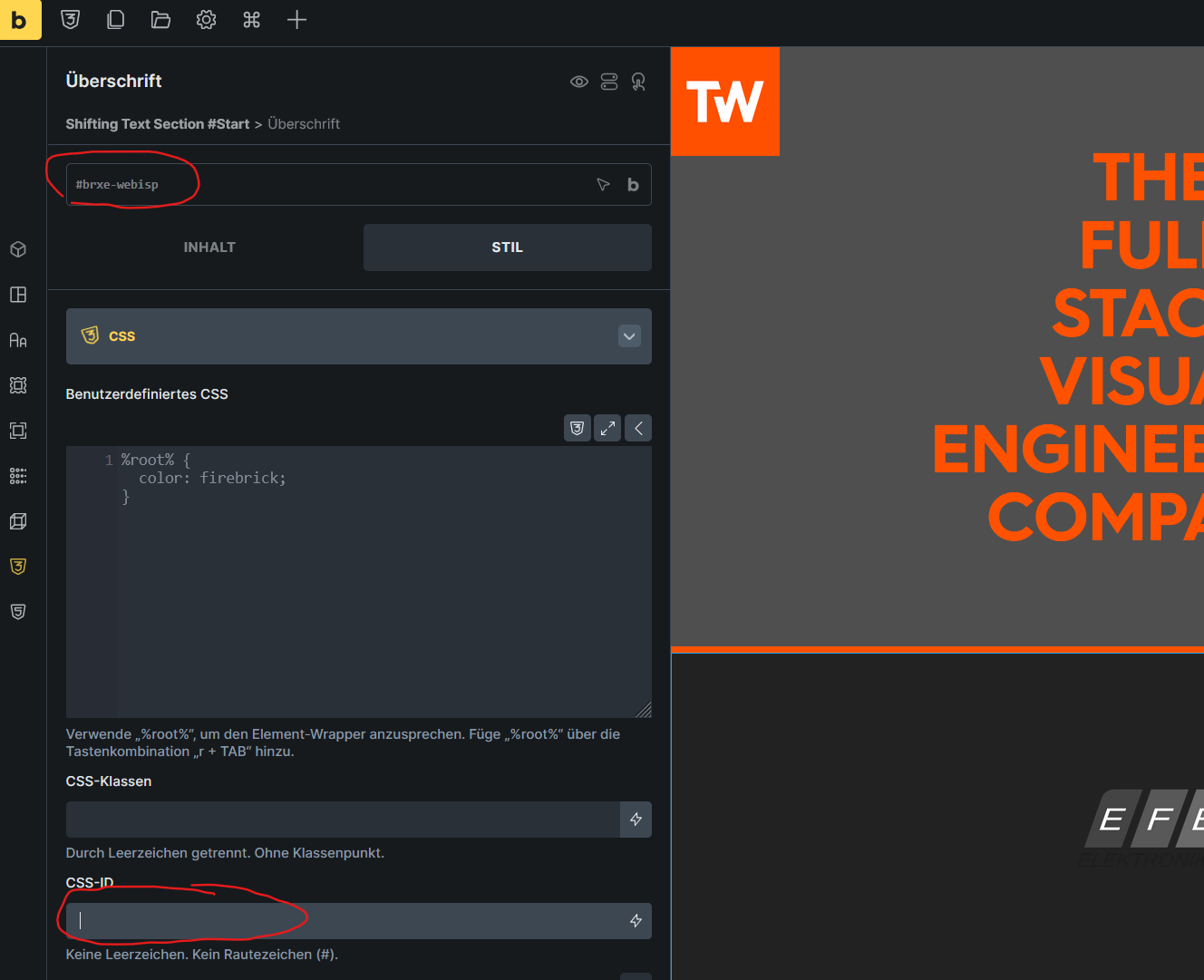
So this is a minor Bug, but it used to be that if you type in a string into the _cssClasses-Control in the Styles-Tab, the Placeholder CSS ID which inside the Global Class Field changed.
Is this a bug, or was it removed on purpose? I don’t know at what point it stopped working, but I know for certain that it used to be a thing.
yes when you click inside the class manager-field the placeholder for the CSS ID updates. But it used to be, that on each letterpress inside the CSS ID-Field, the placeholder updated. I’m certain of it. As I said it’s not a big deal but I was just curious if this was dropped on accident or by design.
thank you for answer. While I don’t know if it was designed to work like this or if it’s an accident, I agree that it should work as before - or at least it should change it on blur.
Unless it was designed like this because of the performance, we will review it. I’ve created an internal task for this and will let you know.