[Please describe this bug in as much detail as possible so we can replicate & debug this bug]
I noticed a problem.
When I select COPY STYLES from an item and then select another item on the same page, the PASTE STYLES menu appears perfectly and the styles are copied correctly.
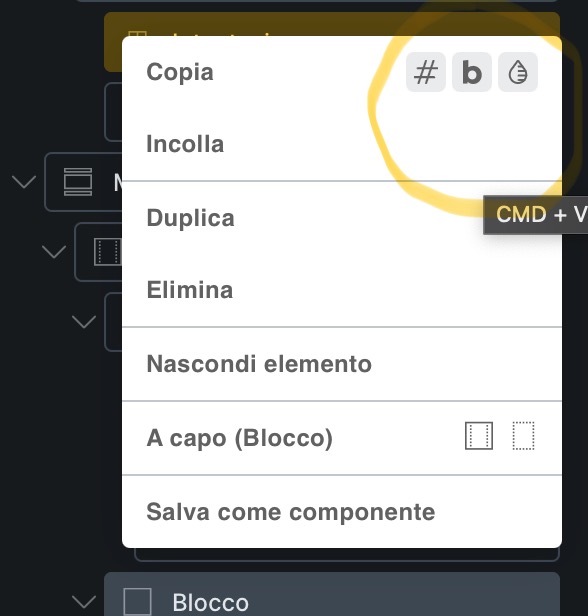
However, if I try to copy to an item on another page (another Safari tab), the menu that appears is empty, as shown in the screenshot, and there’s no option to copy the styles.
I don’t want to copy an element, but rather the element’s styles.
Did you see in the screenshot that the icons that appear when I work on the same page or, in any case, in Chrome, are missing?
Aaah, I see, sorry – I was confused by “if I try to copy to an item”
I have replicated the copy styles issue in Safari and added it to our bug tracker.
Please let us know if you are still experiencing issues.
As with any pre-stable release, please do not use it on a production/live website. It is only meant for testing in a local or staging environment. The more feedback we get, the better