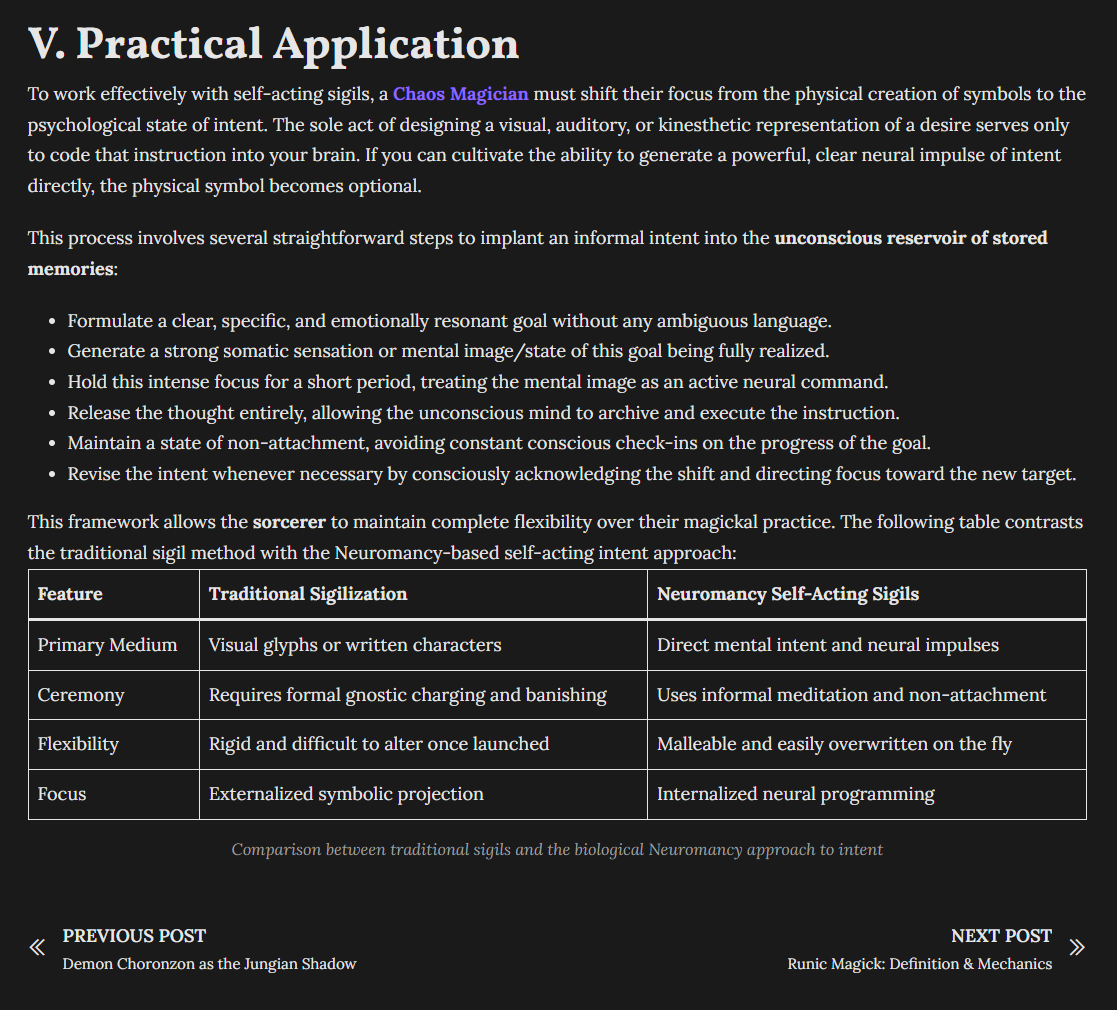
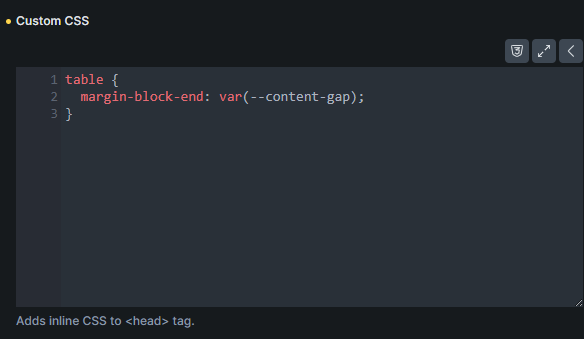
If a table exists within the last blog section, the margin/gap between the above-located paragraph and the table itself is not applied. Tables in other H2s work just fine.
I solved the problem by removing the -end suffix from my declaration, resulting in the margin appearing at block-start and block-end positions. I am unsure if I caused it by adding the block-end margin to the template stylesheet or if this is a bug.
I reproduced the issue and added it to our bug tracker. It happens only with external files as CSS style method - with inline styles, it’s fine. We’ll update this thread once it’s fixed.
This issue should be addressed in Bricks 2.3.8
We cannot replicate this anymore in Bricks 2.3.10 or 2.4-beta2
If you encounter the same issue, please let us know. I marked this as “SOLVED”.