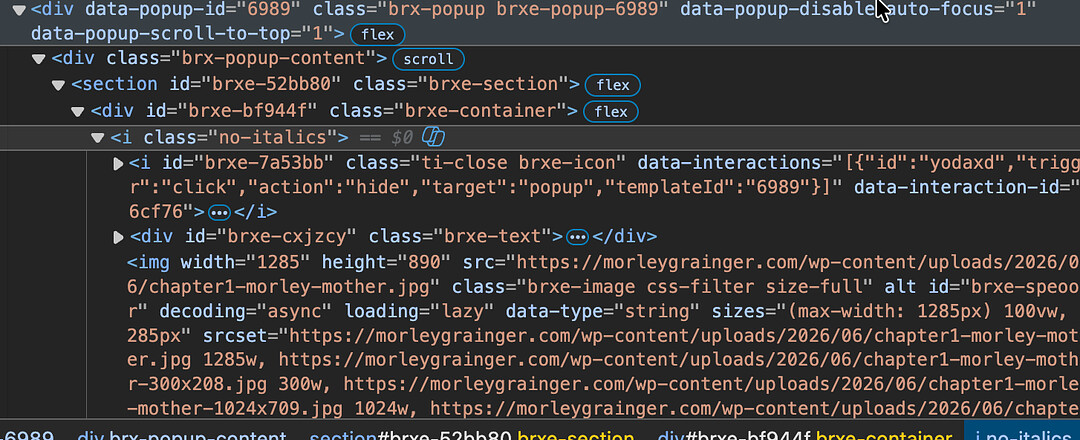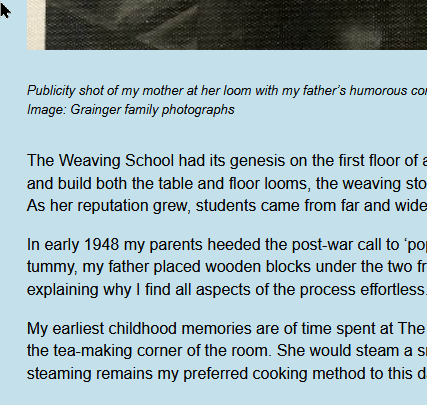
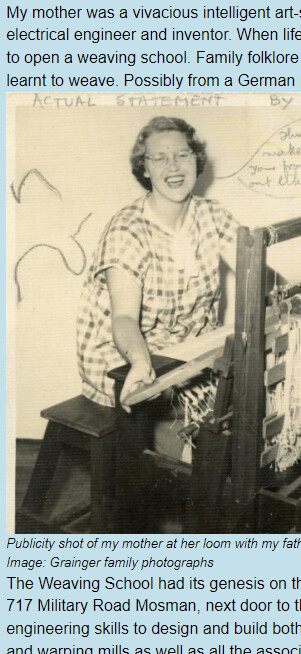
Used ACSS 3* since the beginning of this project a year ago. Suddenly through my client’s whole site with chapter templates, on desktop and mobile all container row spacing is not working. I have set var(–space-s) as the row spacing for containers but somethings gone wrong and I’ve tried 2 em, 30px etc but none of them are working. I’ve cleared cache as well. Tried on Firefox and Chrome. Also tested on Responsively. I’m pretty desperate, the client is disappointed bordering on angry. Can anyone take a look at this please? Sorry it’s the weekend!
If you click on any of the READ buttons for this or any other book on the bookshelf page, you will see what’s happening. Many thanks.