Browser: Any browser OS: both android and apple devices
[Please describe this bug in as much detail as possible so we can replicate & debug this bug]
Hello,
I’m having an issue with our contact form. Enabling honeypot feature on any type of field will result in a huge space on mobile and mobile view. And by disabling the honeypot feature, the page appears normal.
Thanks so much!
I was able to identify the problem. It only occurs on RTL sites.
We’ll update this thread as soon as it’s fixed.
Disable the honeypot until then, or use the following workaround:
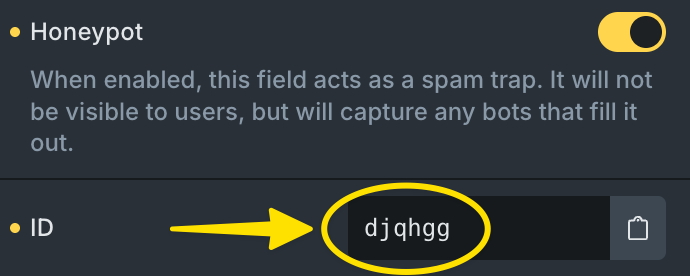
Add this CSS to Page Settings (or Bricks » Settings) » Custom Code » Body Footer scripts, and replace XXXXXX with the “ID” of the form field (you can find this directly below the honeypot settings). That should override the current styles. Alternatively, you could theoretically also add it to the code element located below your form.
We’ve addressed this in Bricks 2.4-beta3 (beta release), now available for manual download from your Bricks account.
Please read the changelog entry before testing, and let us know if you experience any issues. Note: beta builds are not recommended for production sites.