Not really related to the last patch, but rather an old bug that I have noticed for some time.
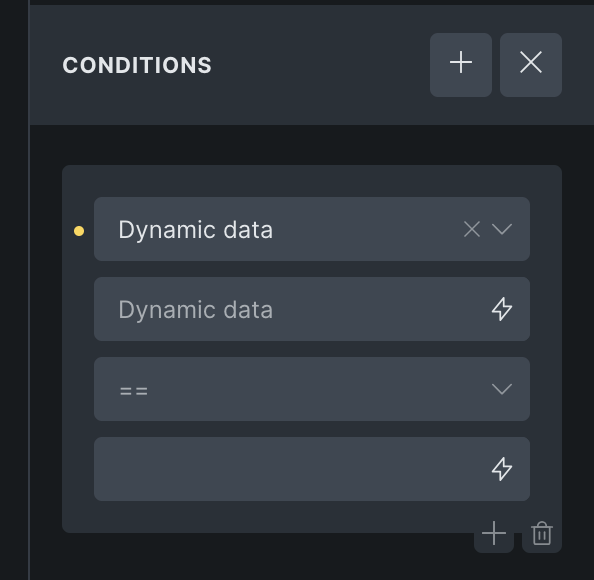
Conditions (Custom and native Bricks Conditions), don’t use the placeholder-text for the compare field.
Best Regards
Suat
Not really related to the last patch, but rather an old bug that I have noticed for some time.
Conditions (Custom and native Bricks Conditions), don’t use the placeholder-text for the compare field.
Best Regards
Suat
Hi @UserfreundSuat,
I’m not sure if I understand you. Which field do you mean? Here, only the last one does not have a placeholder, but it doesn’t make sense to have it there, right?
Best regards,
Matej
This is from includes\conditions.php at line 260:
		// USER
		$options[] = [
			'key'     => 'user_logged_in',
			'group'   => 'user',
			'label'   => esc_html__( 'User login', 'bricks' ),
			'compare' => [
				'type'        => 'select',
				'options'     => $is_not_options,
				'placeholder' => esc_html__( 'is', 'bricks' ),
			],
			'value'   => [
				'type'        => 'select',
				'options'     => [
					1 => esc_html__( 'Logged in', 'bricks' ),
					0 => esc_html__( 'Logged out', 'bricks' ),
				],
				'placeholder' => esc_html__( 'Select', 'bricks' ),
			],
		];
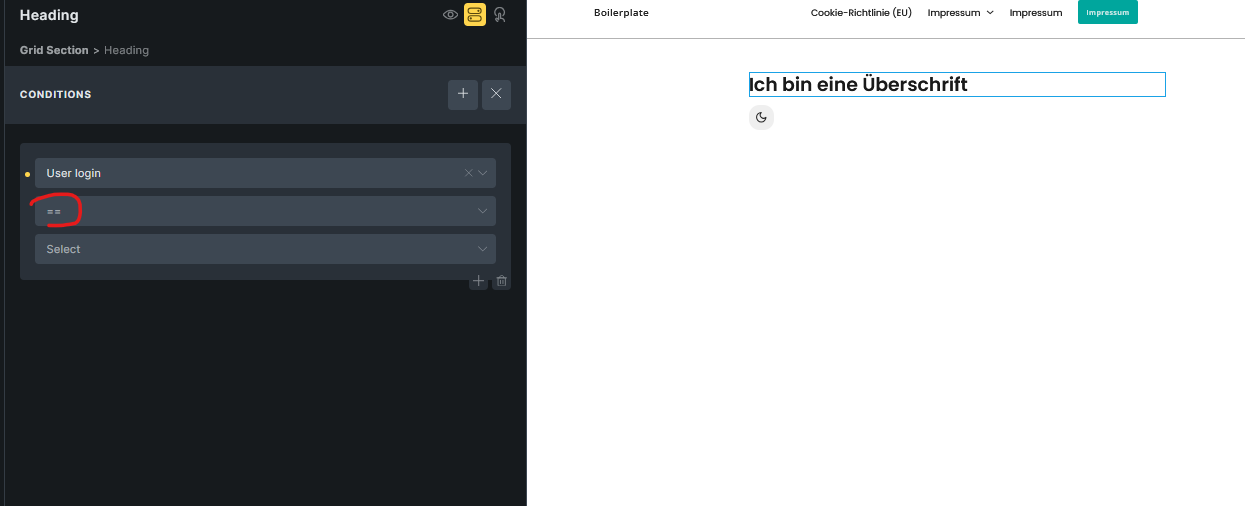
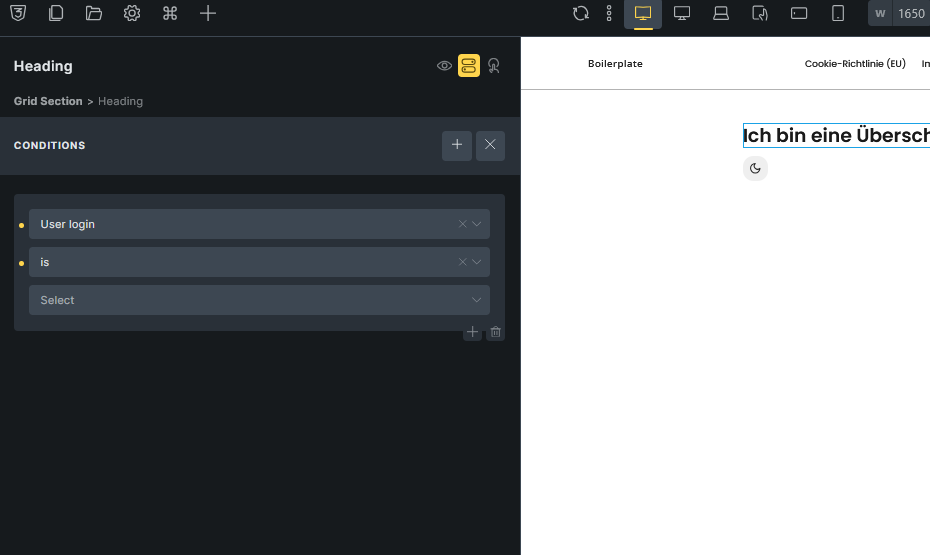
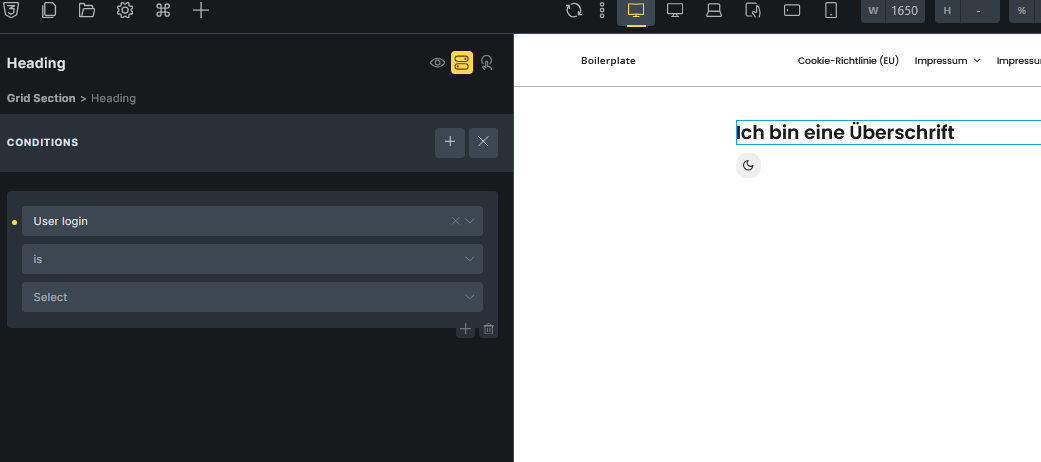
We can see that the User login Condition should have a placeholder of ‘is’. But when we first add this Condition we see a ==. This is true for any Condition, that the Placeholder only gets displayed, after it has been set once:
Hope this explains it,
best Regards
Suat
Hi @UserfreundSuat,
ah, now I understand. I can see that the placeholder is wrongly set at the beginning.
I’ll make an internal task.
Thank you,
Matej
We fixed this issue in Bricks 2.1.3, now available as a one-click update in your WordPress Dashboard.
Please take your time to read the changelog entry before updating, and let us know if you continue to experience issues.