Hey there!
Unlinking a component with a property type “Global classes” and an applied option makes it impossible, to add global classes after unlinking it.
Steps to reproduce:
Example Button
- Insert a button element and turn it into a component.
- Add and connect a property type “Global classes” with min. 1 option (default: empty).
- Choose an option for the the “Global classes” property on the instance.
- Unlink the instance and try to add one or more global classes.
→
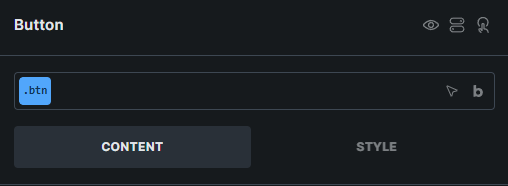
No ability to add, select, remove global classes anymore.