I also had a fairly related question that I would create a new report for if you approve…
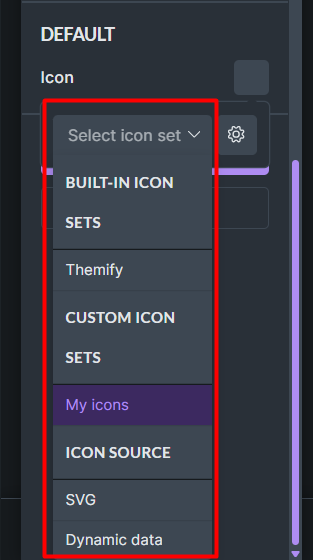
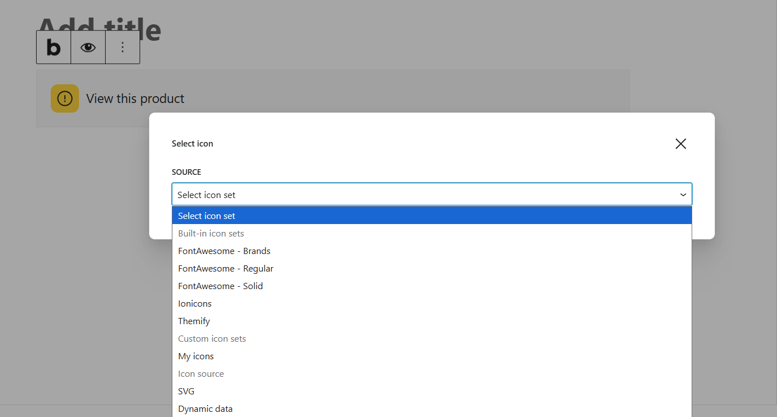
As you can see here, except for the Themify icons, all are disabled. But if we enable blocks for the component, in Gutenberg these icons are enabled. Is this normal behavior or a bug?
thank you so much for the first report. I was able to replicate it and I’ve created a new internal task.
As for the second report, yep, it’s a bug and I’ve already created a task for it. However, please create a new topic, so that we have it separated (just like you suggested ) and then I’ll link that topic to it.
Please link this topic in the new one, and you can also tag me. Thank you!
 ) and then I’ll link that topic to it.