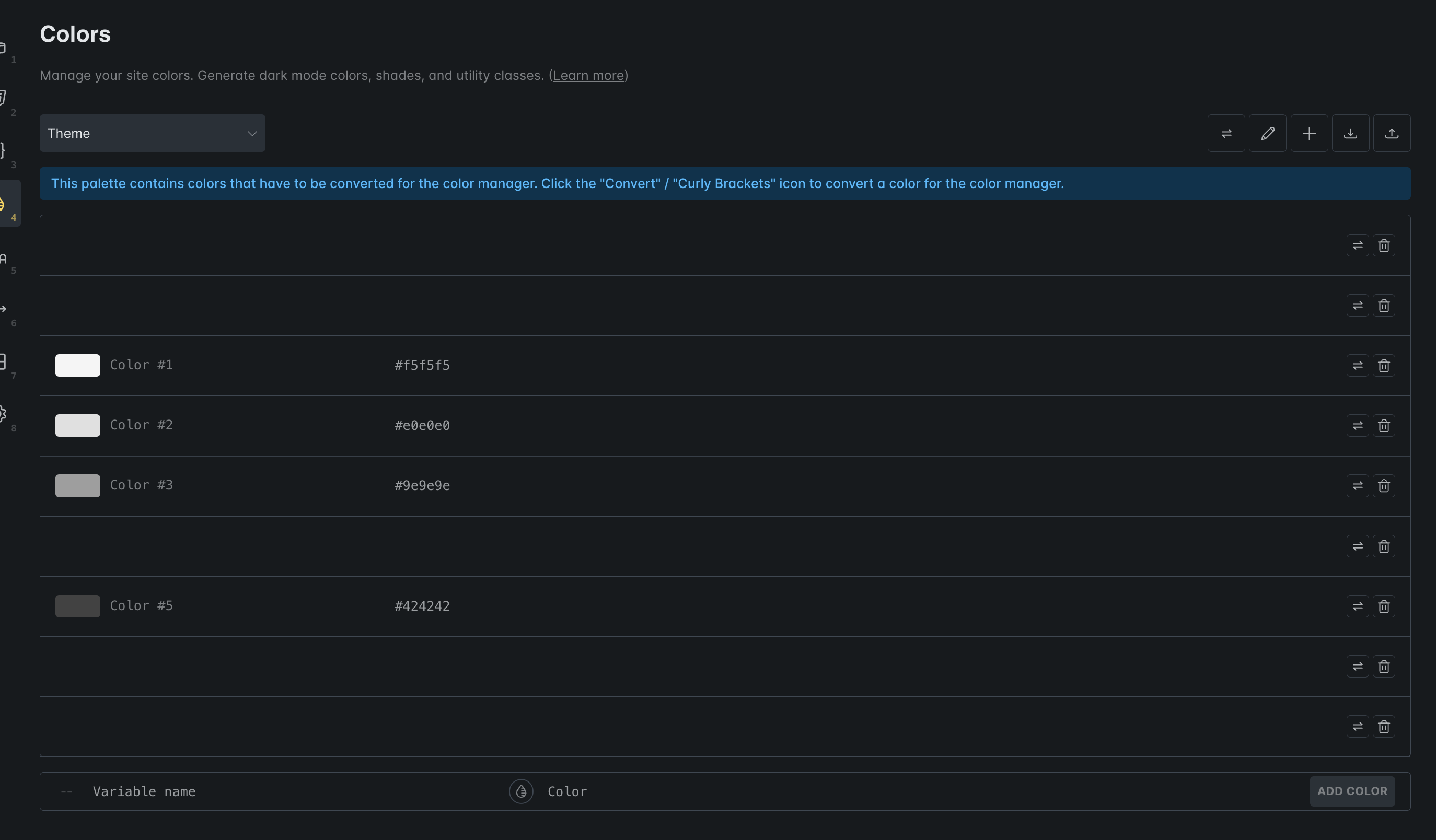
Browser: Chrome Version 145.0.7632.76 OS: Windows URL: Bricks_Color_Palette_01.mp4
I created a Color Palette called Ella Harper Design in Style Manager via Style Manager > Colours. When I log in and go to that screen I can see my Ella Harper colours and variables. If I go up to the dropdown and select Default the screen goes blank and there is no way to return to Ella Harper.
I tried with Chrome and Firefox and another admin has the same experience. It is a test site to if Bricks Support needs an admin login just let me know.
Please provide us with the color palette as json that led to the issue
Alternatively, please send temporary login credentials and a link to this thread to help@bricksbuilder.io using the email address you used during the purchase.
I had the same issue. The color palette in the style manager was not able to handle an empty array it seems. I added a color through local storage and it started working again.
Yep, that’s it (empty color palettes). We already identified the issue and will include a fix in the next update.
A temporary solution could be to export the palettes that are still accessible, and clear the option value of bricks_color_palette in wp_options in the database. Then you can import the “working” palettes again - but make sure they actually contain anything
Bricks have acknowledged the issue. I gave Bricks Support admin access to my site and they fixed it. Thomas replied, “Thank you so much for the swift test and reply We’ll make sure to include it in the next release”.
Colours have renamed and some are not even showign up. The strange thing is that when I am in the inspector and I see a colour variable, I hover over it and the correct hex code shows up as a hint. That means that the colours are still there but for some reason, they are just not showing up in the color manager.
Hoping that this gets fixed as there still appears to be some sort of lingering bug.


 We’ll make sure to include it in the next release”.