Browser: Chrome 138.0.7204.169
OS: Windows
Hi,
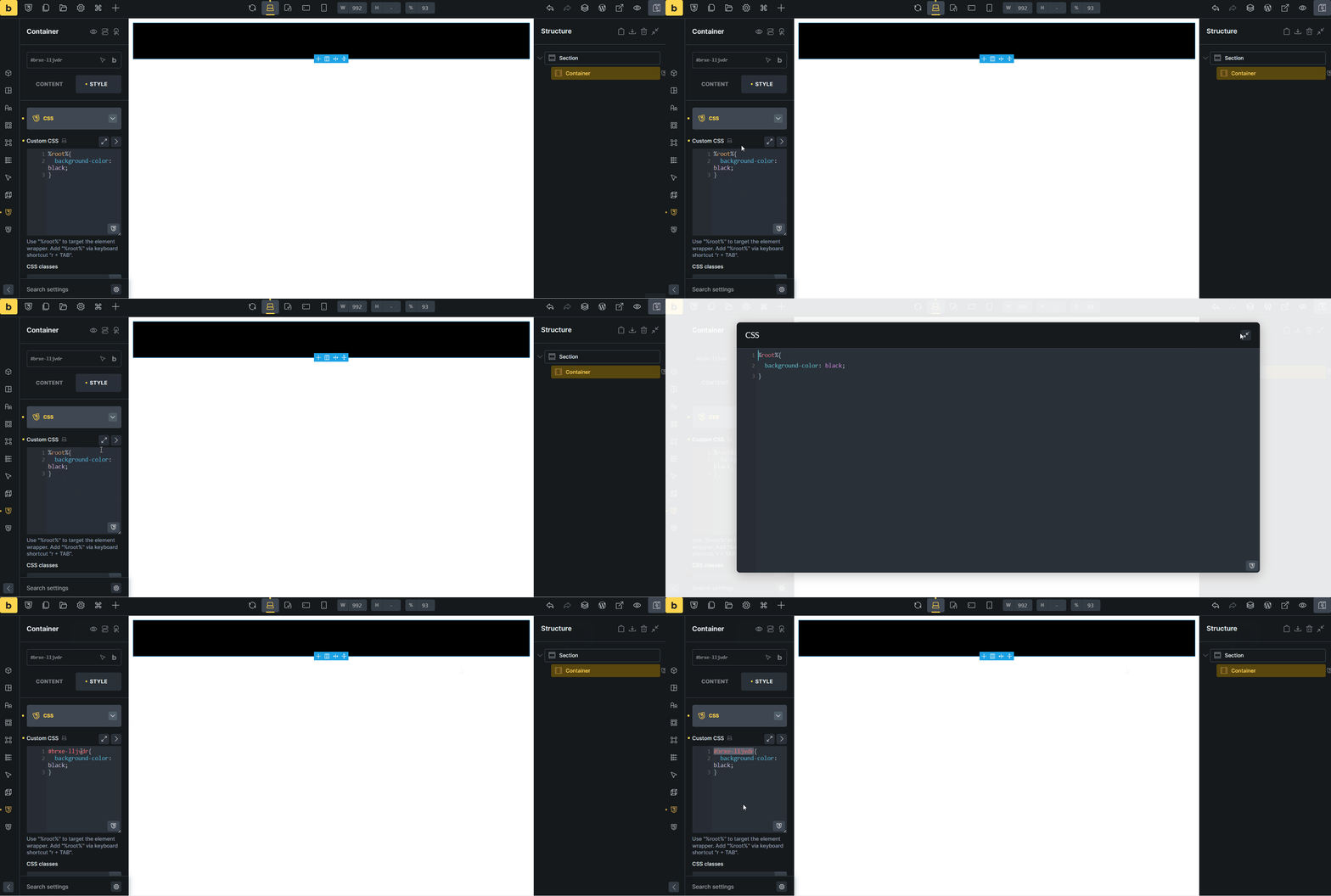
After closing the custom css popup, %root% changes to the ID.
Browser: Chrome 138.0.7204.169
OS: Windows
Hi,
After closing the custom css popup, %root% changes to the ID.
Hi Hosein,
Thanks so much for your report!
Nothing breaks, since %root% is a placeholder for the ID (or class). So it’s literally the same, and as you can see on the canvas: it still applies.
Nevertheless, it shouldn’t change causing confusion 
Best regards,
timmse
Hi @HOSEIN, this issue should have been solved in v2.3.2
This problem still occurs into v.2.3.3.
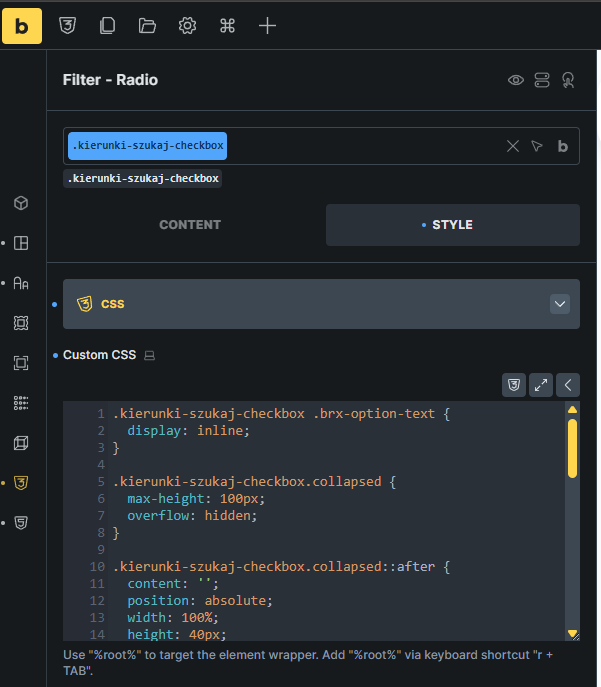
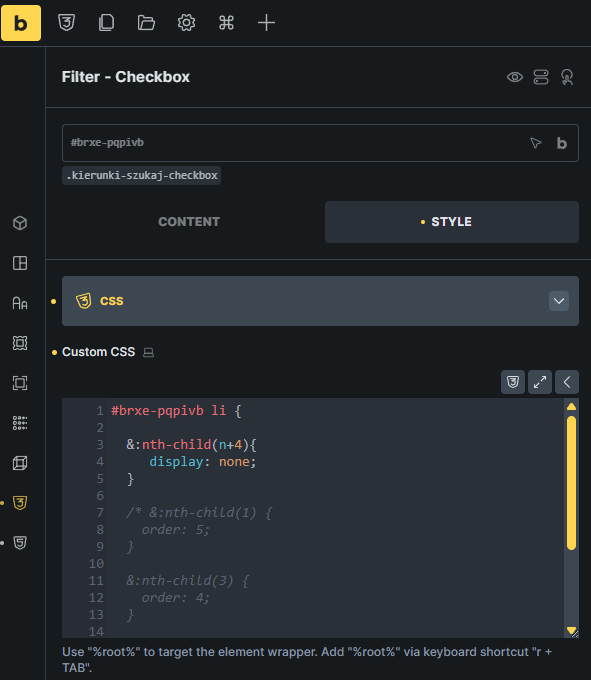
I have two CSS code: 1) direct into element, 2) into class .kierunki-szukaj-checkbox
When I switch editor view to media breakpoint (no matter: tablet, mobile), and then back to desktop view, and click into Custom CSS field, in this moment editor change %root% element to the element ID or class name (if I edit .kierunki-szukaj-checkbox class).
Yep, I was able to find the pattern that causes it. We’ll update this thread, once it’s fixed (again):