Browser: Chrome 141 OS: Windows 11 Video: Short screen recording that illustrates this issue (free tool: jam.dev)
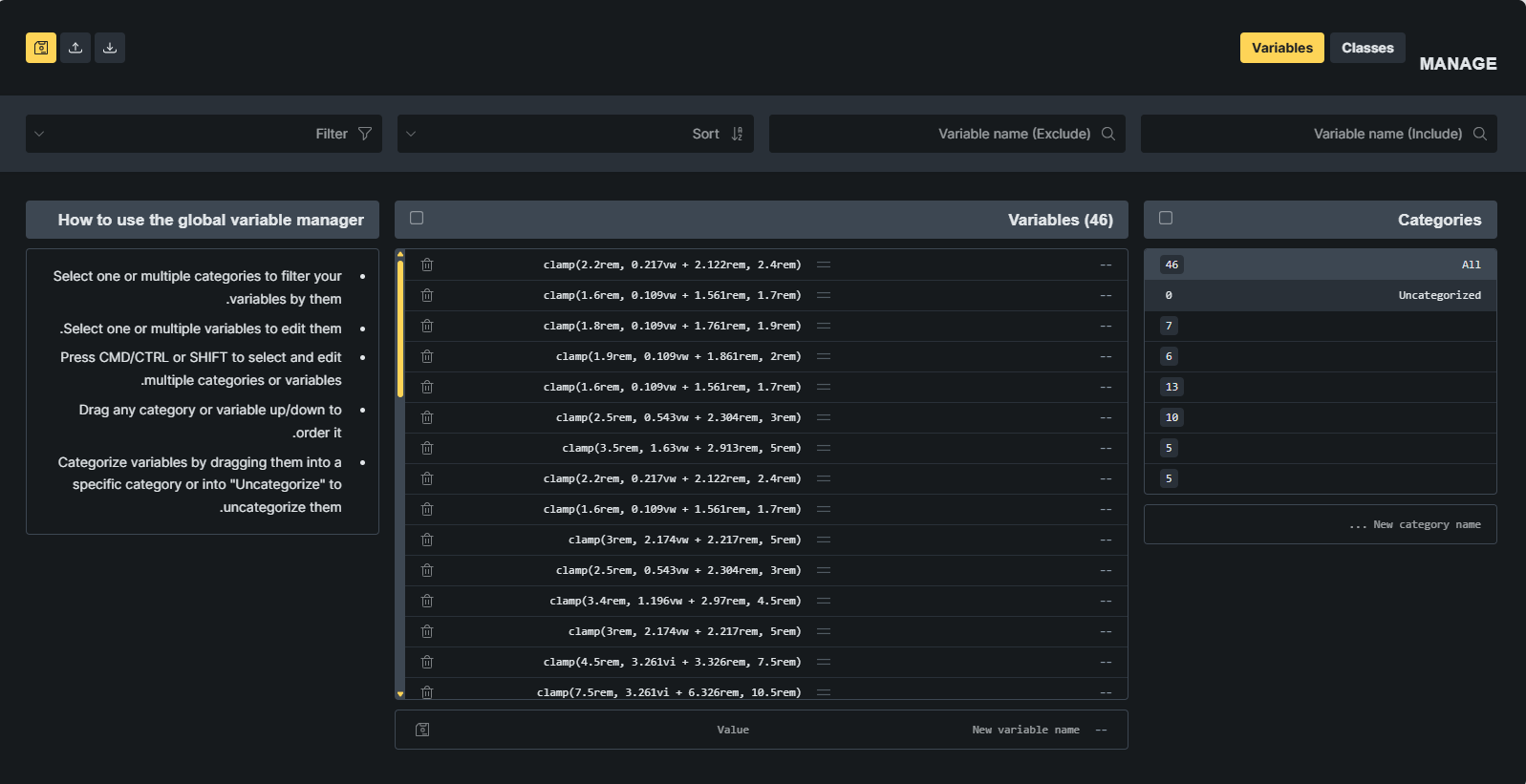
Variables names and custom categories names are invisible. When trying to create a new category, the name is also invisible.
Classes categories’ names are invisible. Classes names are somewhat hidden – only first three characters are shown.
We have already received a report about this via email and are working on a solution. The problem only occurs with RTL, and we will update the thread as soon as it has been fixed.