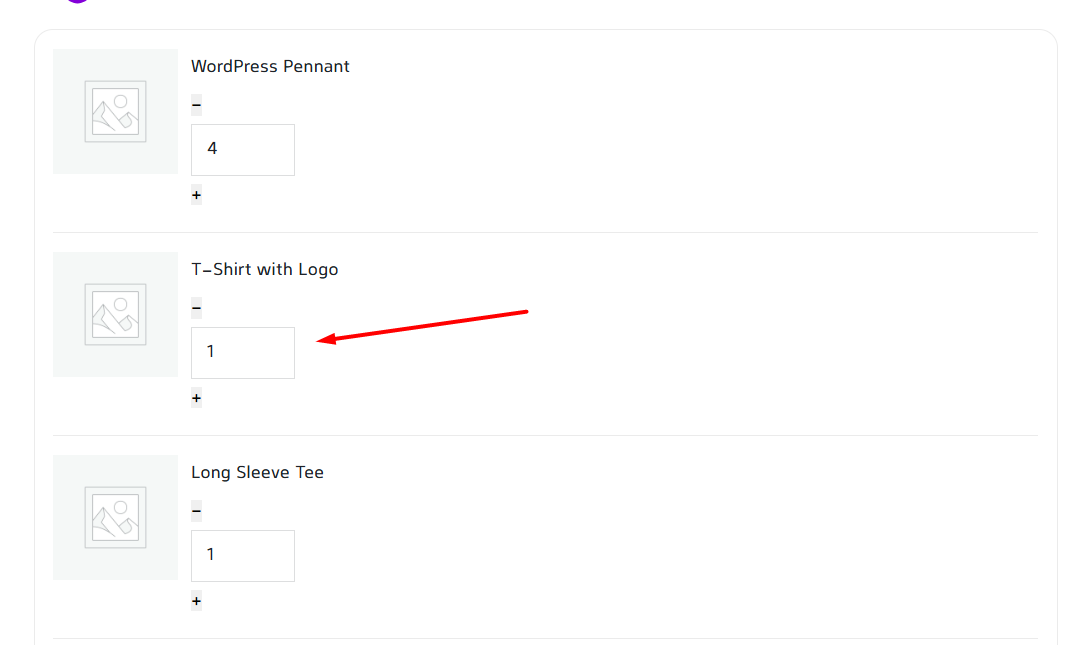
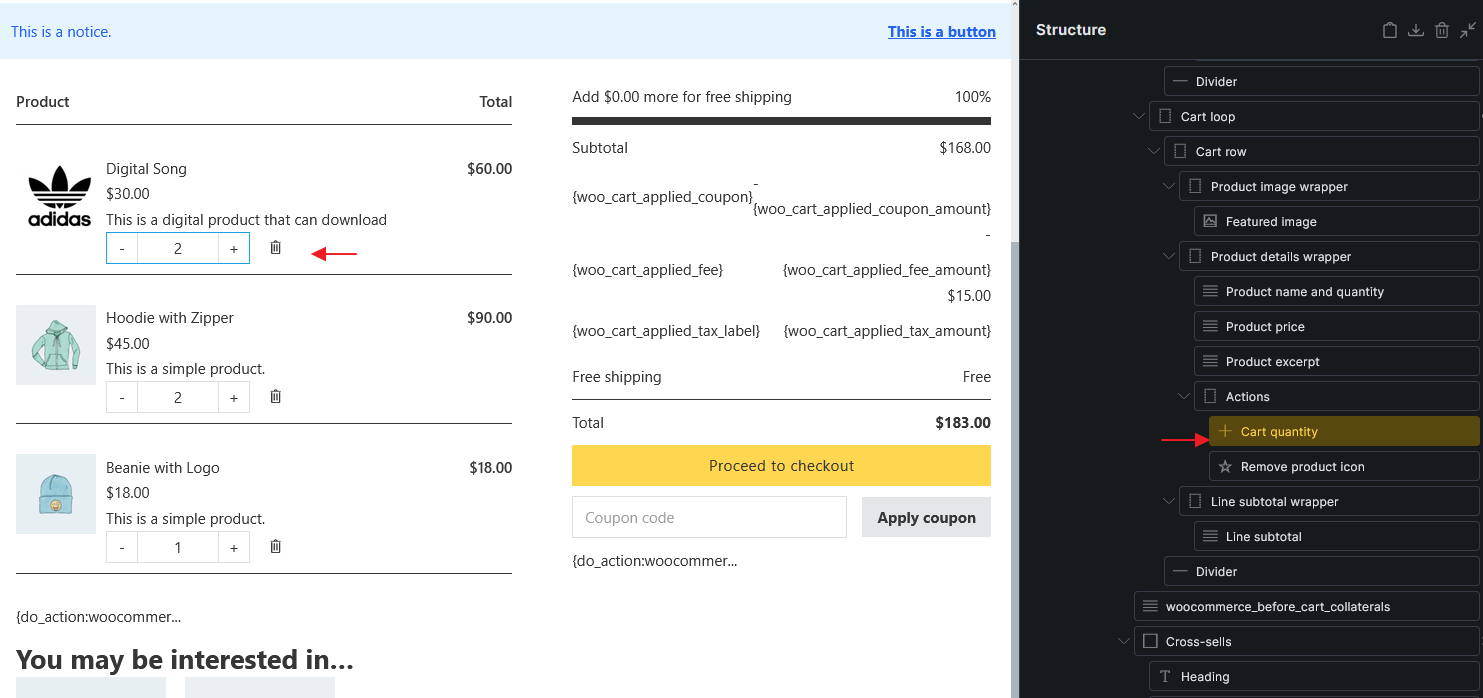
Also as a question, the Cart quantity element is not present in the elements panel unlike the new checkout elements but is only added when the default structure is generated. Is this normal behavior?
Yes, many elements wouldn’t be available in the element panel. This is to avoid mistake made by user like using wrong element on wrong location or setup. Please use the generator and tweak it.
I am not sure how to replicate the issue as per your screenshot.
Is this on the Cart page canvas or the actual frontend?
We need to know more details. Or maybe a publicly accessible site.
Sorry, accidentally deleted the main parts of this report. It seems to be a problem with External files. It displays fine in the builder but has problems in the frontend.
We’ve addressed this in Bricks 2.4-beta2 (beta release), now available for manual download from your Bricks account.
Please read the changelog entry before testing, and let us know if you experience any issues. Note: beta builds are not recommended for production sites.