I’m trying to rename the Bricks ID of elements/components but it doesn’t work.
Of an ID, #brxe-uypqoa I can change the brxe part to anything and it works, but when trying to change the uypqoa to uypqoa2 for example, it doesn’t work. Visually you see it changed, but when you copy the Bricks ID, it is still the original ID.
Hi Barnabas,
Thanks so much for your report!
I can replicate the problem and have added it to the internal bug tracker.
We will update this thread as soon as it is fixed.
Best regards,
timmse
For me they are all now being added as classes too, not IDs?
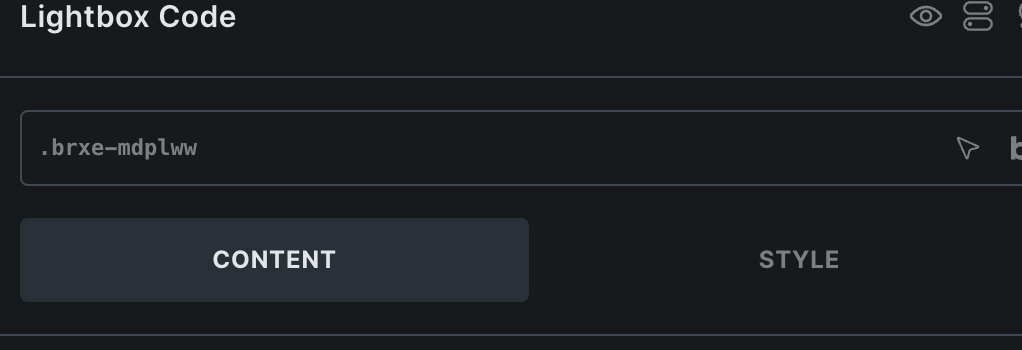
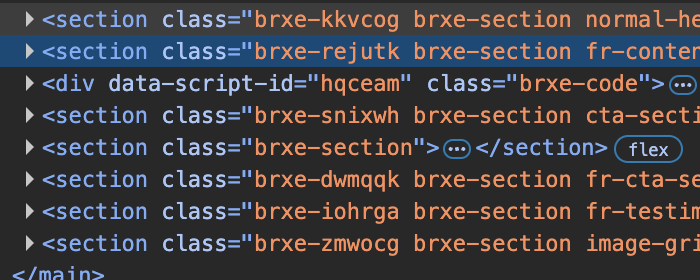
Hi Rob, yes, that’s correct, because IDs must be unique and therefore may only appear once per page. So if we didn’t convert the IDs into classes, you would constantly have to deal with duplicate or triplicate IDs if the component is used multiple times on a page.
Ah - hadn’t thought of that, assumed wrongly that Bricks assigned random new ones!
So the only way to add a manual ID would be through attributes in a component?
In the next version, you can create a custom ID as a property so that you have complete freedom 
We fixed this issue in Bricks 2.1 beta, now available as a manual download in your account (see changelog).
Please let us know if you are still experiencing issues.
As with any pre-stable release, please do not use it on a production website. It is intended for testing in a local or staging environment only.