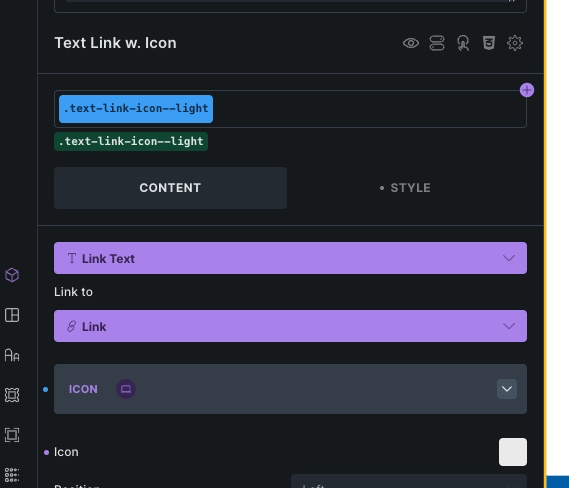
I’m trying to create a component from “text link”. I have created a property for the link icon and want to connect it to the icon in the text link. But I can’t. There is no “connector” for the icon in the text link. Works for regular “icon” component, but not for the icon in a text link.
Thanks for looking into it. Would be great to also be able to select an icon for a text link component.
I can replicate the problem and have added it to the internal bug tracker. We will update this thread as soon as it is fixed.
Basically, you can create your own “icon + text link” component by simply placing an icon and a basic text element in a div and saving it as a component. Then you can create the properties individually.
Thanks for the quick reply. I know the “other way” of doing it and I’m fine with that. But I thought this would make sense not only for me but or everyone … Great work! Love Components!