Bricks v 2.1.2 (at this time there is no way to tag v2.1 or 2.1.2 !)
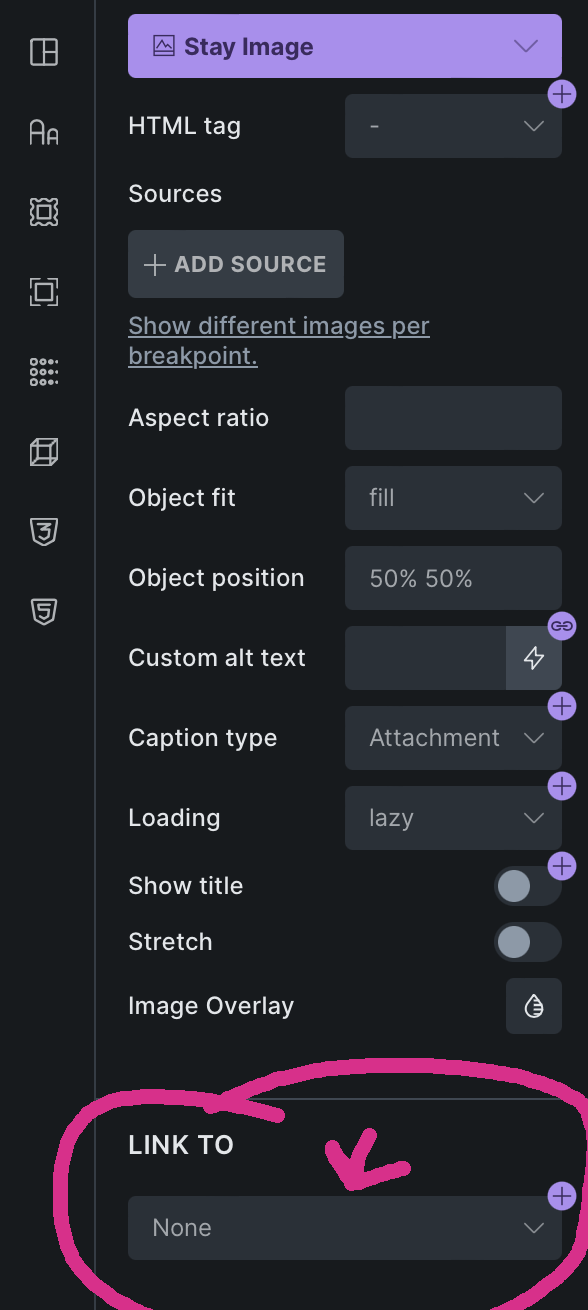
I cannot link an image to a link property in components.
I can create link properties. I can apply those to text, rich text, etc.. but whenever I try to apply them to an image I get " No connectable property found."
I’m not sure I understand your question. I want to be able to apply a link to an image via the “Link To” setting of the image in the component. The setting is there, but even if you create a link property, the component doesn’t recognize it.
Does anyone know how far to roll back to get this to work again? I’m working on production sites and this is pretty important functionality. There seem to be bugs in each of these 2.x.x releases, some of the I can’t create categories for global css or variables, in a another version I can’t reorder them…
I went back incrementally to 2.0 and every version had this issue. I went back to 1.12.5 and unfortunately that version does provide the option to set an image link property at all.