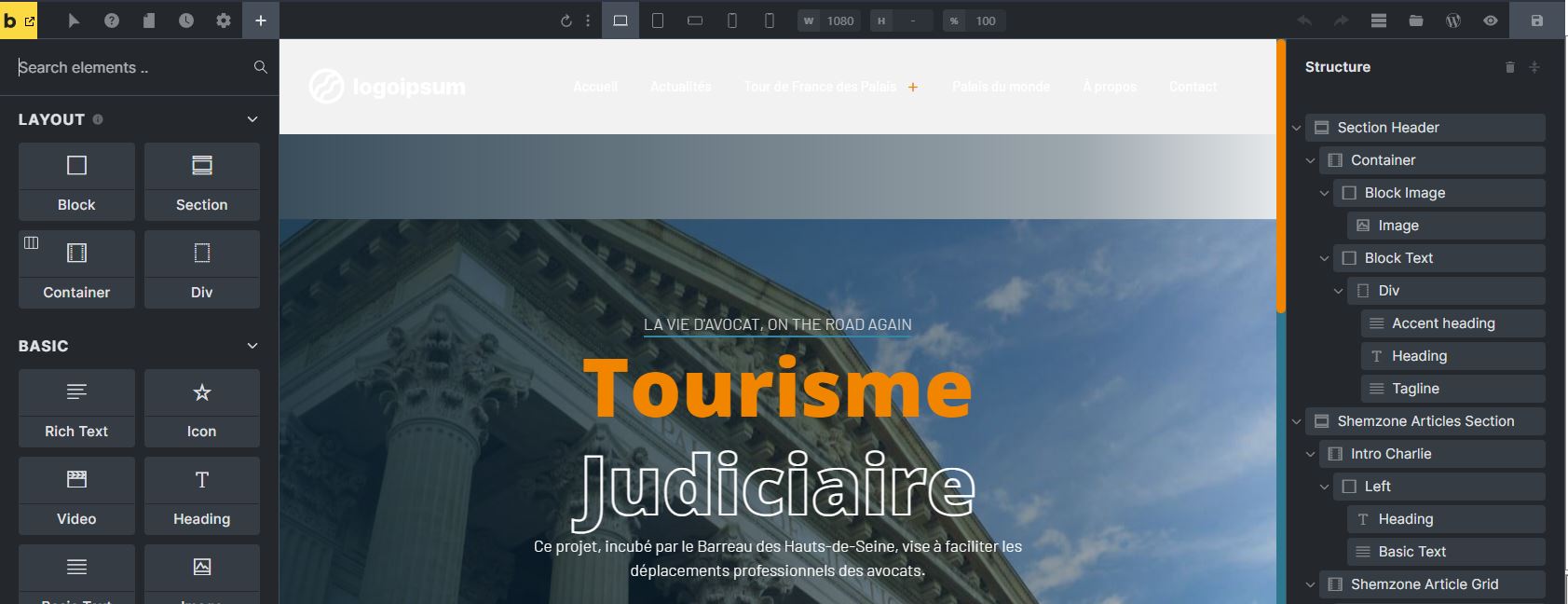
Bricks Version: 1.6.0 Browser: Chrome any version, Firefox any version OS: Windows URL: Jam
Hi
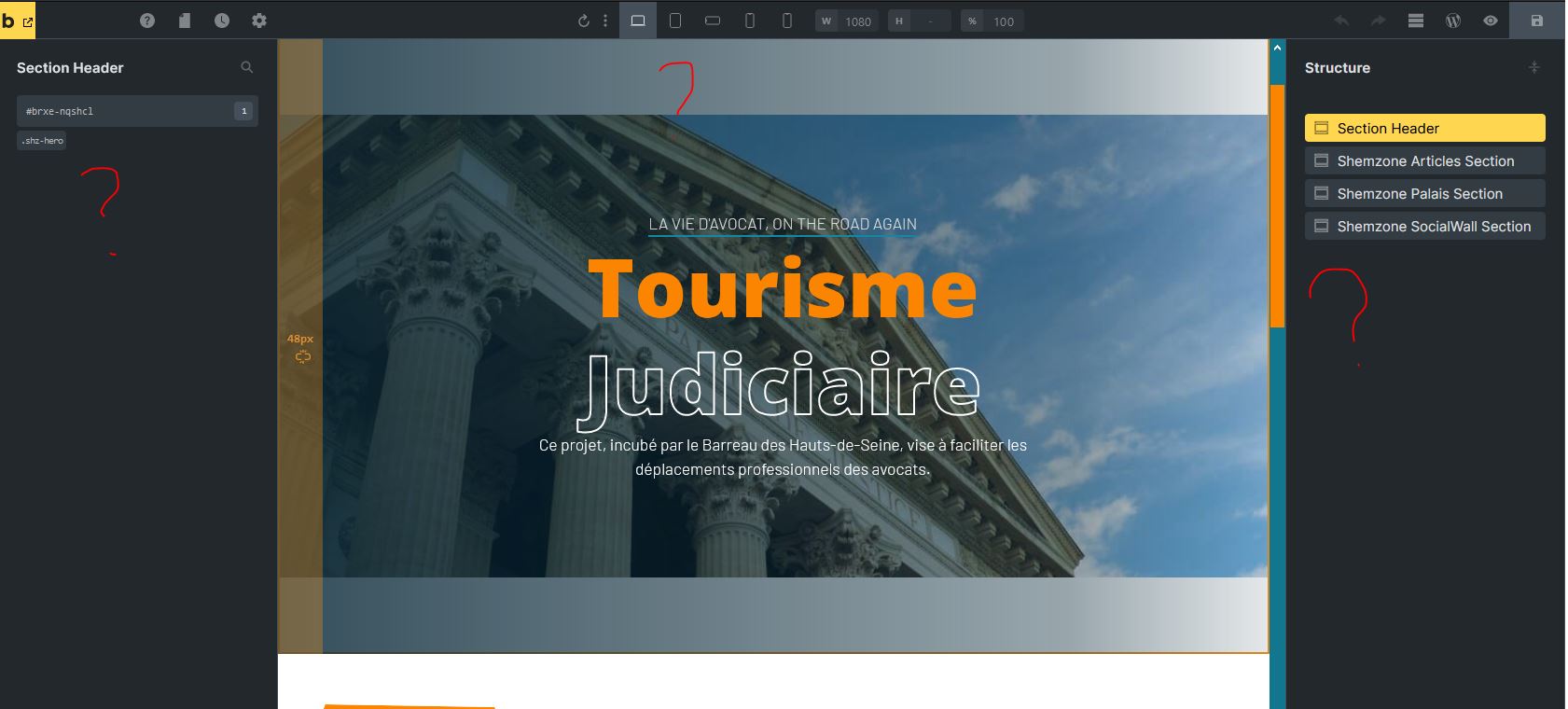
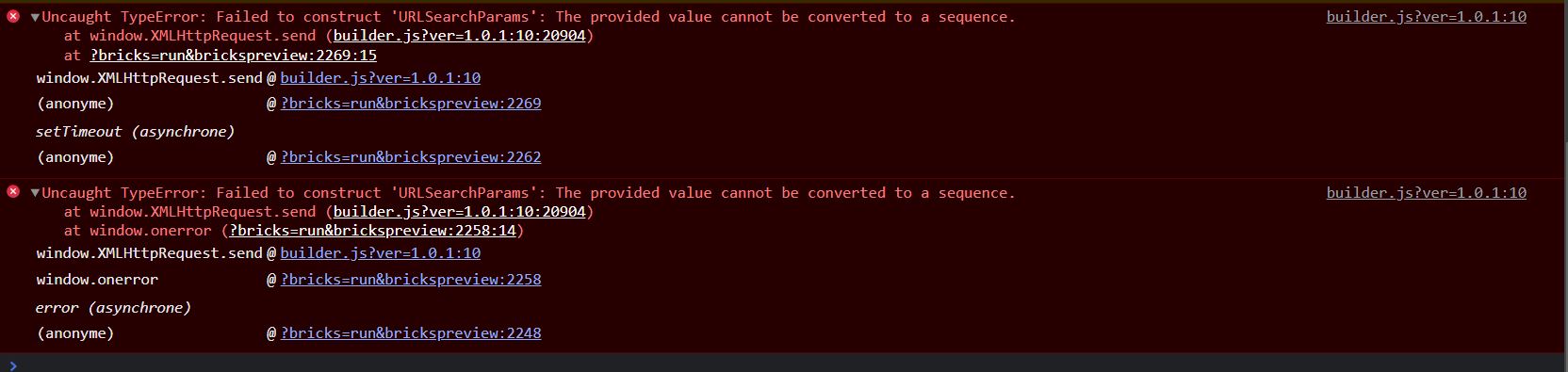
I updated Bricks from 1.5.7 to 1.6.0 and the builder is broken. I can’t add any components or anything, I can’t edit the existings components, I can’t access to the structure.
It happens also with a new page/template
Bricks 1.5.7
Hi,
Welcome to the forum, and thanks so much for your report!
Would you be so kind as to send temporary login credentials and a link to this thread to help@bricksbuilder.io using the email address you used during the purchase?
Hey Shemzone,
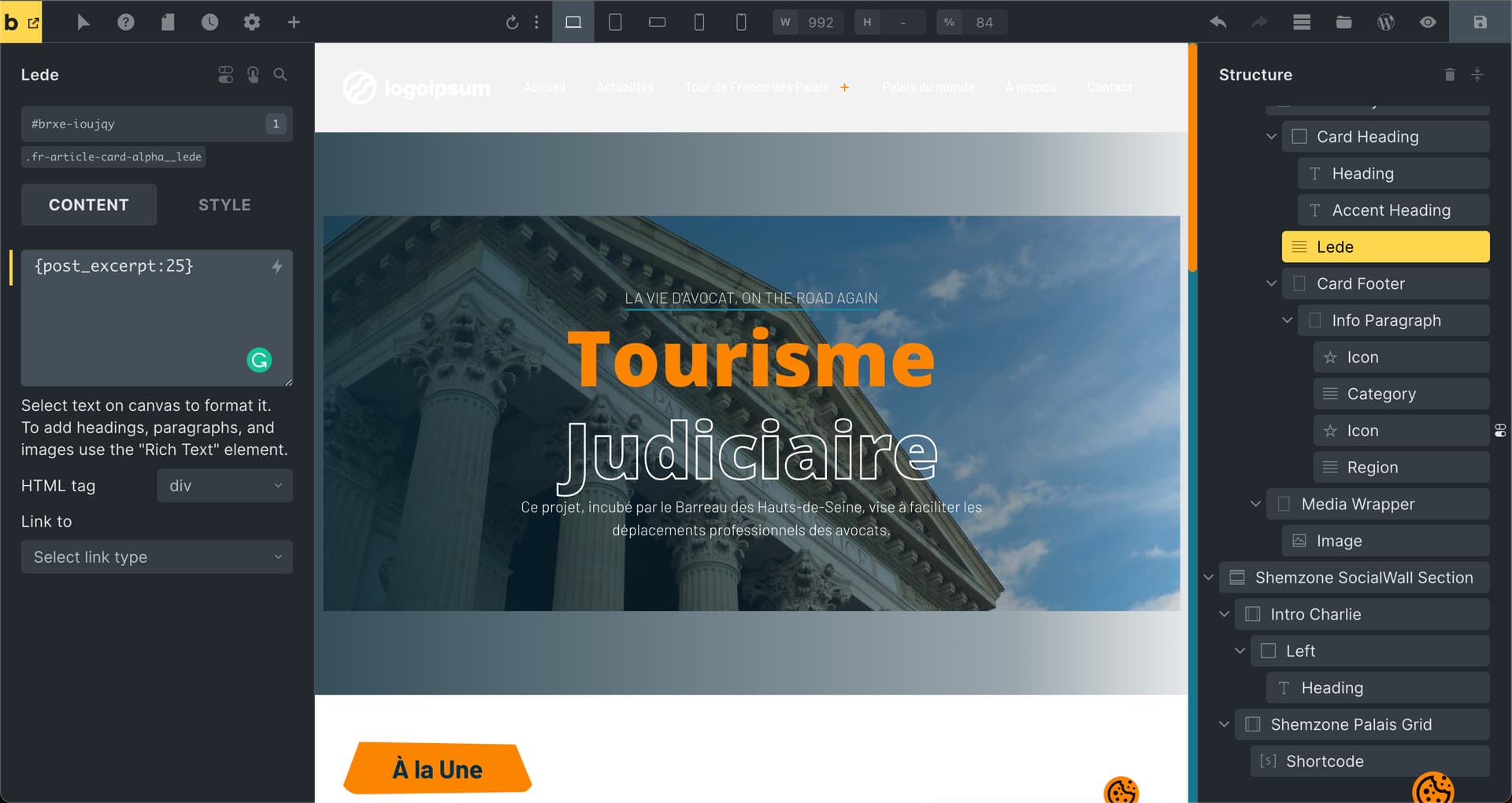
I’ve updated to 1.6 and purged the swift cache (it’s never a good idea to use caching/optimization during development) and I can access and edit everything as usual.
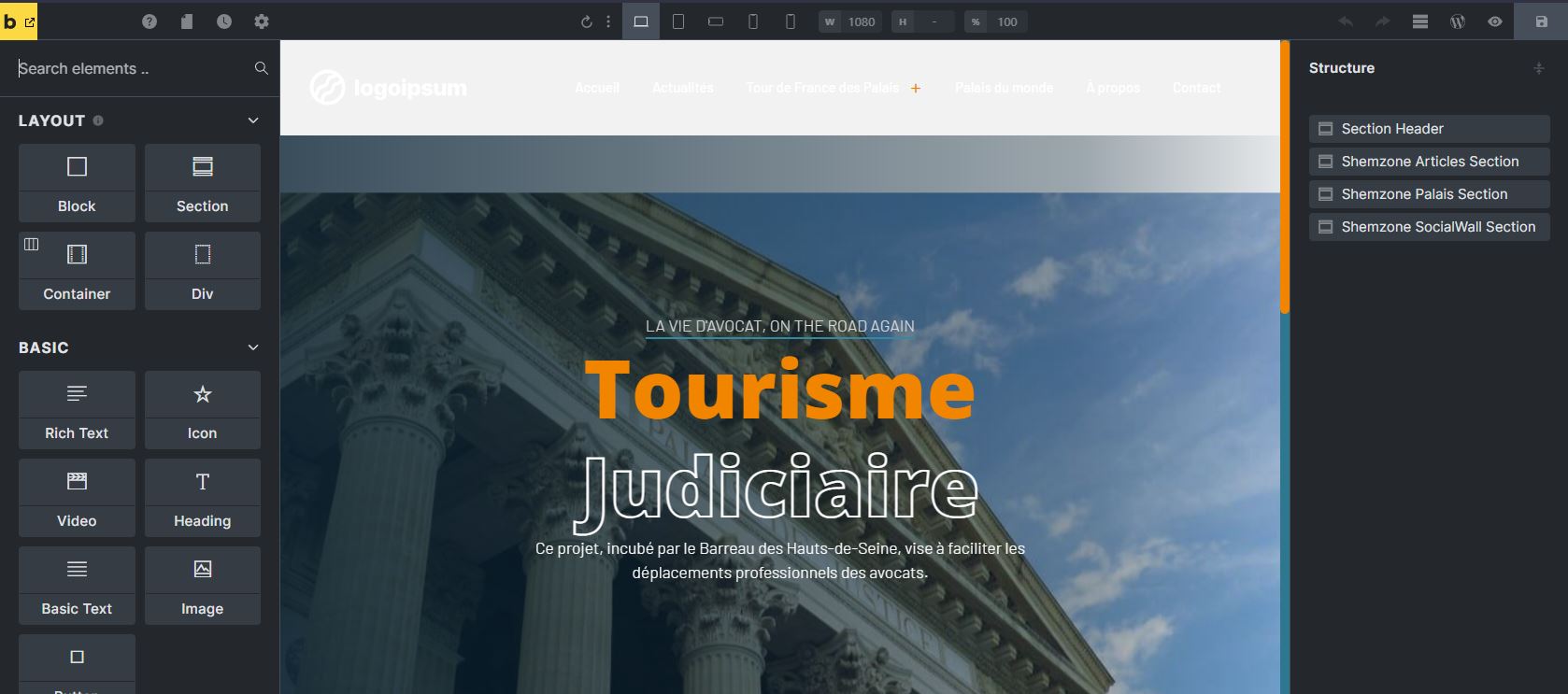
It’s crazy. With your account (same as administrator but without the abiltity to modify users), it’s fine but with my admin account, it’s not!
My account (admin)
Hello again @timmse
I created a new admin account (after checking that my first admin account had the problem) and it works now.
Anyway, it’s very strange to have this kind of behaviour.
I think you should investigate further.
Hey,
The problem is caused by the “User Role Editor” plugin, but it is also very easy to solve: deactivate the User Role Editor plugin and reactivate it. After that, everything should work normally.