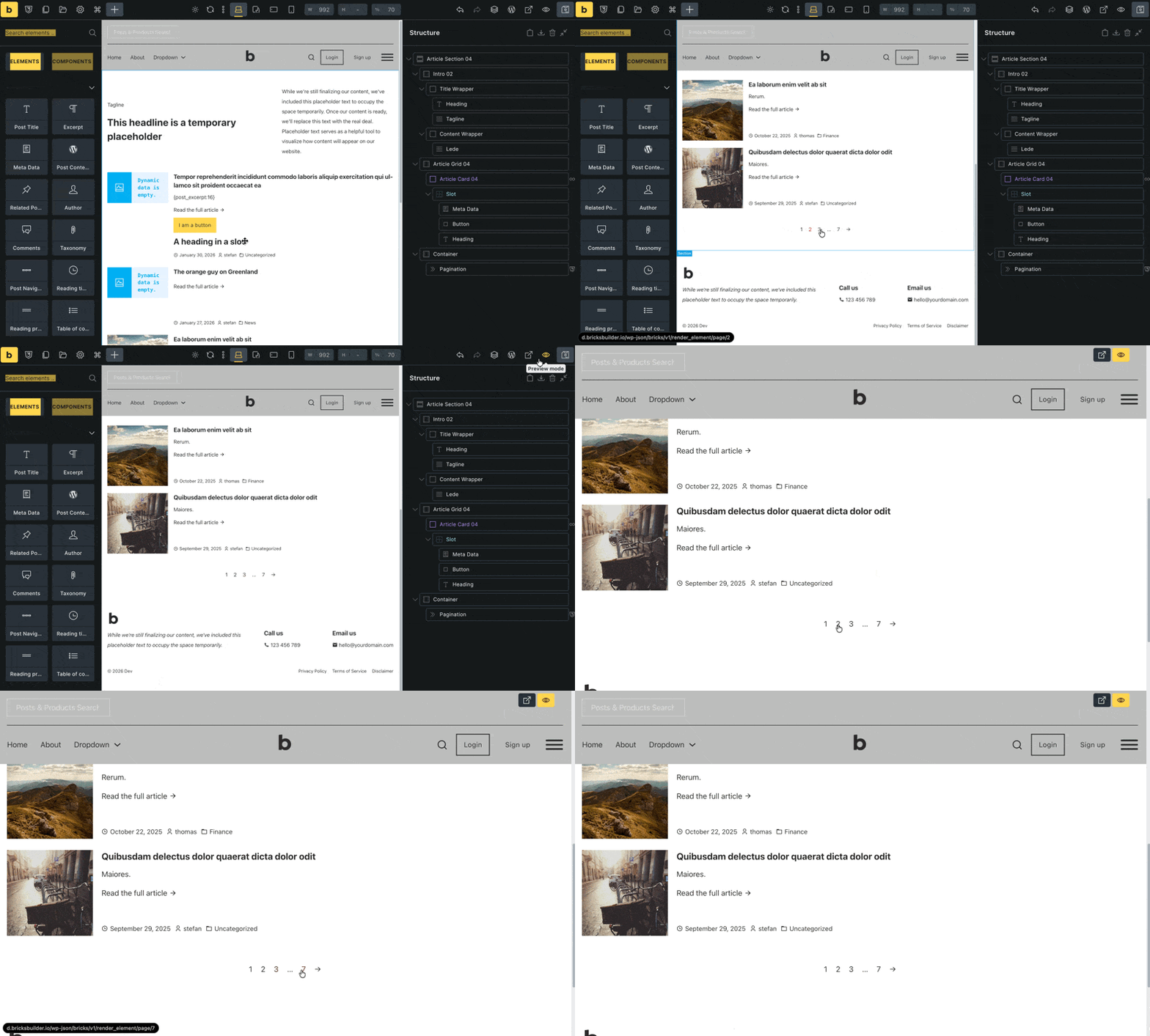
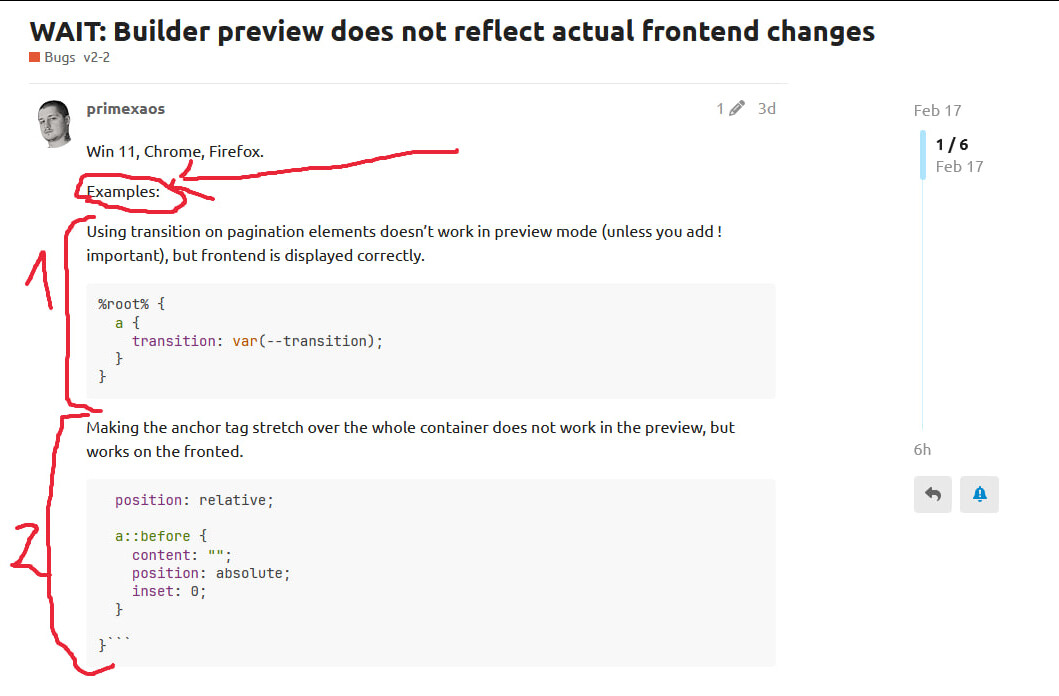
Yes, the transition (in pagination) did not work in the preview unless I used !important. However, it did work on the frontend without using !important. The same goes to the ‘link stretch’ css - the button does not react to hovering the parent in the preview, but does react on the frontend.
Well, no, not at all, because the pagination element is what I’m showing in my previous reply. What I see in your video are custom cards – no pagination element anywhere.
Accordingly, your report is very misleading because no one but you knows what it’s actually about (no video, no link… and incorrect terminology)
Unfortunately, I still don’t know how to reproduce the problem, now that we’ve clarified what it’s actually about. It would be great if you could just provide us with your card layout
Nope, I did not mix it up, this is exactly what I meant.
I noticed that:
1. Pagination element - after applying the pasted code, the transition did not take effect in the builder preview but did work on the frontend. After adding !important to my css, it worked in the builder preview. I then removed the !important rule, saved it again, reloaded the builder, and now it works both on the frontend and in the builder preview. I am not sure whether this is related to some sort of a CSS issue or the builder itself ‘freezing’, which is a known old bug—the builder preview sometimes ‘randomly’ stops reflecting changes and the tab needs to be refreshed in order for the preview to ‘jump start’ again; this has been happening to people even on local installs for the past 2 years.
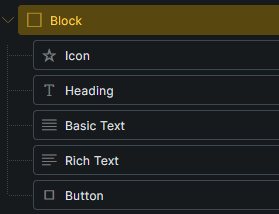
2. Custom cards - I created a div, inside of which I have placed an icon, a heading, some text, and a link (presented on the screenshots below). I have created a class that attaches a pseudoelement to the anchor and stretches it over the whole parent, making the whole parent (card) clickable. It works on the frontend but not in the builder preview.
It might reflect 2 entirely different issues, I don’t know. The discrepancies between the builder preview and the front end is something that regularly happens to me. I am on Hostinger, tried using Bricks with LSCache, without it, with and without native Hostinger cache, with and without Hostinger CDN. It’s also been happening to others on local installs.
I was today years old until I realized there are actually two issues in two different places. Sorry, but that’s not even remotely apparent in your original report, and I’m pretty sure I’m not the only one who sees it that way. My initial thought was: “Why on earth would he want to position the pagination link absolutely when it only consists of the page number anyway?”, without guessing, that the second code block refers to something completely different
So, first of all, please formulate your reports as clearly and concisely as possible in future to save both you and us time and hassle. Thank you ! In your last reply, you number both problems, which makes it much easier to see that they are two separate issues, and allows us to refer to them specifically, which is great!
I still can’t replicate it.
Okay, but how am I supposed to identify a problem that can only be seen when you’re in the builder or the builder preview?
Please send temporary login credentials and a link to this thread to help@bricksbuilder.io using the email address you used during the purchase.
I will send a login and link the forum post over via email.
I’m sorry, I am autistic. The psychiatrists told me that you normal people have different brainz. Please instruct me how to write like a standard human next time because I thought what I wrote was clear.
Should I start using ordered lists when mentioning multiple issues so you see numbers, such as 1, 2, 3, and instantly recognize the issue count?
I thought the below-listed cues instantly pointed at multiple issues, but I have different brainz.
There are preview and frontend discrepancies (“Builder preview does not reflect actual frontend changes” ← changeS, plural, more than a single issue.)
I defined multiple examples, meaning it happens under more than a single occurrence, hence exampleS (and not examplE).
Each issue was defined using the same format denotation → code.
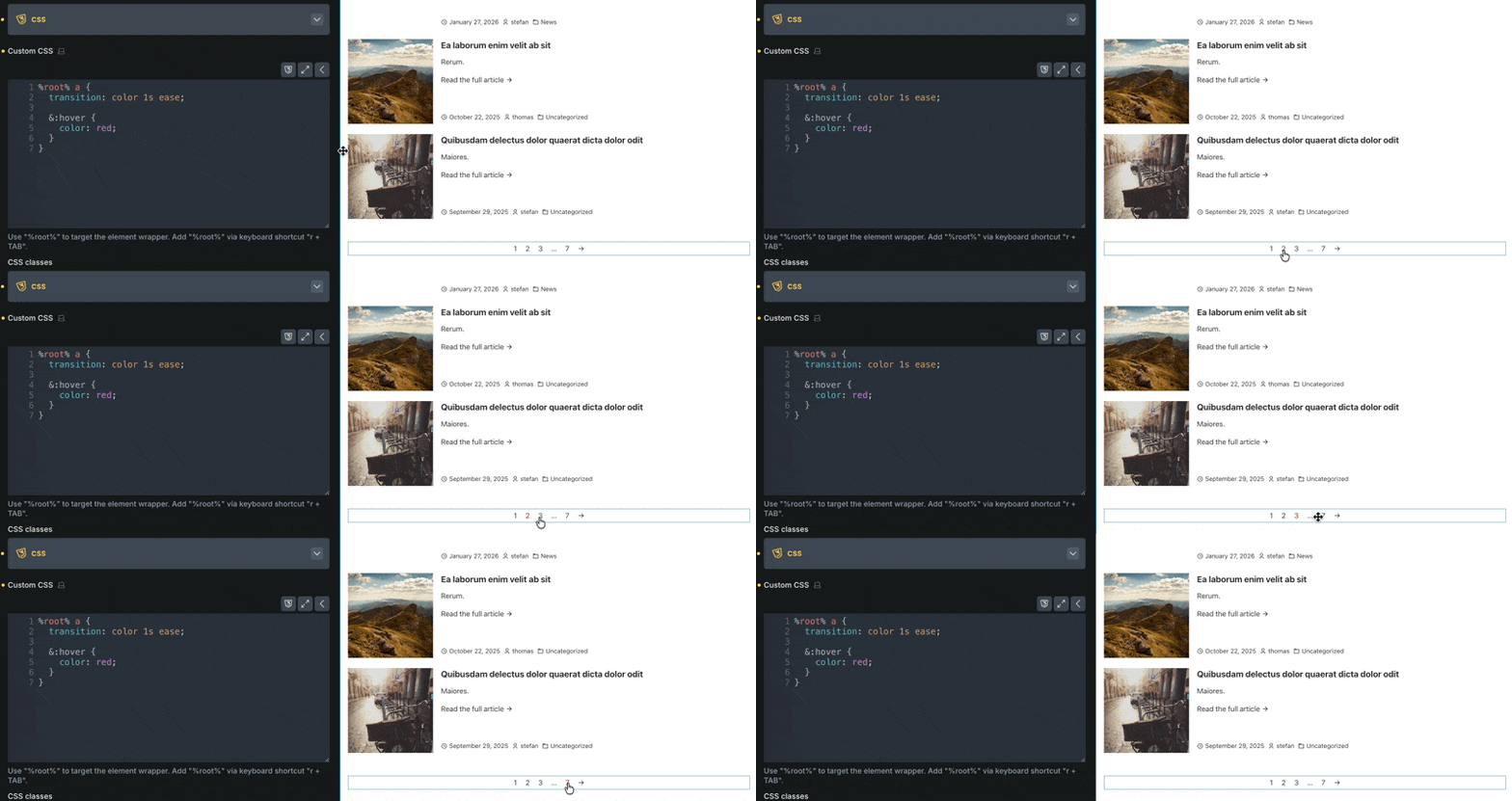
After applying the changes, I now can’t replicate the issue either. It was most likely the infamous ‘builder freeze,’ which I assume is impossible to fix as it occurs ‘randomly,’ and there’s no way of deliberately provoking it. Since it worked with !important in the preview, I ruled out internet connection or host issues, and assumed it was most likely a specification conflict.
If it occurs next time, I’ll try refreshing the builder to see if it persists after the tab reload before submitting a bug report.
Ideally, you should create separate threads for different issues, which makes things much easier, especially since we usually create a task per issue. In other words, if one of the issues has been resolved but the other has not, things quickly become complicated and we cannot mark the thread as resolved.
Now to the problems:
Pagination Element: ok cool!
Button in card: This is because the button in the builder is always rendered as a span, even if you have set a link. I have created an improvement task for this. In the meantime, you can adapt the selector slightly:
I’m ok with it as long as CSS works as expected on the frontend, but it sometimes causes confusion if you type in CSS and it doesn’t work. You mess with the code thinking you made a mistake and a few minutes later realize that it actually works on the frontend, just renders differently in the builder.
I also assume that if I report a bug in a specific Bricks version, there is no point reporting it again once another version is released, like I did months ago with I believe 2.1.4 and then created another topic for the same issue in Bricks 2.2, right? (ctrl + delete and other common ‘windows’ shortcuts).
Right, as long as the title is prefixed with “WIP” (work in progress), it’s not fixed yet.
Once fixed, we’ll reply to the thread and change the prefix to “SOLVED”.





 ! In your last reply, you number both problems, which makes it much easier to see that they are two separate issues, and allows us to refer to them specifically, which is great!