Bricks Version: 1.6
Browser: Chrome 107.0.5304.123
OS: Windows
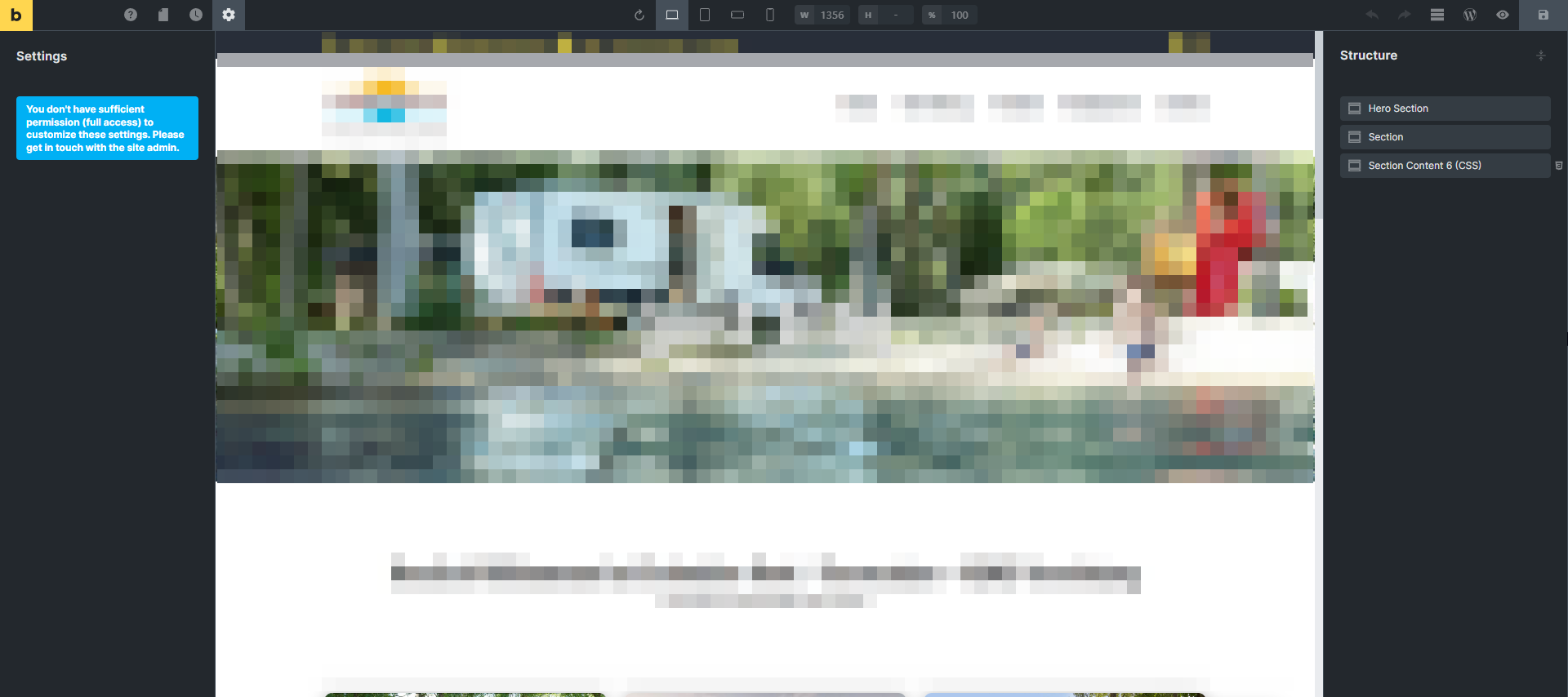
I can’t edit pages in bricks anymore. However, I am the admin of the site and the only user. All pages were created by me and before the update to 1.6 I could change pages
Bricks Version: 1.6
Browser: Chrome 107.0.5304.123
OS: Windows
I can’t edit pages in bricks anymore. However, I am the admin of the site and the only user. All pages were created by me and before the update to 1.6 I could change pages
I tried to disable all other plugins but no effect. I downgraded to 1.5.7 and now I can edit again.
Hi trise,
Thanks so much for your report!
Would you be so kind as to send temporary login credentials and a link to this thread to help@bricksbuilder.io using the email address you used during the purchase?
Best regards,
timmse
@trise
I don’t want to pollute your thread but it seems to be a similar issue that I have
Hi @timmse just send you the follow up mail. Looking forward to your response.
Hey,
Please disable and re-enable the plugin “User Role Editor”. Then, you should be able to work normally in Bricks again.
Best regards,
timmse
Thanks @timmse it works now. However it would still be intersting what the cause for this issue was as I disabled plugins before I started the thread.
Hey,
We have changed a few things in the capabilities in 1.6. The User Role Plugin does exactly the same thing, so there must have been some overlaps. I can’t say much more about it: after I deactivated and reactivated the plugin, it worked again. The solution to the problem couldn’t be simpler