SOLVED: Bricks 2.4.1 - new media folder cant see the SVGs

I wanted to add a custom svg icon to a button element
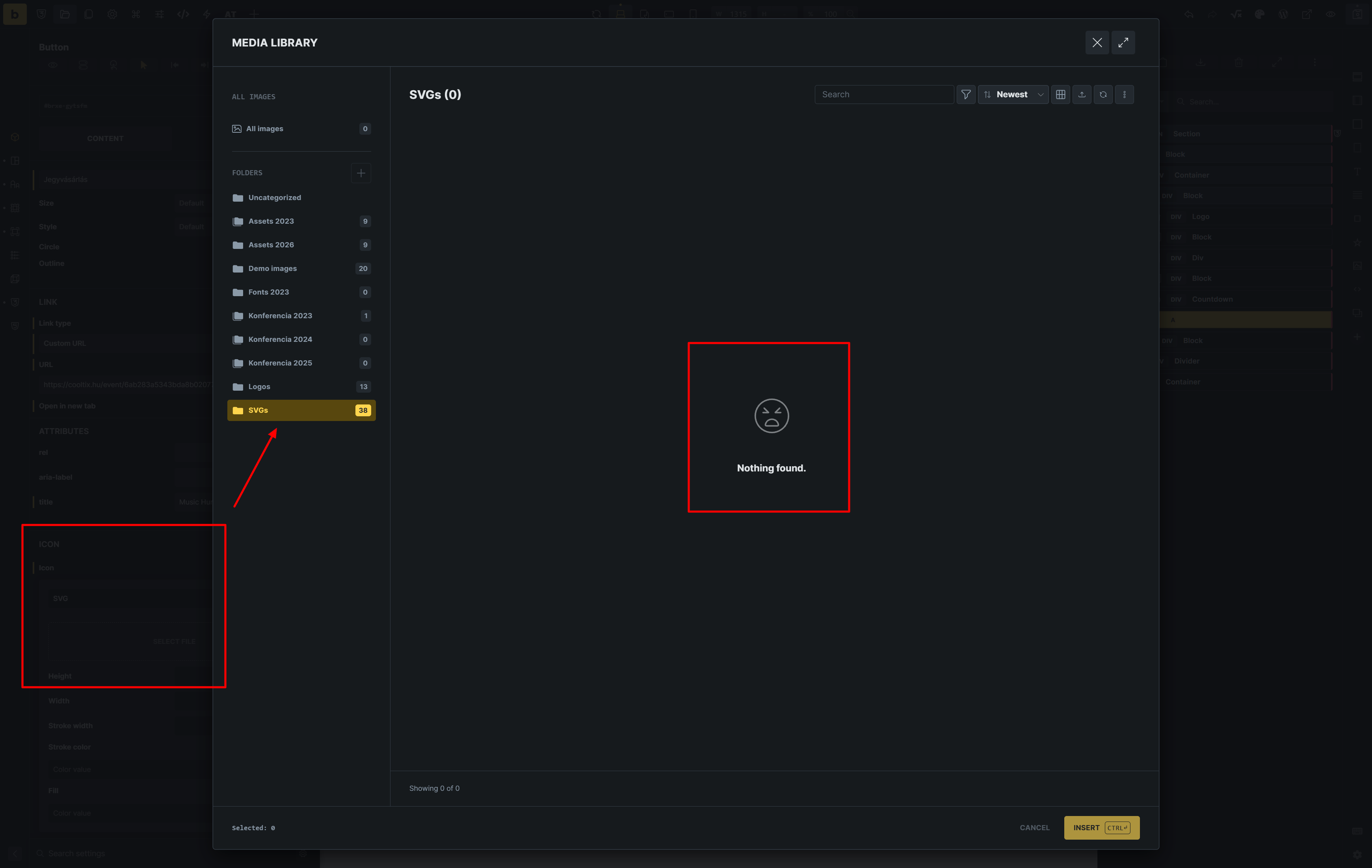
In the folder structure show 38 icons in my SVG folder, but when I click into it, It cant show anything.

The very strange think, when I click to all images. I can see 5 SVG file (these are logo-s).
These logos I have uploaded after update to 2.4.0.

So I think the problem, the new media manager cant handle the older uploaded svgs.

UPDATE:
I found the problem maybe.
Its a compatible problem with HappyFiles plugin. When I disable the happy files, the folders are gone in bricks media windows, but I can see all of SVG files.

Hey @simplecreative,

thank for the report. But I’ve tested locally where I’m using Happy Files 1.9.1 and I can see the SVG icons inside the folders.

Can you check which version of Happy Files you have? If not the latest one, can you update it?

Thanks,
Matej

Hi! Thanks for the fast reply.

The Happy files PRO version is 1.9.1
Bricks Theme version is 2.4.1

In wp admin media library I can see the old svgs, only cant see in the birkcs editor new media library. (screenshot is in my first post)

I had to roll back yesterday because I couldn’t see any images in it. At all. Ever.

Hey @simplecreative and @Pete,

sadly, I can’t replicate those issues. :frowning: Could one of you (or both) send the login credentials to your website (ideally a staging one) to help@bricksbuilder.io and a link to this forum topic, so I can check your setup and play around?

Thank you,
Matej

Hey @simplecreative and @Pete,

another update! I was able to replicate the issue and the fix will be provided in the next update. If you want, I can share the fix with you, if you want to test it as well.
Thank you,
Matej

Please, if you can, share the fix info. :slight_smile:

Thanks a lot!

Hey @simplecreative,

a very simple workaround is this, meaning you can open HappyFiles and just click on “All Media”, then it will work:

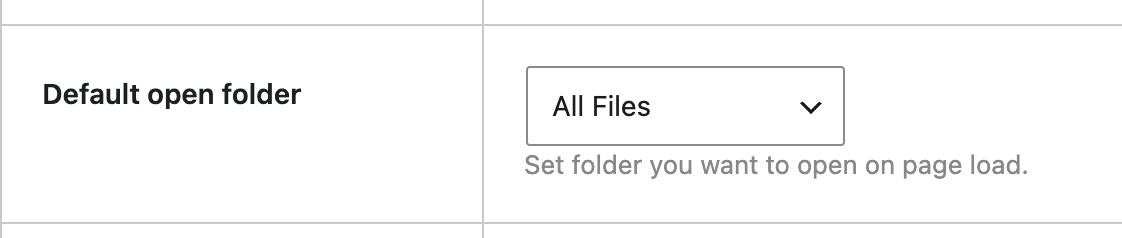
Another solution, which might be even better, is to set “Default folder” to “All Files” inside the HappyFiles settings:

But if you want a .zip file with a fix, I can provide it via email, just please write to us and include this forum topic link.

Thanks,
Matej

We’ve addressed this in Bricks 2.4.2, now available as a one-click update in your WordPress Dashboard.

The Media Browser now follows the folder selected in Bricks without depending on the last folder selected in WordPress.

Please read the changelog entry before updating, and let us know if you experience any issues.