Browser: Chrome 135.0.7049.115
OS: Windows
Hi team,
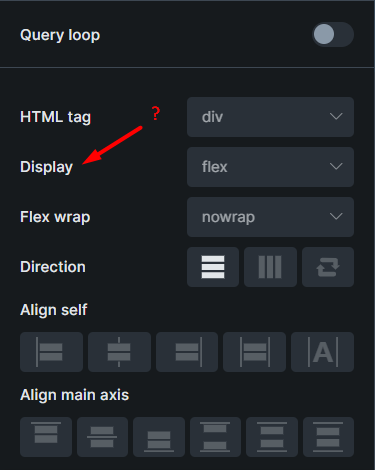
If we select the Show on all responsive controls option in the Responsive control indicator section in Settings > Builder, it will not be displayed in the builder.
bricks 1.12.4
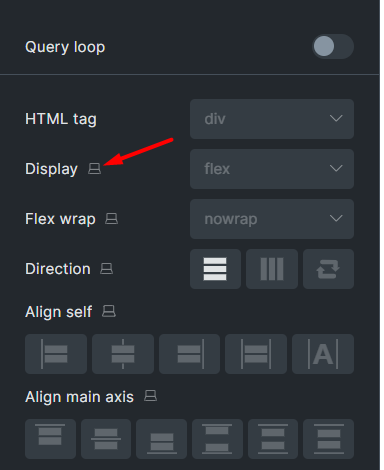
bricks 2.0
Browser: Chrome 135.0.7049.115
OS: Windows
Hi team,
If we select the Show on all responsive controls option in the Responsive control indicator section in Settings > Builder, it will not be displayed in the builder.
bricks 1.12.4
bricks 2.0
Hi Hosein,
Thanks so much for your report!
I reproduced the issue and added it to our bug tracker.
Best regards,
timmse
Hi Hosein,
We fixed this issue in Bricks 2.0 beta, which is now available in your account.
Changelog: Bricks 2.0-beta Changelog – Bricks
Please let us know if you are still experiencing issues.
As with any pre-stable release, please do not use it on a production/live website. It is only meant for testing in a local or staging environment.