SOLVED: {active_filters_count:QUERY_ID} counts active filter elements instead of active filter values

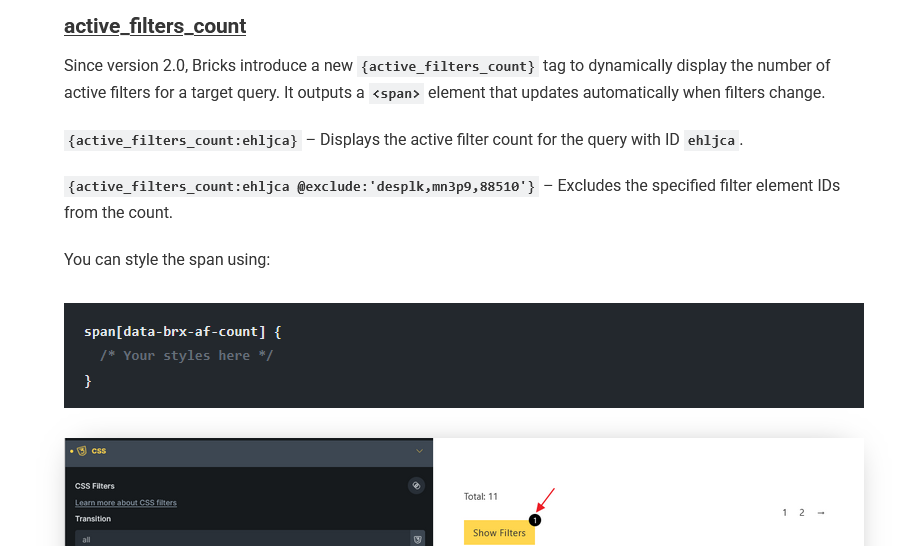
I am using the Bricks Query Filter (AJAX) and the {active_filters_count:ID} tag to show the number of active filters.

The Problem: The tag counts the number of active taxonomy groups, not the individual selected terms.

Example:

  • Taxonomy “Cars”: I select “BMW” and “Mercedes” (+2 terms).

  • Taxonomy “Year”: I select “2000” and “2005” (+2 terms).

Result: The tag displays 2 (one for “Cars”, one for “Year”). Expected: The tag should display 4 (the total number of selected checkboxes).

Question: How can I change the logic of {active_filters_count} to count every single selected term instead of just the active taxonomy categories?

Hi @stabilo

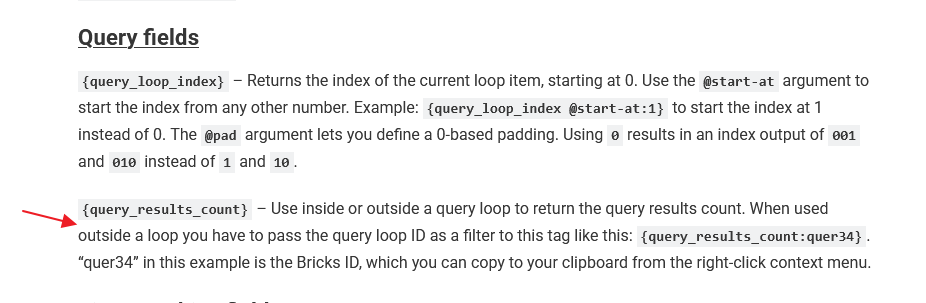
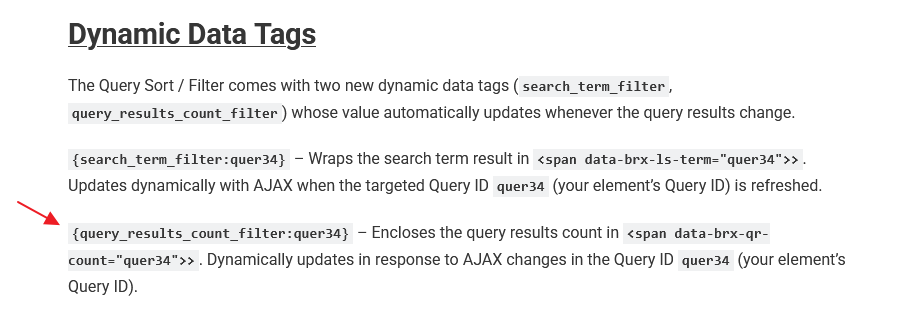
I am afraid you can’t use {query_results_count_filter} for active filters.

It’s meant to display the total results of a query instead.

https://academy.bricksbuilder.io/article/dynamic-data/#query

https://academy.bricksbuilder.io/article/query-filters/#dynamic-data

To get the active filters count, you should use {active_filters_count:QUERY_ID}

However, it wouldn’t display the number of selected options like your expected result. It’s returning how many filter elements’ logic is used for the current target query.

https://academy.bricksbuilder.io/article/query-filters/#active_filters_count

Regards,
Jenn

Sorry. Of course, I meant active_filters_count and not query_results_count_filter.

But isn’t it confusing how active_filters_count works at the moment? I checked a few shops and everywhere it is the case that it is not the filter elements that are counted, but the filters that are actually selected (checkboxes, select, dropdown, etc.).

Hi @stabilo ,

Thanks for your reply.

I have discussed with the team, and we agreed that this dynamic tag should return the total active filter values instead of the number of filter elements.
Recorded this in the bug tracker.

Regards,
Jenn

1 Like

We fixed this issue in Bricks 2.2 RC2, now available as a manual download in your account (see changelog).

Please let us know if you are still experiencing issues.

As with any pre-stable release, please do not use it on a production website. It is intended for testing in a local or staging environment only.