I am trying to set up a custom search page but I am being directed to make a template. My understanding of a template is to be used multiple times for convenience. Hence my confusion if I have a dedicated page. I cannot find a reason for this. Just trying to understand. I have watched many videos and read a lot of content and from a newcomer stand point, not very clear.
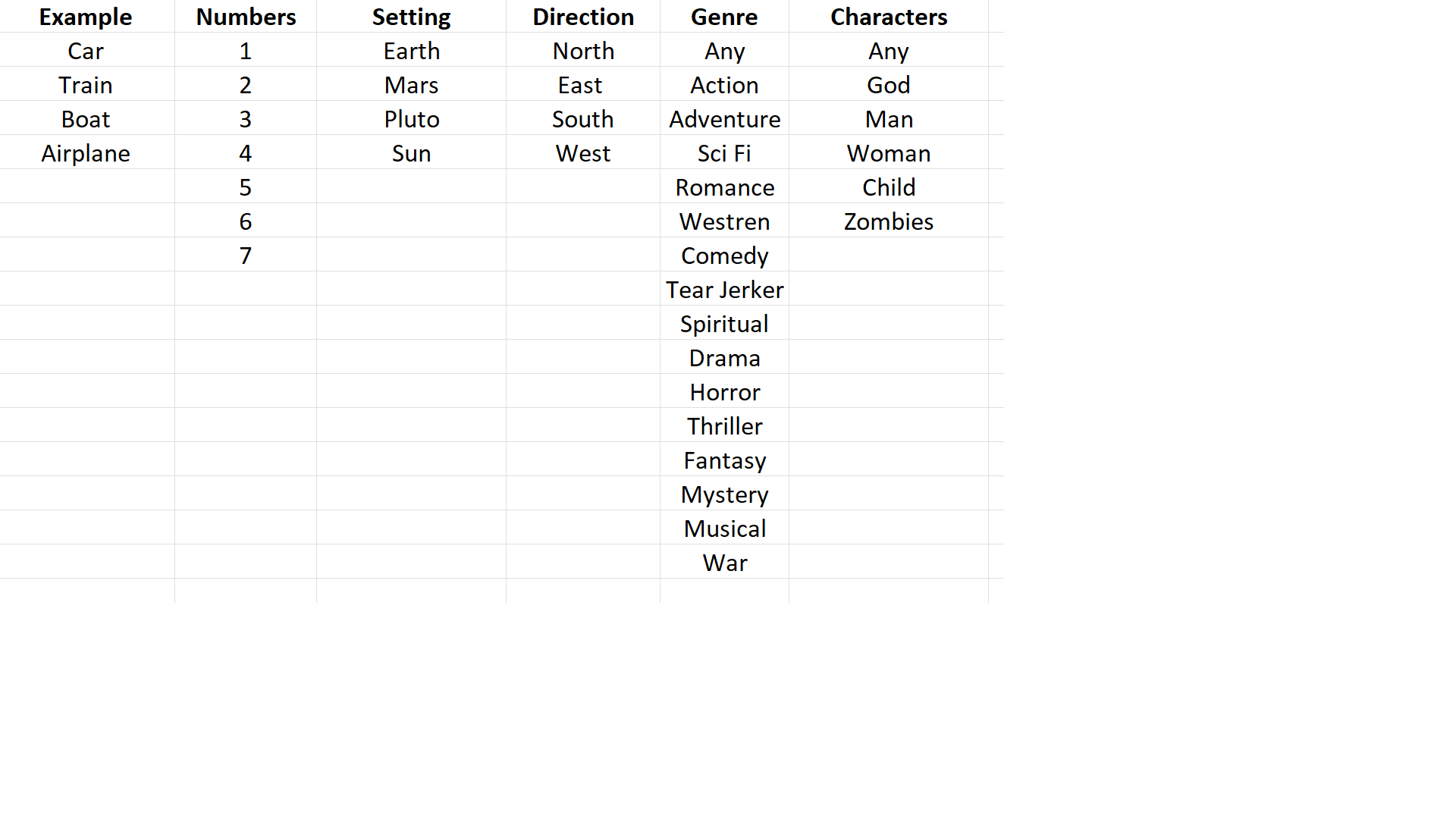
I am making a Netflix style website and needing a search with 6 parameters. Actually the site is done and now working on this and other pages. Its not open to see yet.
I am wondering if you could give a bit more context.
Are you wanting the search to be a global search field for all pages? Or are you looking for a search field to be on the pages that show the moves/tv shows?
Thank you shingen. I will try to explain better. I have that problem.
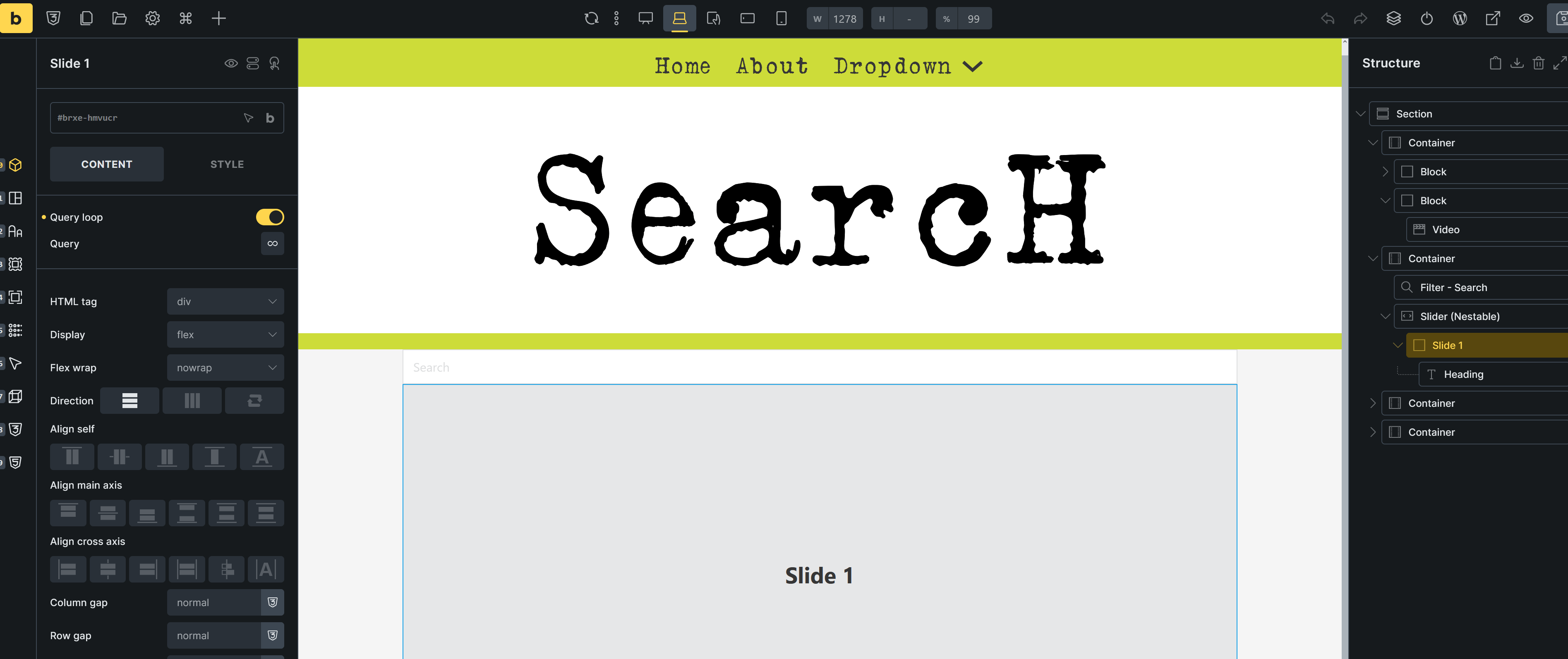
No, I am working off of one page for all that I will have for videos. Just like the current subscription services, Netflix, Disney, HBO, pretty much one page. Then other pages for account, policy, etc. The videos are all mine that I have made and will be making. On my site, near the top of the page before all that is on the site is a search button. Clicking it takes you to a search page I made. On that page I wanted to make it easier for the user by showing them a drop down or check box of all the categories to choose from. Then all the videos shown below. What I am doing no one has done so I am trying to help the user figure out what is there to watch.
Hey there, thanks for the clarification – I did this little video showing an example site that I have that shows many different ways to search and show content. Have a look and let me know if this is what you are looking for or may spark something.
If it is, I can go deeper into how to create them.
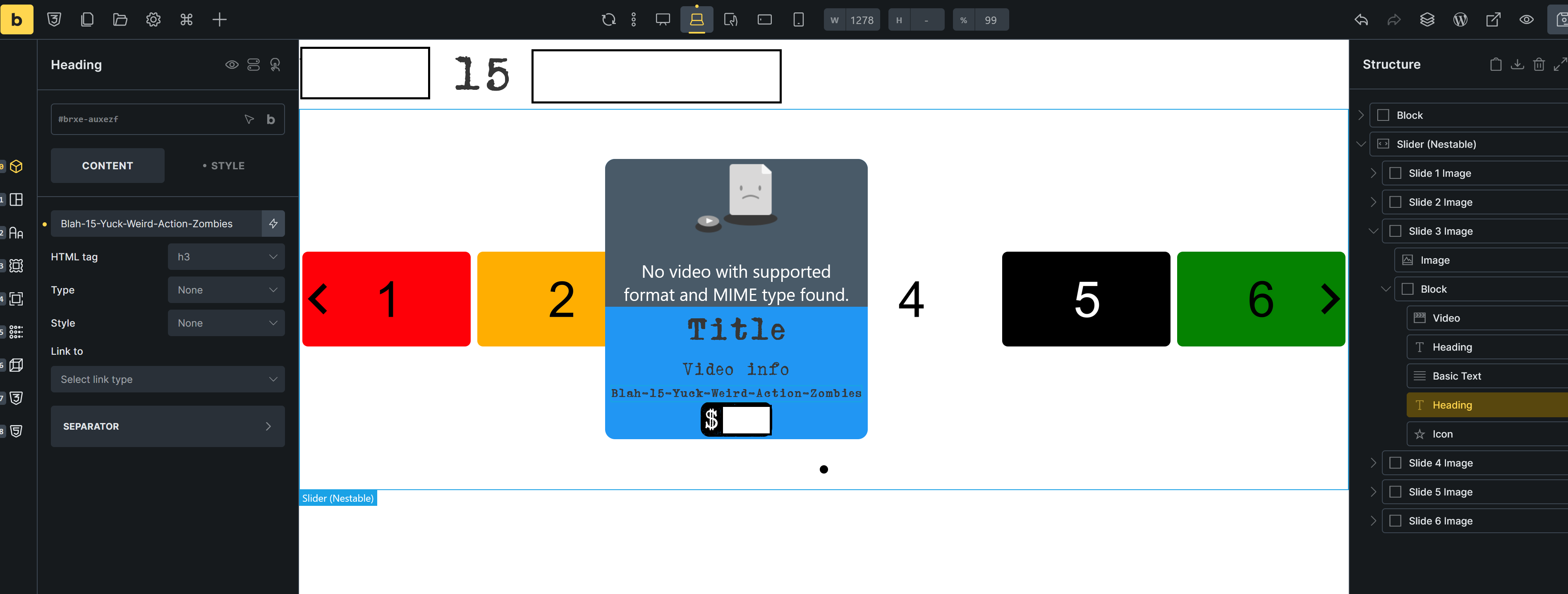
I am incredibly grateful for your help. Thank you. That example of courses with the filter course content is pretty much what I am aiming for. Sans left to top page but awesome. I have a template for a nestable slider for the videos and used the heading for what to search from/for. So the template picture which is the 1-6 then hover gives what you see with a short video of whats going on. Then the search page where I am stumped and the reference of the categories. I am thinking of showing the options rather than typing since this is new so users will know what is available and kind of see whats available as they use each one.
Once again, I appreciate your help with whatever you are willing to help me with. Thank you, Matt
You are awesome. Thank you. I will have to hit this tomorrow. I will let you know. I cant wait to show you and the rest of the bunch here the website so you can beat it down and help me improve it.