Hello!
The query filters are so powerful. I have been able to almost not need WPGB or other faceting systems. Except for one thing… 
I am unable to create a Select filter using the data from a Metabox Relationship.
The steps I follow are:
- Bricks > Settings > Query filters > Activate “Custom fields integration”
- Add a Filter - Select Element
- Source: Custom Field / Provider: Metabox / Meta key: {mb_activitats_activitat-servei_from} (which is the key that shows up when searching for my relationship)
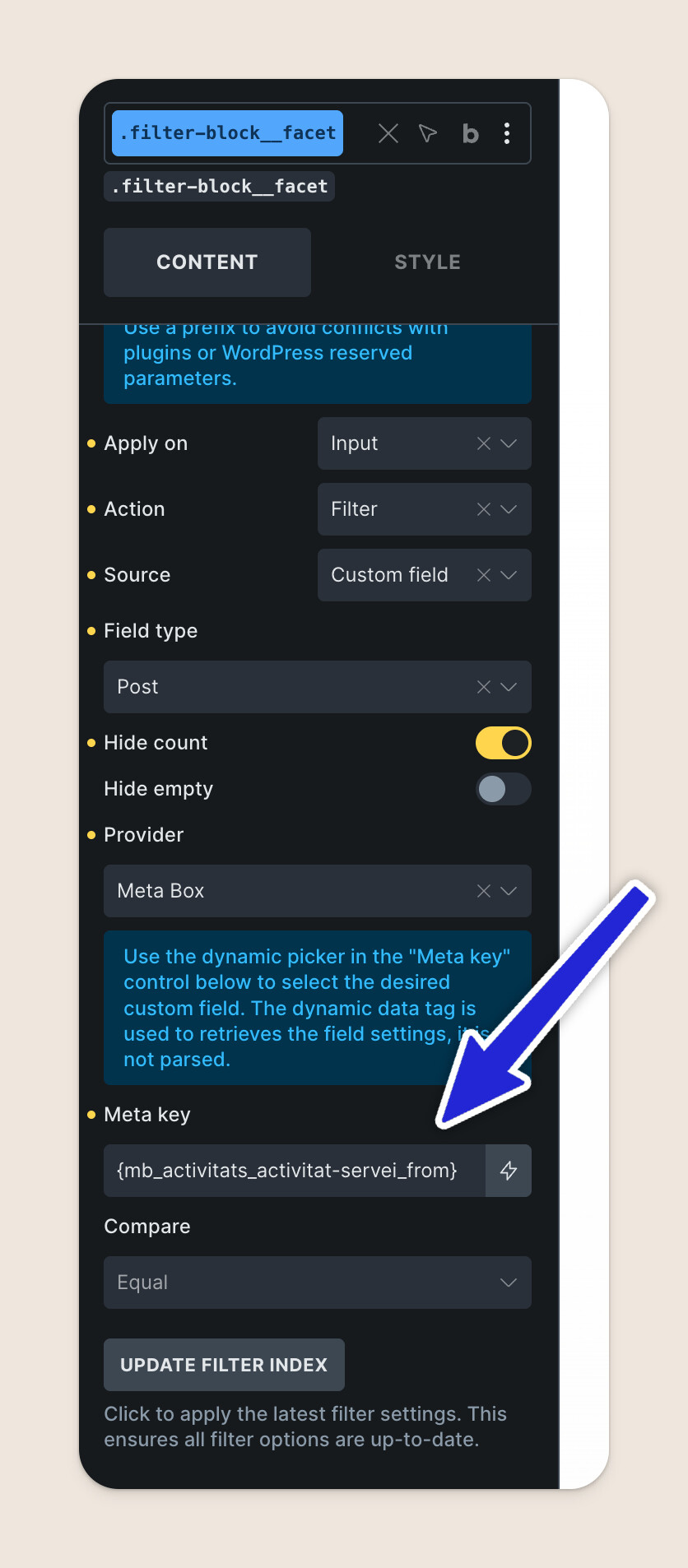
Everything seems fine, but in the frontend the select field outputs nothing.
On the docs, it says:
ACF Compatibility: Support fields like Relationship, multiple values fields, and Post Object fields.
Meta Box Compatibility: Support fields such as multiple choices, and Post, Taxonomy, and User fields. Not support Custom Table fields.
It says nothing regarding relationships and Metabox. So I am not sure if it’s a feature that hasn’t been added, or if I am doing something wrong!
What do you think?
Thanks!! 