These Filter Elements can choose the Source as Taxonomy, for example I choose Post Category / Product Category. Everything is fine.
But I have a practical requirement to do on the following projects, my Taxonomy Category (Or Product Category) has the following hierarchical Terms:
A - Root
-- A - 1
-- A - 2
-- A - 3
-- A - 4
B - Root
-- B - 1
-- -- B - 1.1
-- -- B - 1.2
-- -- B - 1.3
-- B - 2
-- B - 3
C - Root
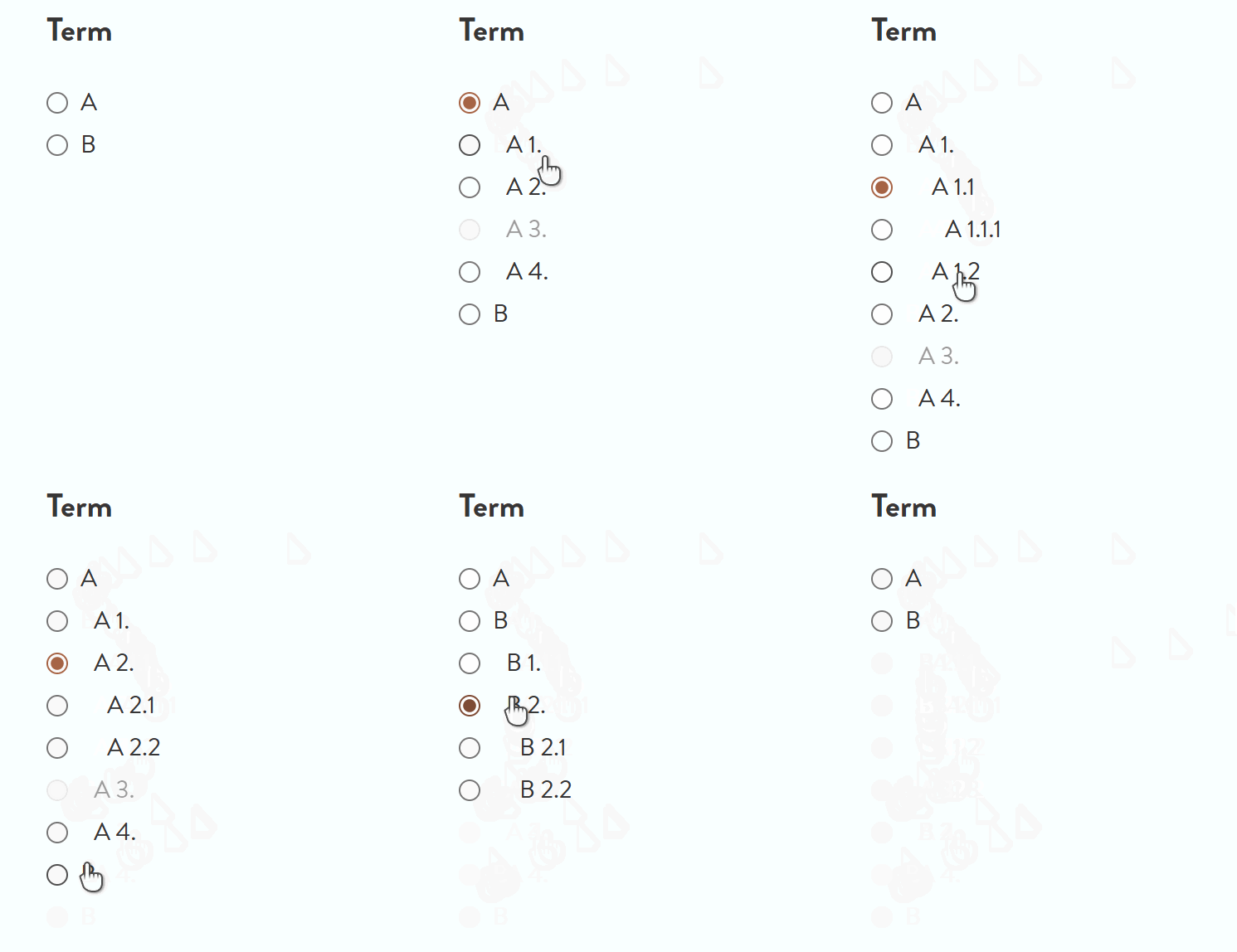
I need the Filter - Checkbox or Filter - Radio or Filter - Select to list only the child Terms of a parent Terms. For example, I just want to display a list of “chips”: A - 1, A - 2, A - 3, A - 4.(There are actually a lot of them and they are dynamic update.)
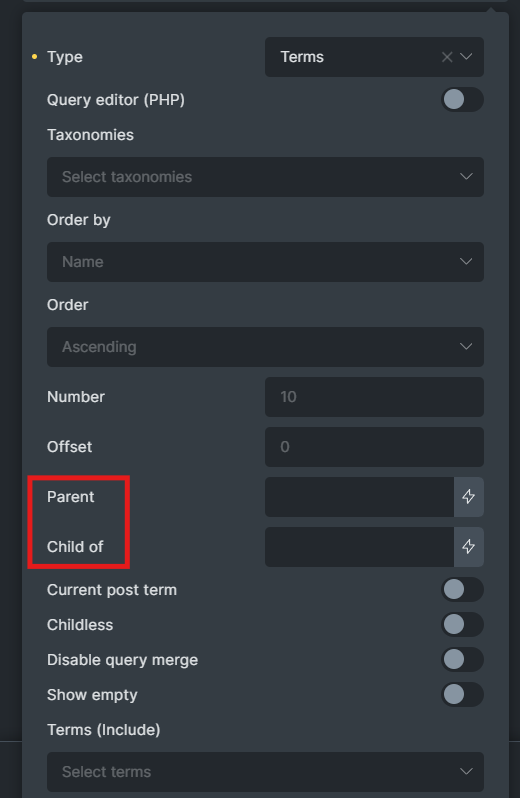
With Bricks’ Query Loop, we can do that easily. But with the current Taxonomy query option, Query Filter, it is not yet. Please see the 2 attached images below.
Query Loop: Taxonomy query have Parent and Child of
If there is any way to solve this issue using PHP (Hook, Filter), I would appreciate your help.
I hope Bricks Builder will add this feature to Query Filter in the near future.
I am currently using the exclude feature. I have to temporarily exclude each category that should not appear in the one that should appear. It’s very hard, but let’s deal with it like this for now because I have no other way at the moment. I think there is a way with PHP, but I haven’t had time to look into it yet.
However, I will probably add it under the Filter with a checkbox element, as soon as we will be able to choose “parent” and “child of” in filter element taxonomies.
@timmse - do you know if this functionality is in the roadmap?
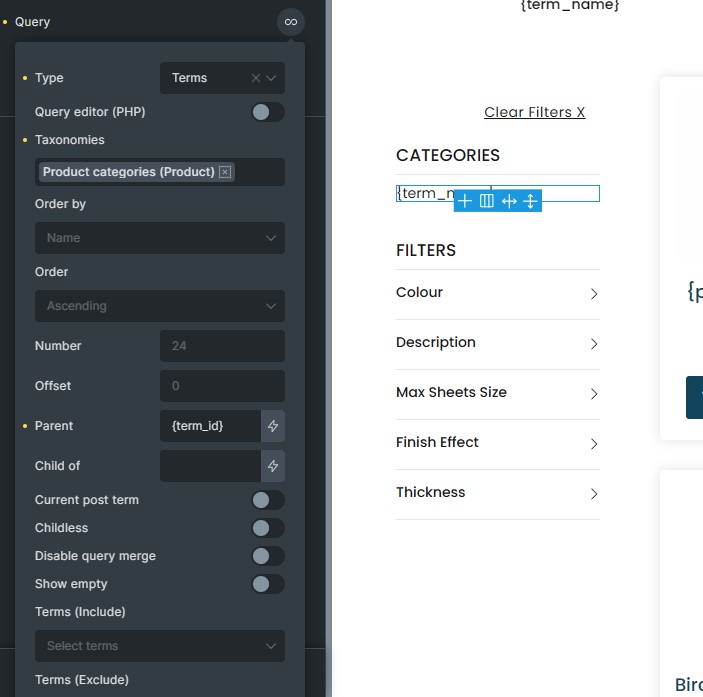
I can add ‘Parent/Child of’ setting with filters but something wonky going on. It works perfectly with static id but dynamic data like {term_id} works only on initial load. Changing the filter reloads it with ajax after which it ignores it.
I see this new Filter in version 2.0.2. Do you think it can help us solve this issue?
The bricks/filter_element/populated_options PHP filter allows you to modify the populated options of Filter – Select, Filter – Radio, and Filter – Checkbox elements before they are rendered into HTML. (@since 2.0.2)
This is useful if you want to:
Add/remove certain options
Reorder options (based on complicated custom requirement)