My customer has been providing me images that are way way too large to display nicely on a shop. That said, its all I have to work with currently.
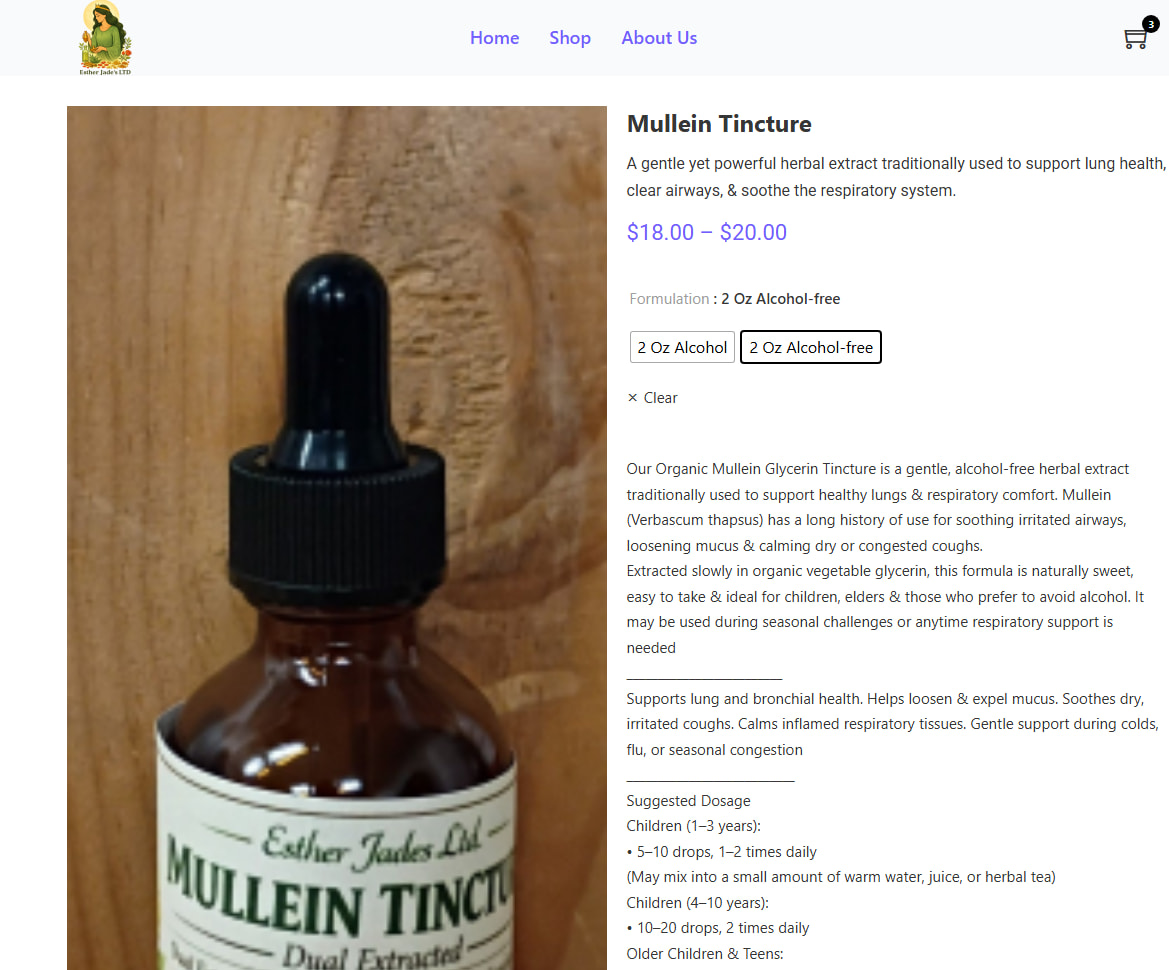
I have attempted to restrict the size of the image’s product gallery component to no avail. In addition, when you select a variation of a product, it makes the image ignore the restraints of the image element.
Outside of having the customer send me one of every item to reimage, how can I make this be a nice size, and contained inside the element?
Side note: I was able to get the images to scale down on my store page by making a card and setting the image element to contain, there is no option here with the product gallery element.
Examples:
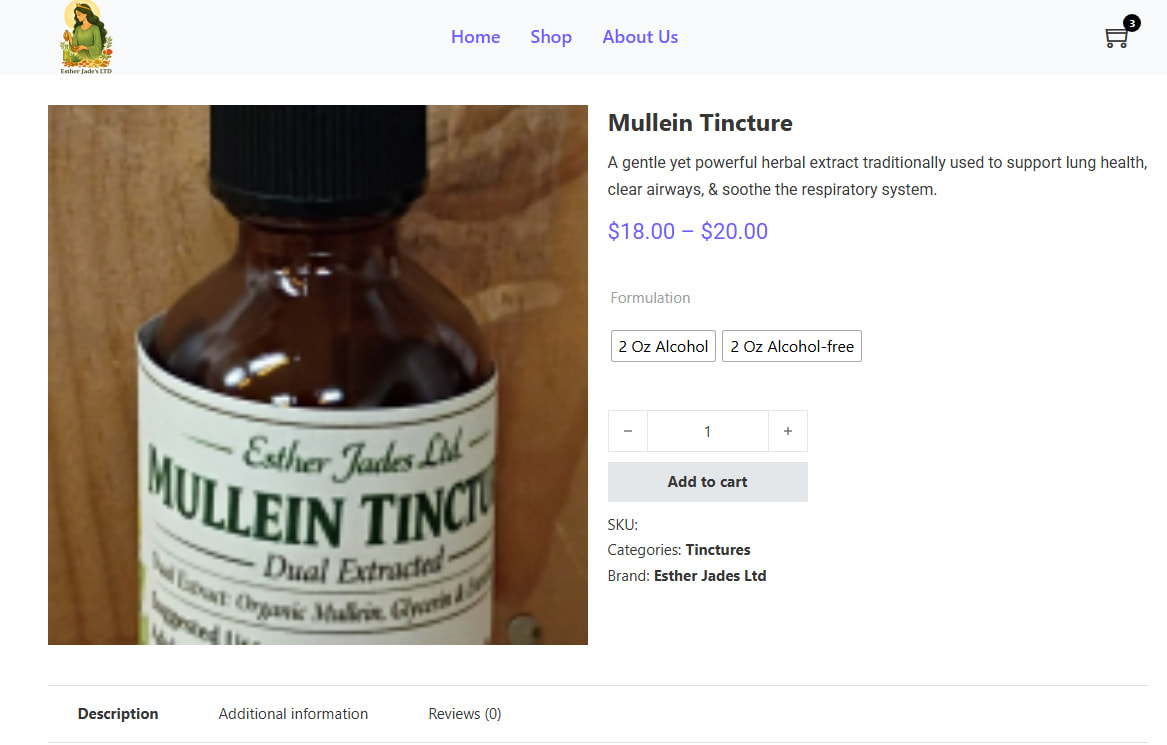
Initial load image inside the confines of the element:
Setting Max Height to 300, 150 - no difference
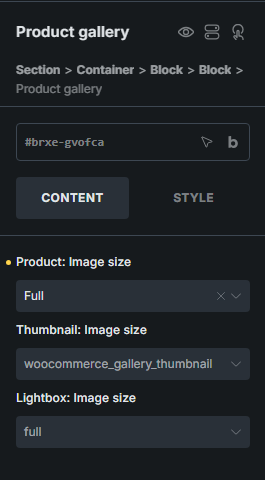
Changing ‘Product: Image size’ and ‘Thumbnail: Image Size’ - have attempted all variations small, medium, large, full. - no difference other than the quality of the image in the massive box is worse.
I have cleared my browsers cache each time between testing.
I am not sure who you are setting up your page template, but the one thing I am seeing if you images are too small 150x150 and then being distorted to a larger format.
Typically the best approach if your are using a single image, then don’t use the product gallery element, but a div with an image element within it and then set the width and height on the image.
It absolutely makes sense. Thank you for the pointers.
I was going to go the div/image route as a last resort, I do have some secondary images on some of the products, but I do not think its necessary at this time to show them.
I have to get MVP (Minimal Viable Product) out the door by tonight, so Ill go that route and play with it when I don’t have my back against the wall with time.
There are many ways one can show single images and gallery images – it really depends on the layout.
Just as an aside and a plugin for Thomas’s other great product, but have you used Happy File before? https://happyfiles.io/
It is fantastic as it works great with Bricks, is affordable, built by Thomas and the Bricks team. You can also use dynamic tags and query over media folders and such … just thought I would throw that out there. =]