I’m looking for some advice from anyone using Bricks 2.3.8 together with Polylang Free.
Environment
WordPress 7.0
Bricks 2.3.8
Polylang Free
I have a Unique template called “Home Standard V1”.
Its display conditions are set to four translated homepage pages:
Accueil FR
Home EN
Home IT
Nyumbani SW
All four pages are linked together as translations in Polylang and are each configured as the static homepage for their language.
Permalinks have been saved again several times.
The strange part is this:
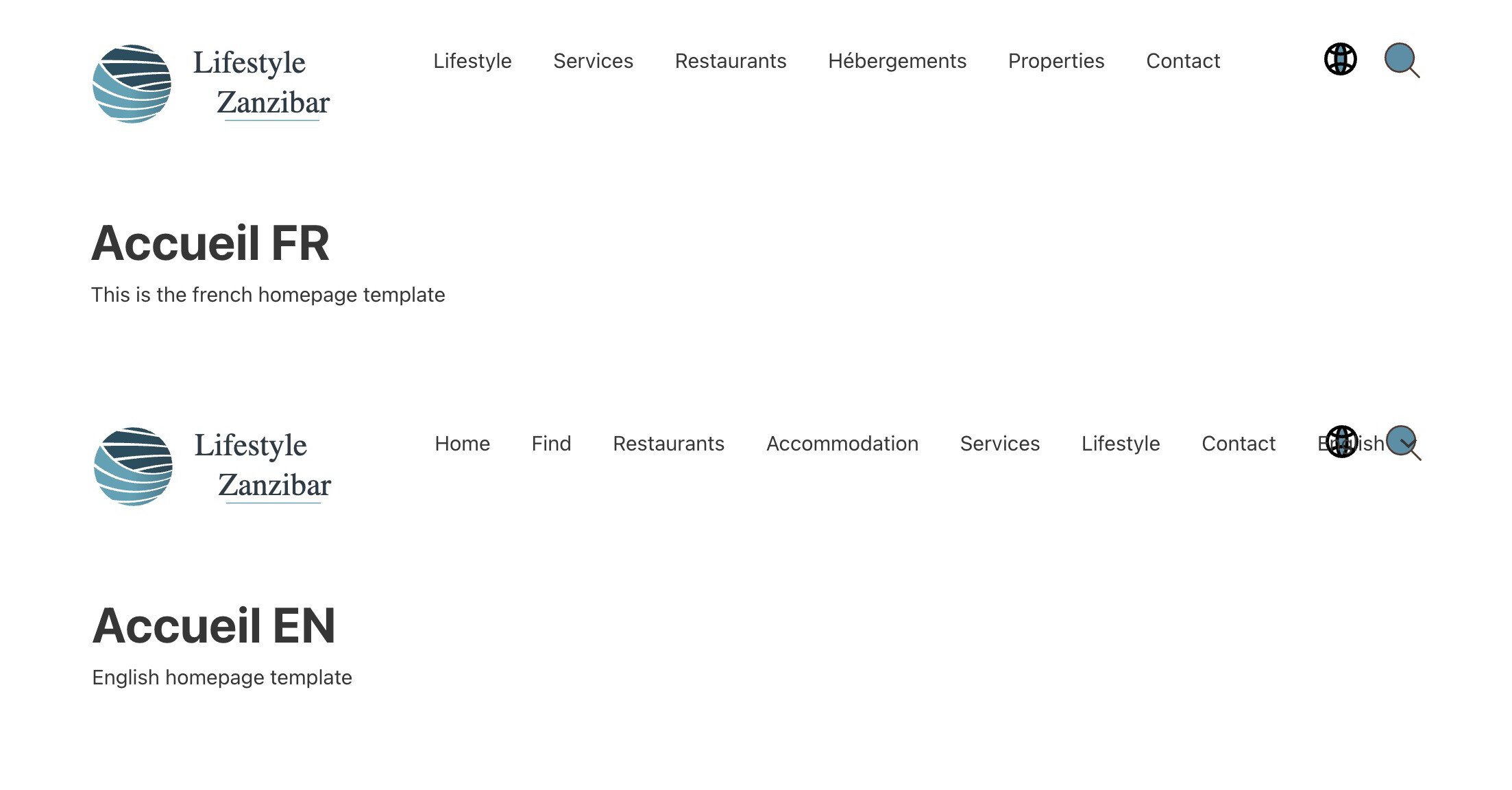
/fr/, /en/, /it/ and /sw/ display “Nothing found”.
The actual page URLs, such as /fr/accueil/, work correctly.
The homepage pages are correctly linked in Polylang.
The template conditions are assigned to those pages.
Another thing I noticed is that the template conditions sometimes appear to be saved, but when I reopen the template, the conditions are not always displayed correctly in the Bricks interface.
Before changing my whole site structure, I’d like to know whether anyone has successfully used one Unique template for multiple translated homepage pages with Polylang.
Is this the recommended approach, or should each language have its own translated Bricks template instead?
Has anyone experienced something similar or found a solution?
For Polylang, the recommended setup is to translate the Bricks template per language, not to use one Unique template assigned to multiple translated homepage pages.
Each Bricks template should have a language assigned in Polylang, then you create/translate the matching template for each language. If a page is in a language but the template is not translated/assigned for that language, Polylang can prevent that template from being used for the page.
So for your homepage setup, I would use:
one translated homepage page per language
one translated Bricks template per language
each template assigned to the corresponding Polylang language
This is also covered here:
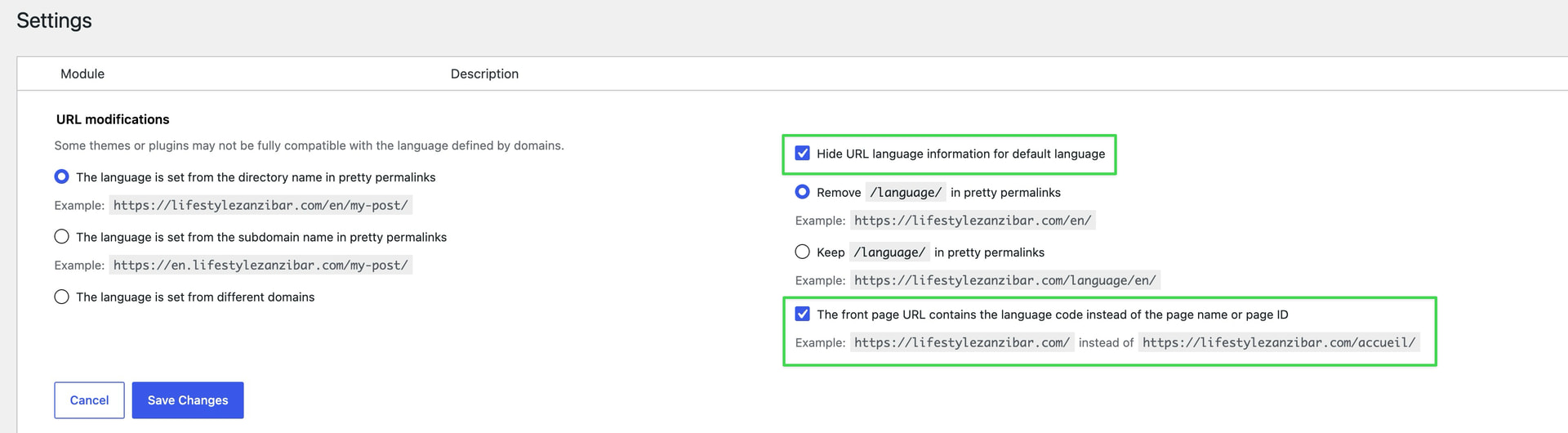
If /fr/, /en/, /it/, and /sw/ still show “Nothing found” after that, I’d check the Polylang/WordPress static homepage assignment for each language. The fact that /fr/accueil/ works but /fr/ does not points more to the language homepage mapping than to the Bricks template condition itself.
For the part where template conditions appear saved but are not shown correctly after reopening the template: if that still happens after switching to translated templates, please send a short screen recording or the affected template export so we can inspect that specific behavior.
Thank you very much for your clear explanation and for taking the time to answer my question.
Your recommendation makes perfect sense. I will rebuild my homepage setup following the approach you described, with one translated Bricks template per language, each assigned to its corresponding Polylang language.
If I still experience the same issue after implementing the recommended structure, I’ll come back with the requested information.
I’m trying to configure a multilingual website with Bricks 2.3.8 and Polylang, and after many tests I think I’ve isolated a possible compatibility issue.
Current setup
Bricks 2.3.8
Polylang (free)
One static homepage per language:
French: Accueil FR
English: Accueil FR - English
In Settings → Reading, switching the admin language correctly changes the selected homepage:
French → Accueil FR
English → Accueil FR - English
Bricks templates
I created two Home templates:
Home Standard V1 FR
Condition: Individual → Accueil FR
Home Standard V1 EN
Condition: Individual → Accueil FR - English
Both templates are linked through Polylang as translations.
Header test
I also created a Header template.
First condition:
Entire website
The Header is displayed correctly.
Then I changed the condition to:
Individual → Accueil FR
The Header immediately disappears from /fr/.
This seems to indicate that Bricks does not recognize /fr/ as the page Accueil FR when evaluating the template conditions.
Additional checks already performed
Pages are correctly translated in Polylang.
Templates are correctly translated in Polylang.
Reading Settings correctly switch the homepage according to the selected language.
Permalinks have been refreshed.
The Header template itself is recognized by Polylang as a French template.
No obvious configuration issue could be found.
Frontend result
Both URLs display only:
/fr/ → Nothing found
/en/ → Nothing found
When the Header condition is Entire website, it appears.
When the Header condition is Individual → Accueil FR, it disappears completely.
My question
Is this expected behavior when using Polylang?
Does Bricks evaluate translated homepages differently for Individual conditions?
Also, must Header templates themselves be translated into every language before Bricks can correctly evaluate Individual conditions on translated pages?
I’m not sure why you’re repeating your initial post, but it would probably be best to send login credentials and a link to this thread to help@bricksbuilder.io using the email address you used during the purchase so we can take a closer look at your setup.
Individual → Accueil FR
The Header immediately disappears from /fr/.
That’s expected since /fr/ doesn’t match the individual page slug. You should keep the header template on entire website, so it applies to every page in that particular language (makes most sense). However, it could also be due to missing polylang settings (see below).
I also added an english translation for the header template, so that a header is also displayed on English pages.
Thanks Tim.
I’ll leave those settings enabled and continue the development from here.
Thank you again for taking the time to investigate my installation. I really appreciate your help.