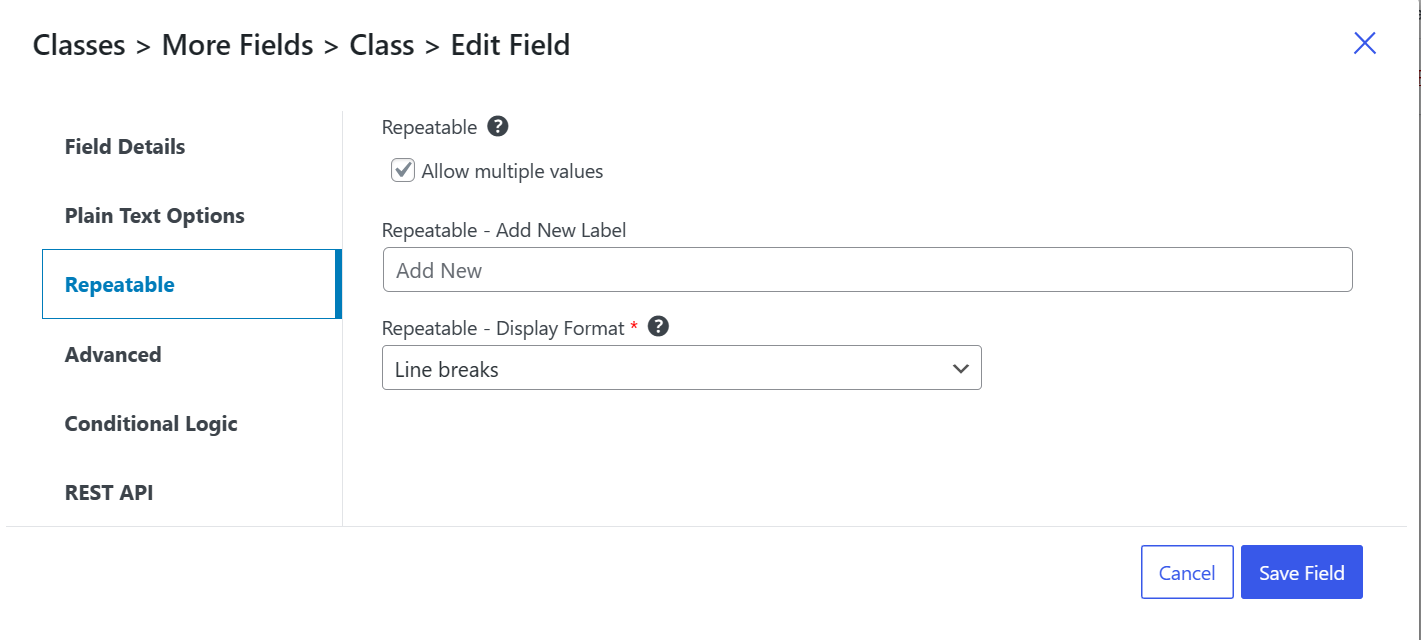
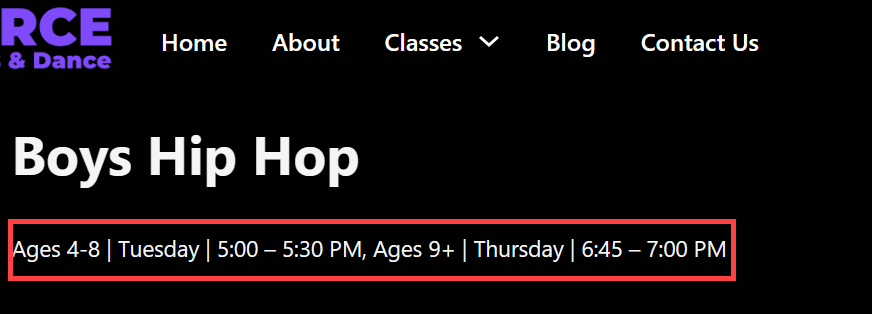
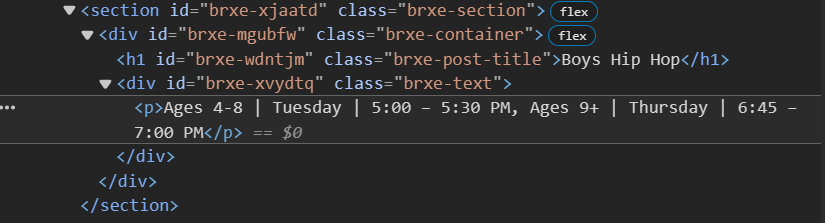
I don’t fully understand how this is working behind the scenes and if it’s a Bricks issue or a PODS issue because the DB has the post meta content as 2 records. I’m assuming that’s likely normal but I have not used repeater fields until now.
If you need to render any Pods repeater (or even a simple field) inside Bricks Builder (or any page builder that doesn’t execute [pods_repeater_ul]), here’s a clean and reusable PHP shortcode.
It keeps your implementation DRY, works site-wide, and avoids the limitations of native dynamic data tags.
The Code (copy & paste)
You can add this snippet using:
Fluent Snippets, or
Code Snippets, or
a simple functions.php addition in your child theme.
add_shortcode('pods_repeater', function($atts) {
  $atts = shortcode_atts([
    'pod'   => '',              // Pod name (e.g. "tour")
    'field' => '',              // Field slug (e.g. "includes" or "notes")
    'id'    => get_the_ID(),    // Optional: defaults to current post ID
  ], $atts, 'pods_repeater');

  if (empty($atts['pod']) || empty($atts['field'])) {
    return '<!-- Missing pod or field attribute -->';
  }

  $pod = pods($atts['pod'], $atts['id']);
  if (!$pod) {
    return '<!-- Pod not found -->';
  }

  $field_data = $pod->field($atts['field']);
  if (empty($field_data)) {
    return '<!-- Field empty -->';
  }

  // If it's a repeater (array of rows)
  if (is_array($field_data)) {
    $output = '<ul class="pods-list pods-list--' . esc_attr($atts['field']) . '">';
    foreach ($field_data as $row) {
      // Try to extract a readable value (adjust according to your repeater structure)
      if (is_array($row)) {
        $value = $row['title'] ?? $row['name'] ?? $row['item'] ?? reset($row);
      } else {
        $value = $row;
      }
      $output .= '<li>' . esc_html($value) . '</li>';
    }
    $output .= '</ul>';
    return $output;
  }

  // Otherwise, assume it's a simple text field
  return '<ul class="pods-list pods-list--single"><li>' . esc_html($field_data) . '</li></ul>';
});
How to Use
In Bricks Builder (or anywhere shortcodes are supported):
Because Bricks Builder doesn’t execute Pods shortcodes by default in dynamic fields or text elements.
This method guarantees server-side rendering of repeaters and works in any context — template, block, or builder.
Hello.
I have the same problem.
Thank you for the code, but I can’t make it work. I don’t understand what it needs in this:
ul class="pods-list pods-list–’ . esc_attr($atts[‘field’])
what class? how to set it? where?
Just as with the first person to ask this question, I don’t have any “li” or class elements or any structure. The output comes our as p, and in one line, with a comma.
Please explain more in detail how to make it work.
OK, I managed to tailor it to myself with the help of ChatGPT.
(Rather proud of myself of thinking to do that, as I never did that before) Wonders never cease…