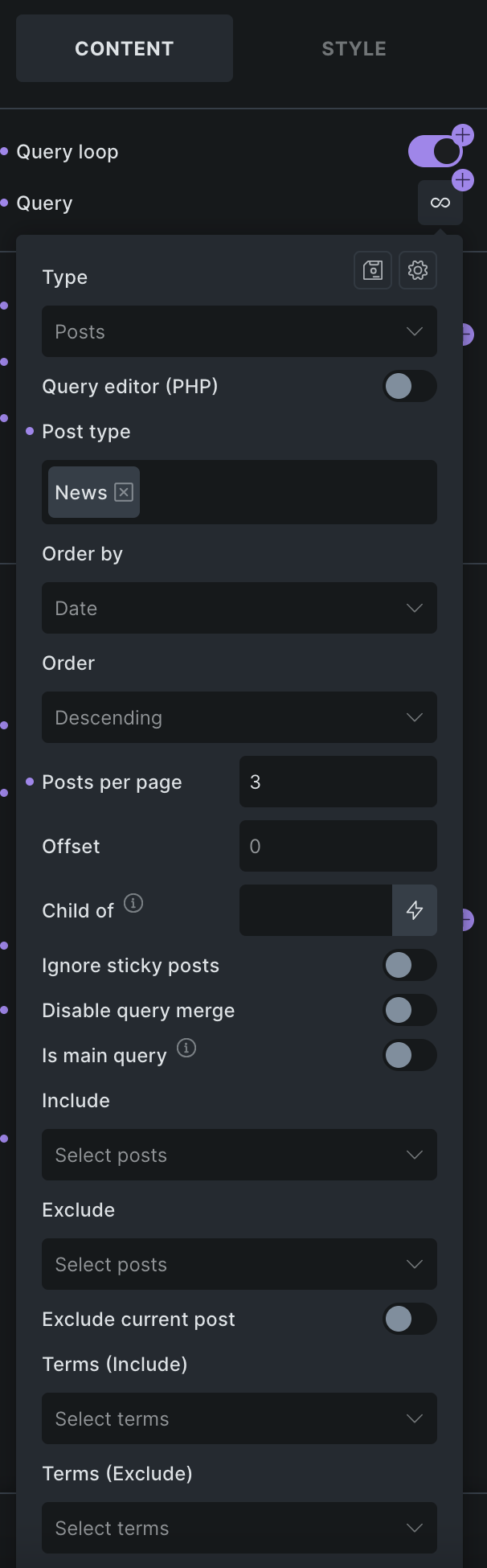
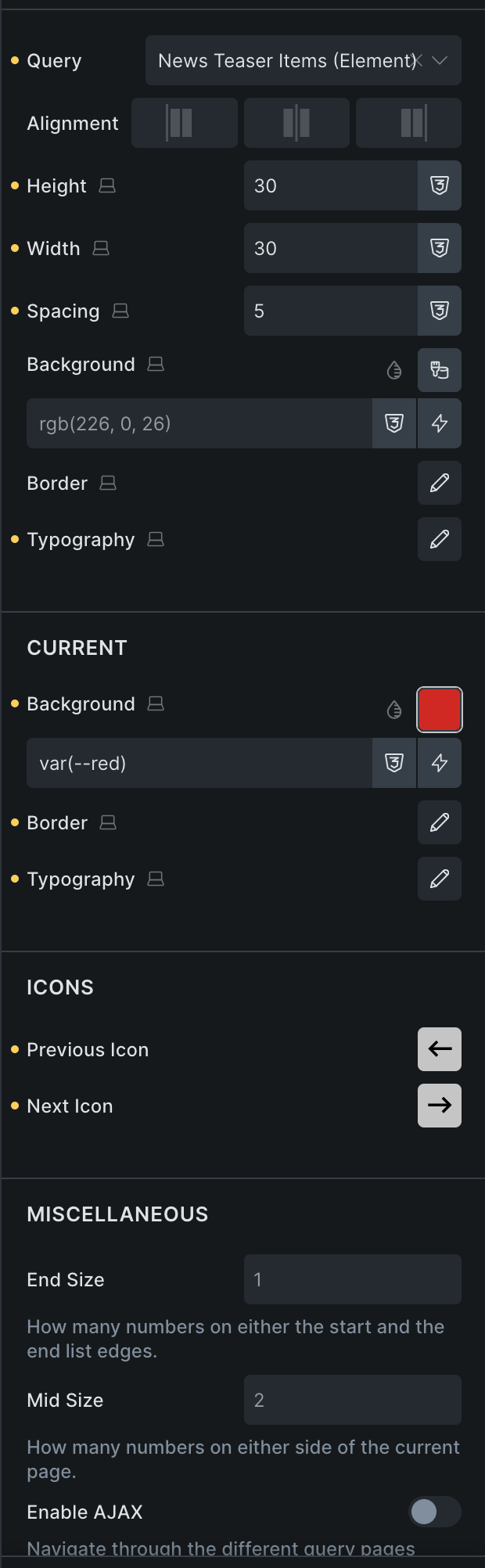
Basically, the pagination is displayed and shows the paginated page links.
with default setting (reload page on click) in preview mode:
link to page 2 /aktuelles-und-mehr/page/2/ leads to 404.
with setting for ajax load, in preview mode:
link to page 2 /aktuelles-und-mehr/page/2/?bricks_preview=1784558044&lang=de works fine, as well as navigating back to page 1.
But when that same url is reloaded, page returns a 404.
without preview mode, none of them do work, regardless if ajax load or default setting is used (always leads to 404).
Hi Lars,
This usually comes from the query/pagination setup rather than permalinks.
Unfortunately, you posted the query screenshot twice, so it’s hard to tell what the settings for the pagination element look like.
Please check these:
In the Pagination element, set Query to the actual News query loop, not Main (if available), unless this is the archive/search main query.
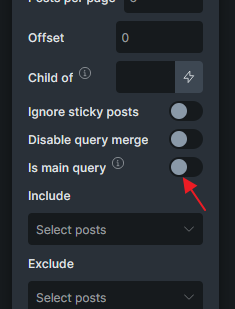
Try to enable Is main query on the query loop only – that usually solves pagination problems (try hovering over the “i” icon ;-))
Additionaly, try to enable “Disable Query Merge” on the loop
If it still returns 404 after those checks, please send login credentials, information on where we can see the issue and a link to this thread to help@bricksbuilder.io
Please check these:
In the Pagination element, set Query to the actual News query loop, not Main (if available), unless this is the archive/search main query.
Try to enable Is main query on the query loop only – that usually solves pagination problems (try hovering over the “i” icon ;-))
Additionaly, try to enable “Disable Query Merge” on the loop
I’ve tried all these ways but without any result.
Additionally, this is no archive query.
Issue was a conflict of 2 rewrite rules between page slug aktuelles-und-mehr and the CPT custom slug that accidentially was also named aktuelles-und-mehr (which lead to an collision and technically unresolvable url → 404🤷♂️).