Mezzy
September 15, 2025, 8:13am
1
Browser : Chrome 110OS : macOS / Windows / Linux / etc.URL : Link to a page that illustrates this issueVideo : Short screen recording that illustrates this issue (free tool: jam.dev )
Hello, I came across a problem and have no clue what’s going on.
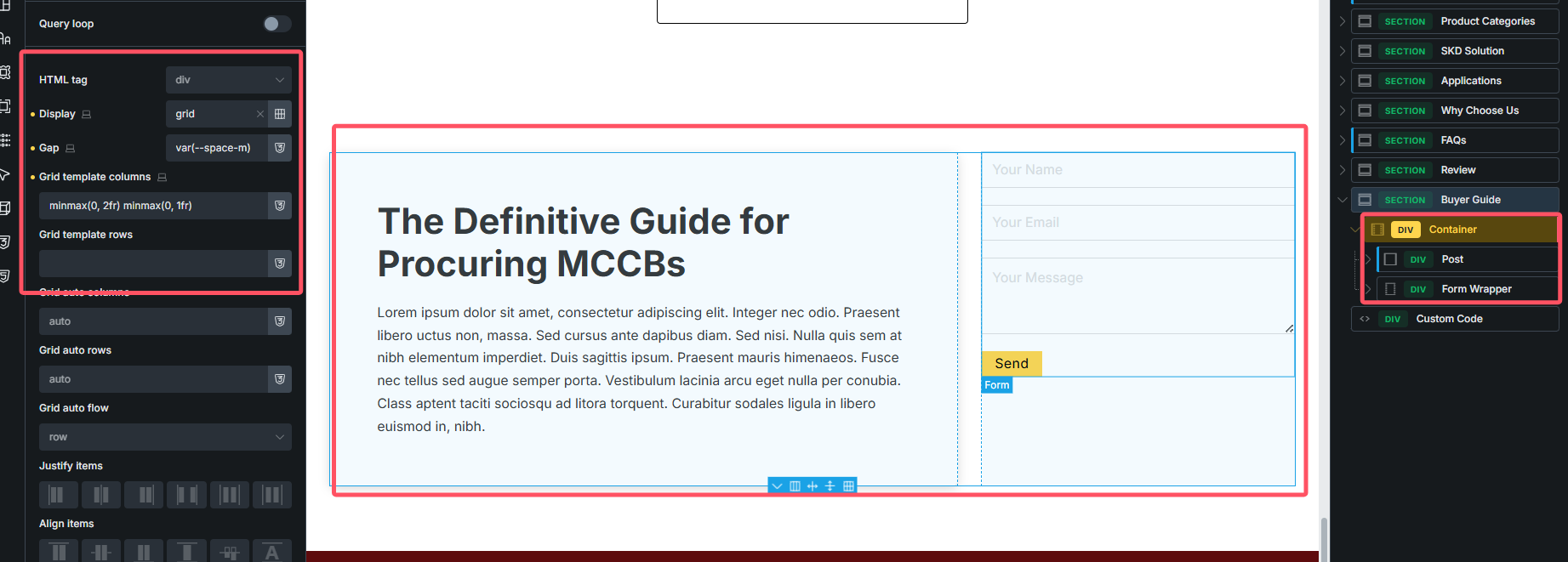
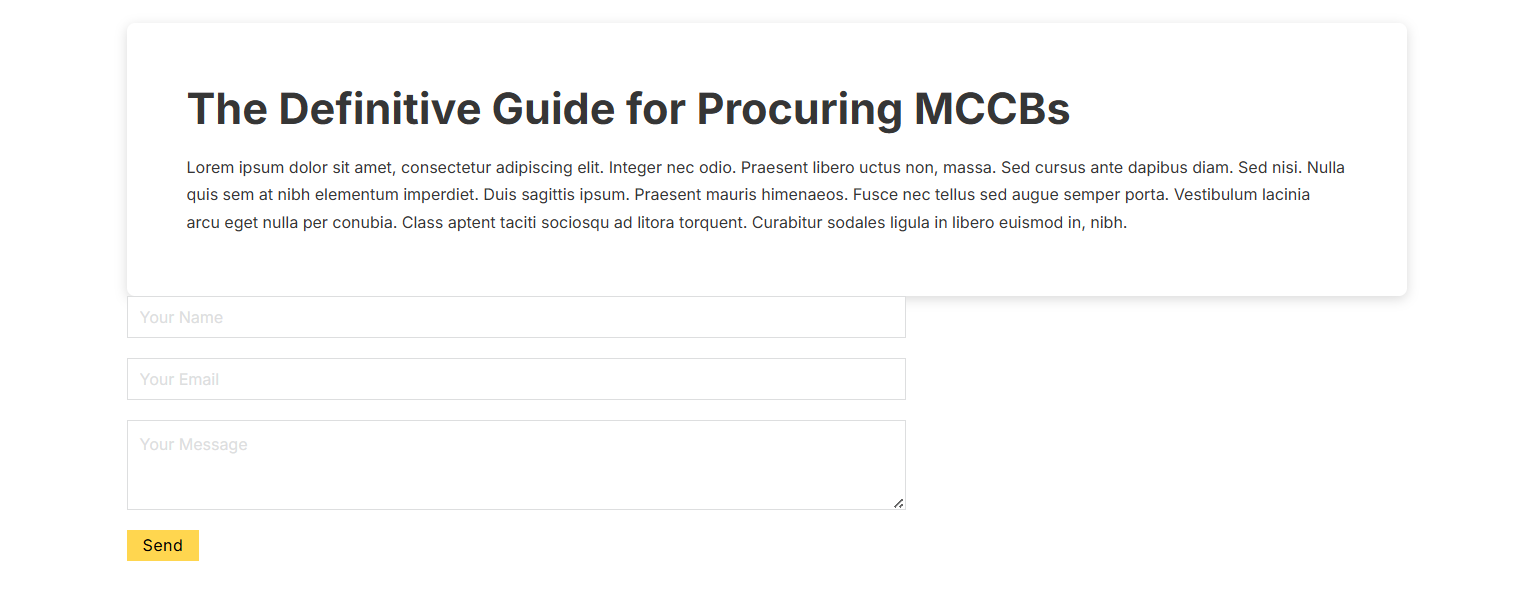
I used grid on the container of the section, and it works on the preview mode, but on the frontend. It didn’t work. I wonder what’s going on.
url: MCCB – sincede.cn
Mezzy
September 15, 2025, 8:33am
2
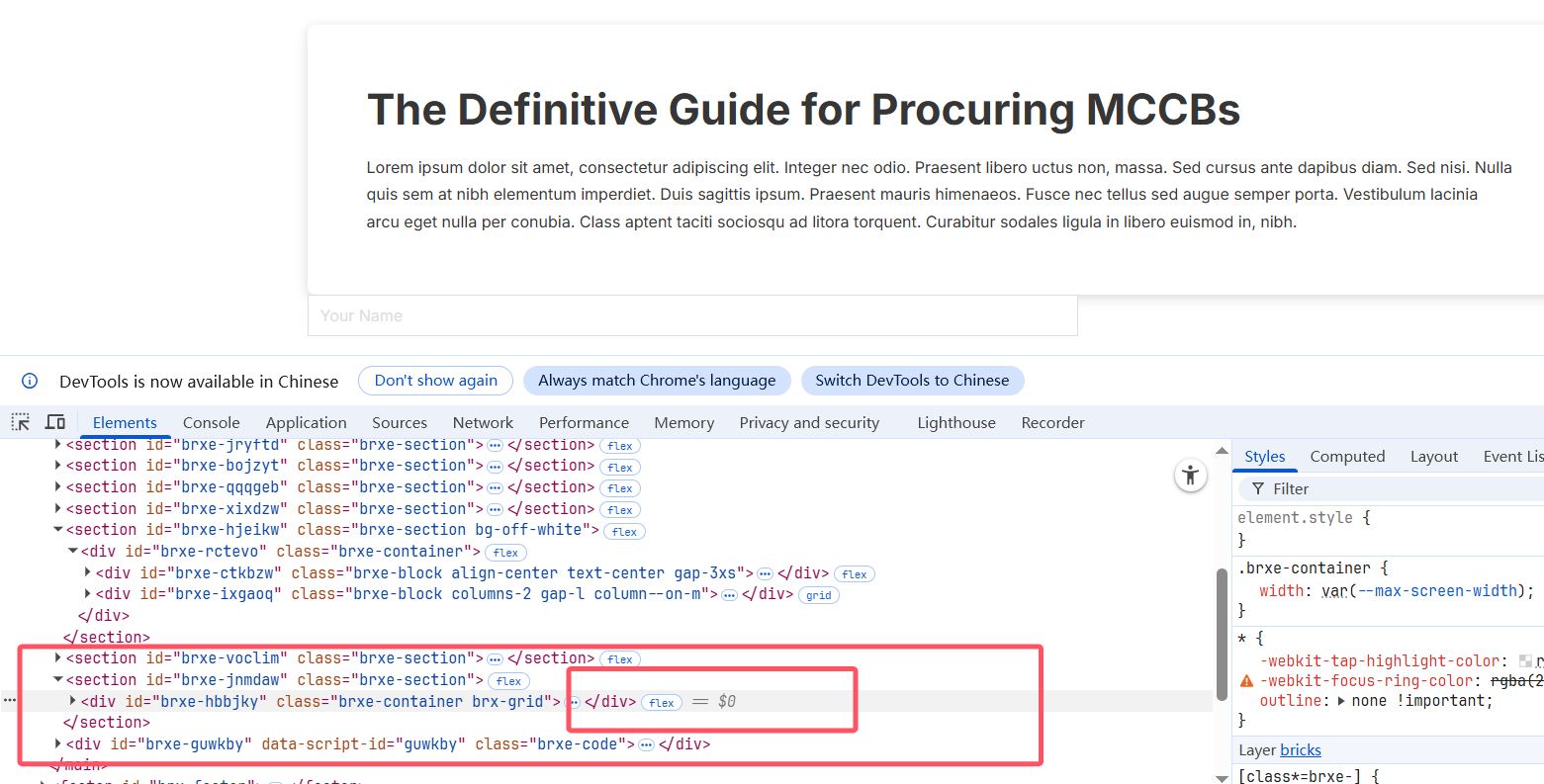
I checked the front end, and it’s still displayed flex
Matej
September 15, 2025, 9:07am
3
Hi @Mezzy ,
looks like you have this defined on the .brx-grid class, right? I can see the class there, but I can’t see it in the styles.
Do you have those styles defined on that class? If yes, can you try switching from external styles to inline ones or vice versa?
Matej
Mezzy
September 15, 2025, 11:58am
4
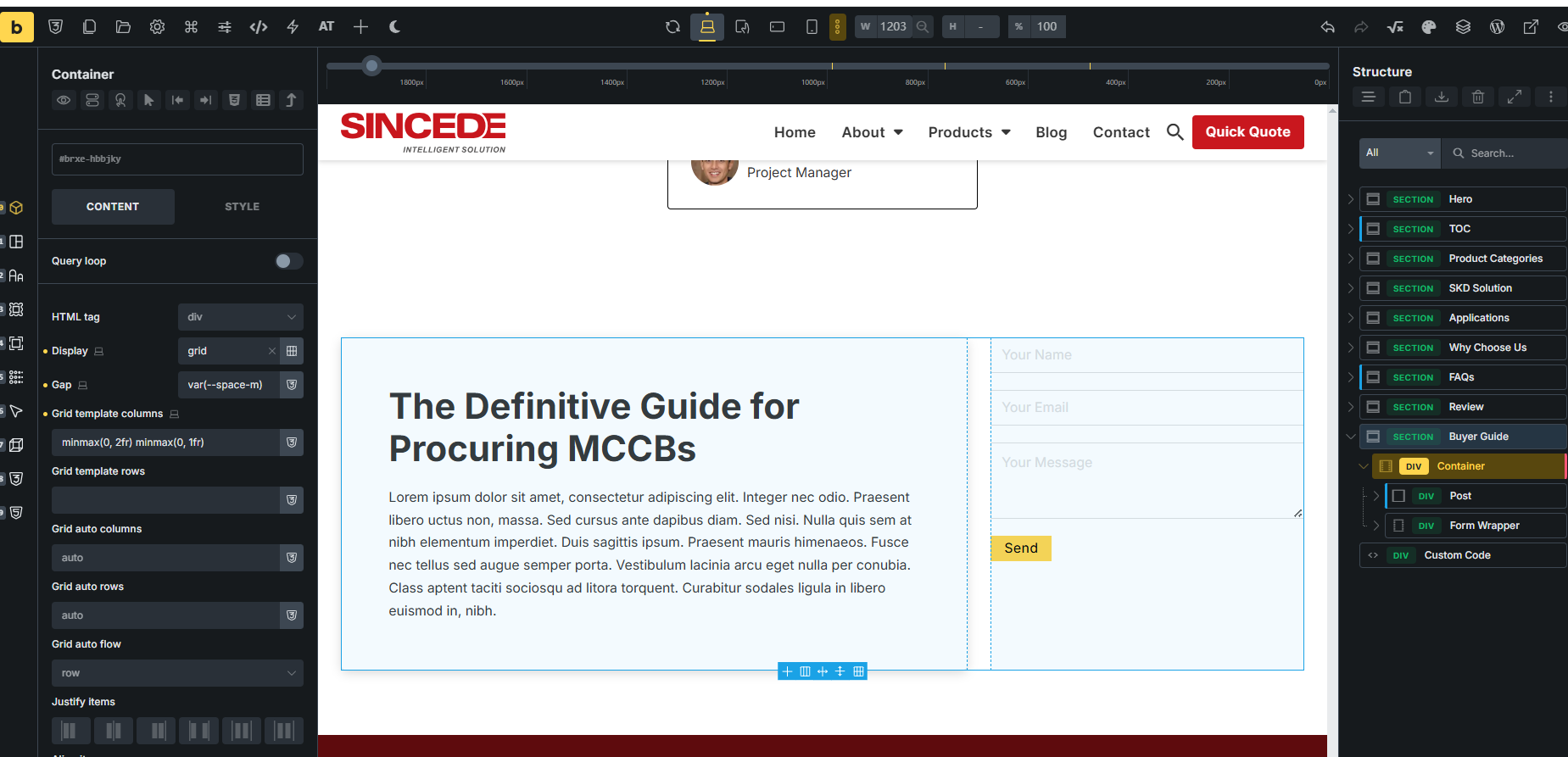
Hello, Matej, I uploaded the full screenshot, I didn’t use any class or css in this container.
The grid layout worked for the other containers in sections except for this one.
Matej
September 15, 2025, 12:38pm
5
Hi @Mezzy ,
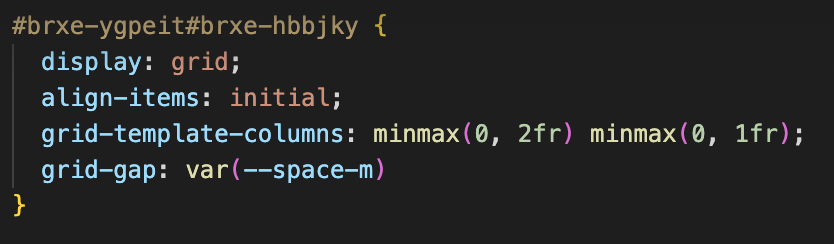
thank you for the screenshot. It seems to be something wrong with your custom CSS.#brxe-ygpeit ul element. Because the generated selector is not correct:
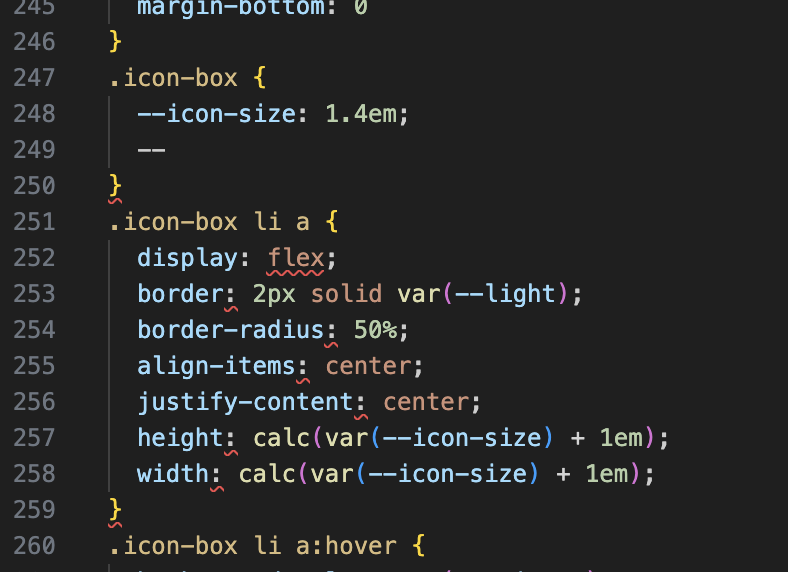
Also, there seems to be something missing in .icon-box class.
Let me know once you fix it,
Mezzy
September 16, 2025, 3:29am
6
Hi Matej, you really really saved my ass!!!
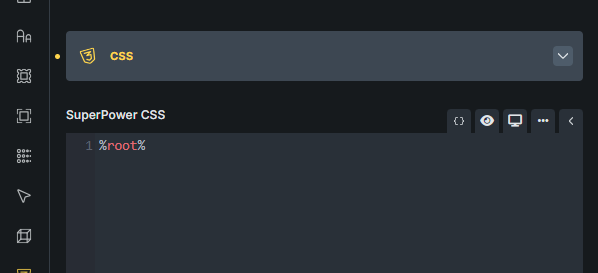
I left an %root% in the id level of the #brxe-ygpeit , finally it becomes a problem.
As for the Icon-box, I fixed it too, cause I left ‘–’ for the local variables but I didn’t finish it.
Matej
September 16, 2025, 5:15am
7
HI @Mezzy ,
I’m glad that it’s solved now and that the issue is resolved. I’m marking the topic as no-bug.
Thank you for your response.