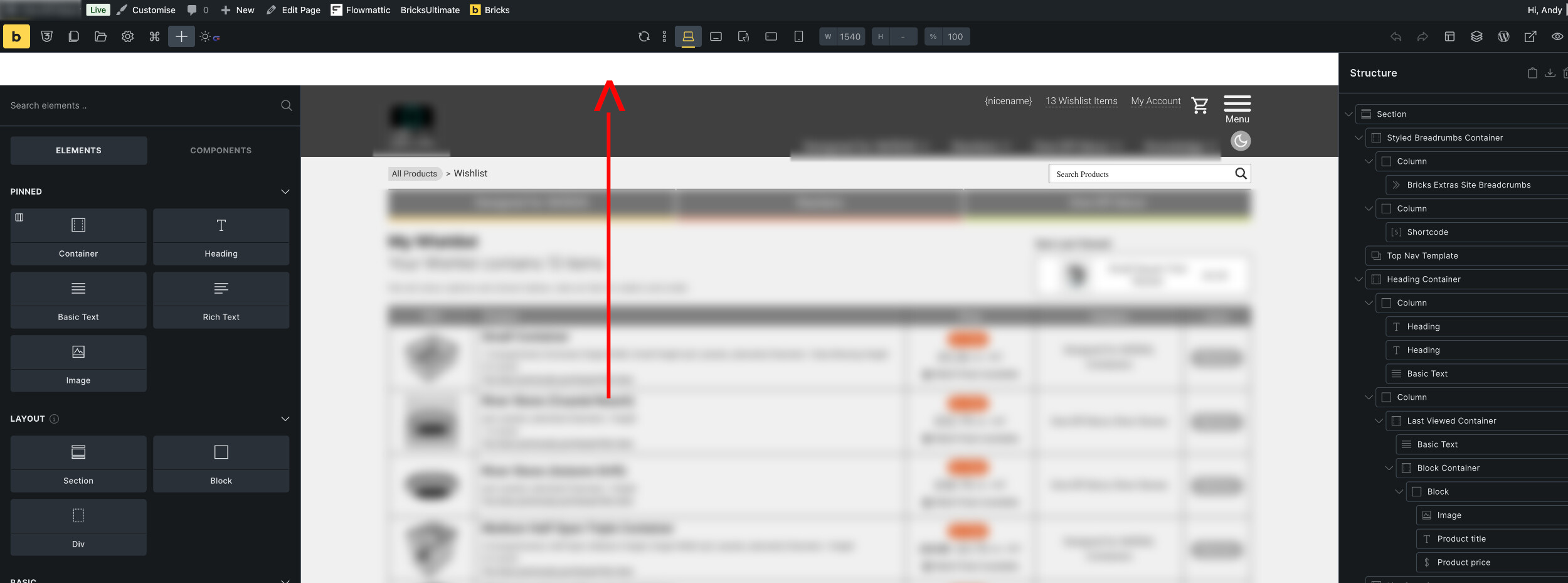
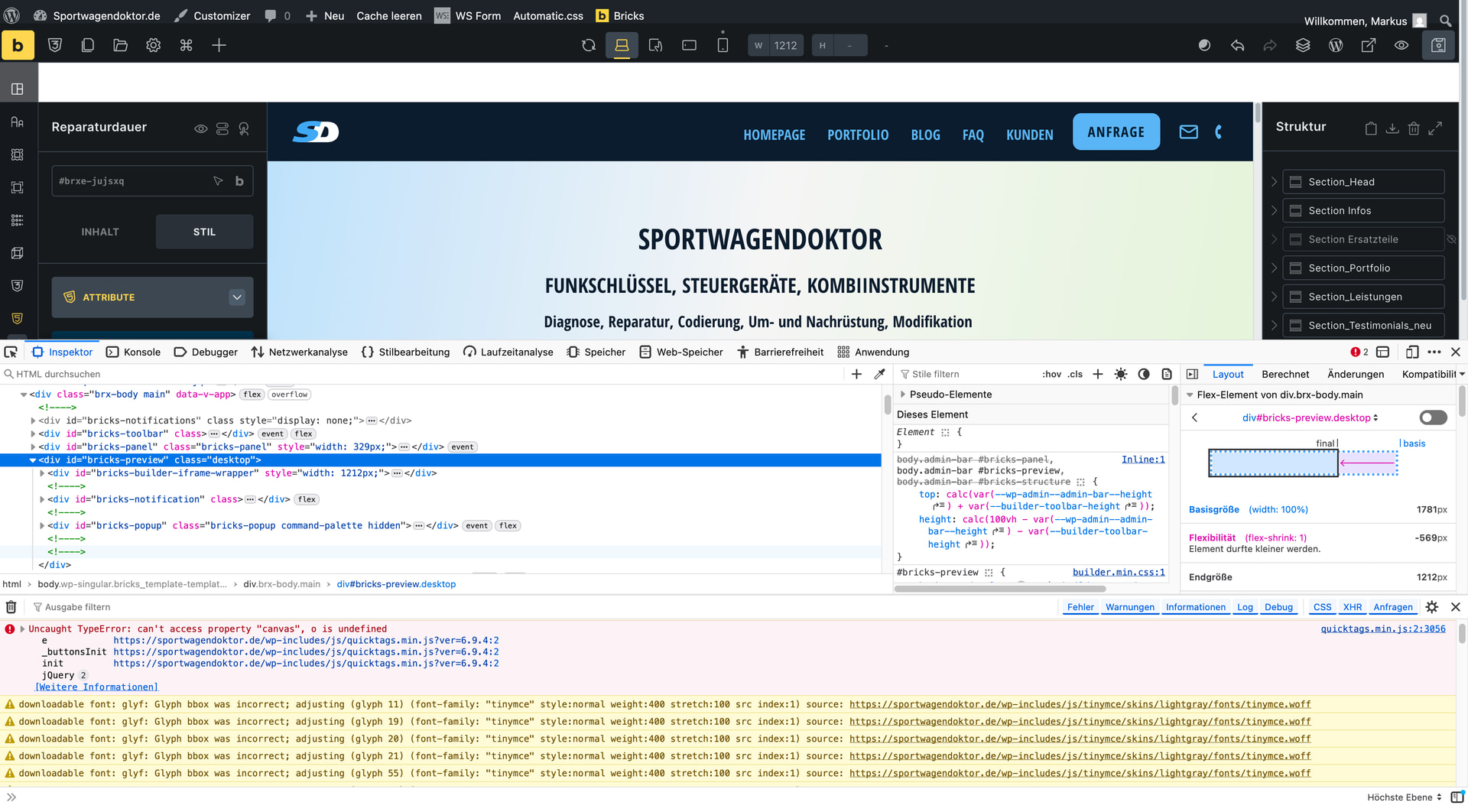
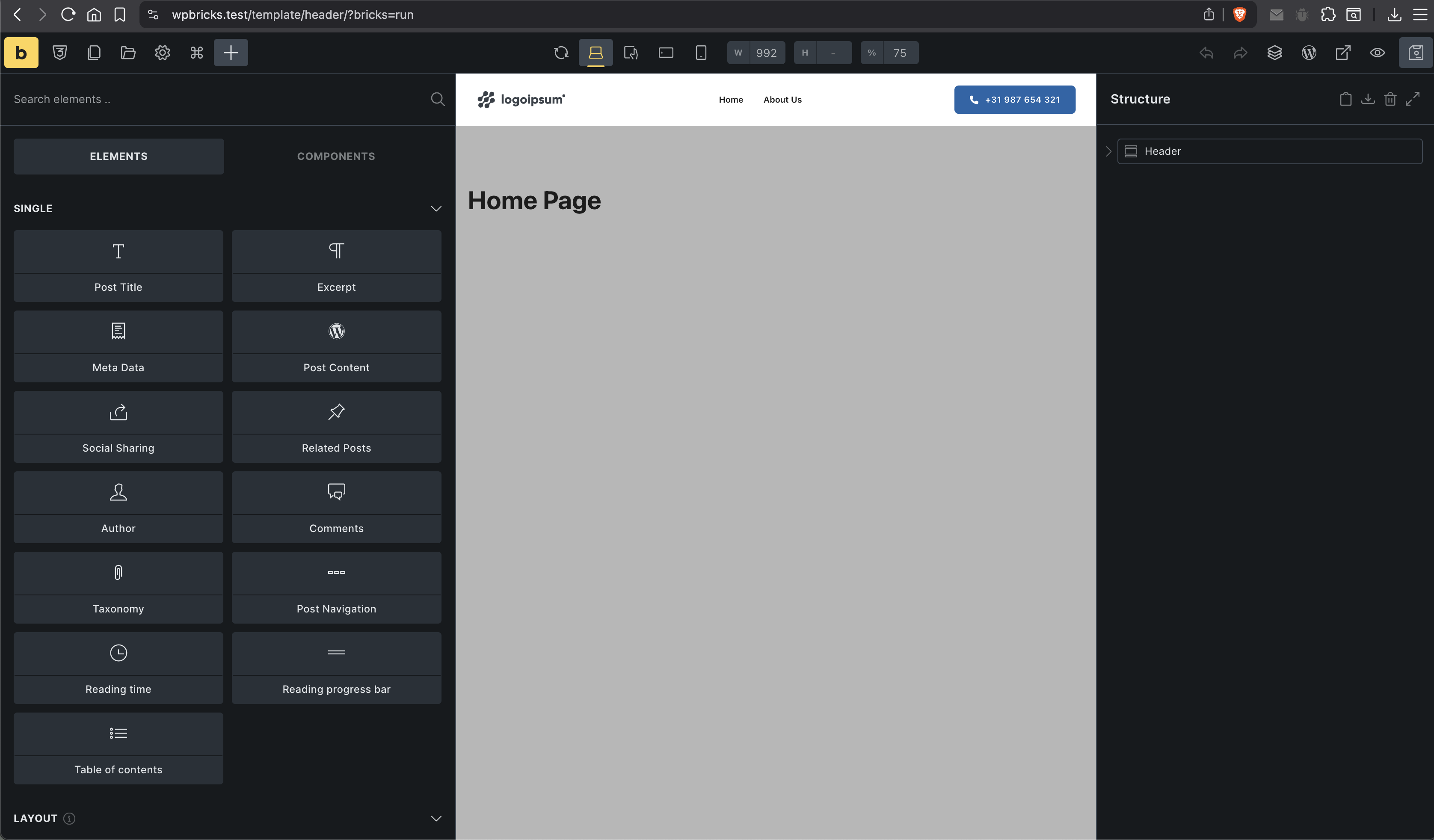
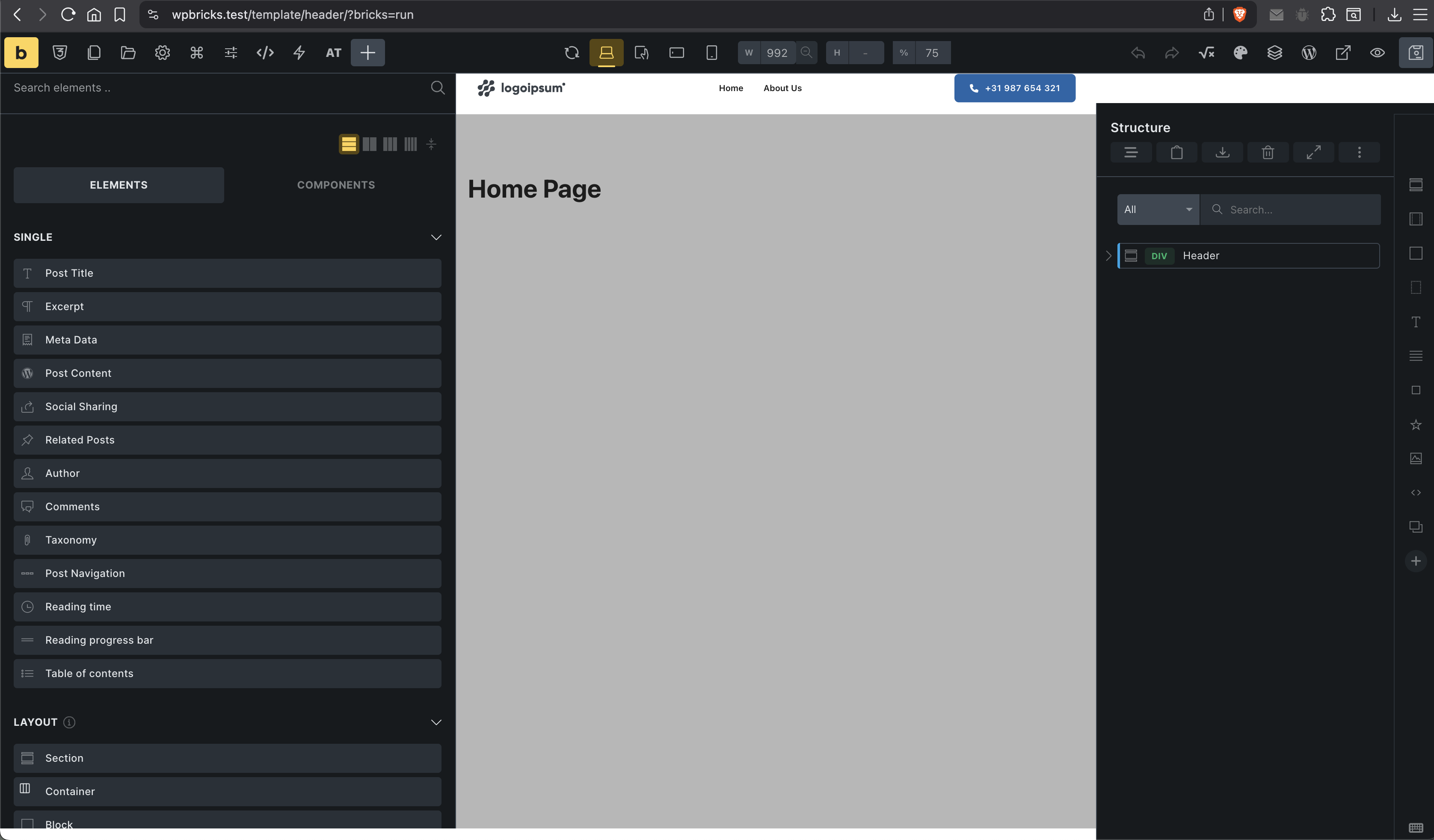
Wondering if anyone else has this problem after 2.3.3 update? White space has appeared as shown at top of page on all pages in the builder.
I know Bricks Navigator has caused some issues in the past, but deactivating it doesn’t change things. Rolled back to Bricks 2.3.2 and it’s all OK again.
Sorry, had to blur the image, but you’ll get the idea …
Could you please share WordPress admin login details with us at help@bricksbuilder.io (login URL, email, and password), plus this forum post URL as a reference, so we can take a quick look?
@DLR Nope, that JS error is not related. Can you email us some temporary admin login details of your site, so we can investigate this issue and provide a fix?
This looks like a 2.3.3-specific builder UI issue, especially since rolling back to 2.3.2 fixes it immediately. If deactivating Bricks Navigator didn’t change anything, I’d also test with all non-essential plugins disabled and browser cache cleared, but the rollback result already points strongly toward the update.
I’d suggest reporting it with the screenshot, browser/device info, active theme/plugins, and whether it happens on a clean install too. That should help the Bricks team reproduce it faster.
For now, staying on 2.3.2 seems like the safest temporary fix until a patch is released.
Already use your shortcuts script. It’s awesome, but I also added additional binds for some other elements. Will this functionality be included in plugin as well?