Browser: Chrome 145.0.7632.117 OS: macOS URL: Link to a page that illustrates this issue Video: Short screen recording that illustrates this issue (free tool: jam.dev)
First site with Bricks (maybe 5th WC site). The only plugins are security, WP Fastest Cache and Happy Files and up to date on all. I am rebuilding this from a near complete site with Elementor, but it was a full rebuild (not a transfer) in case any artifacts came over. I’m not having these issues with the Elementor site and I’ve never had this problem in any of the agency sites with WC.
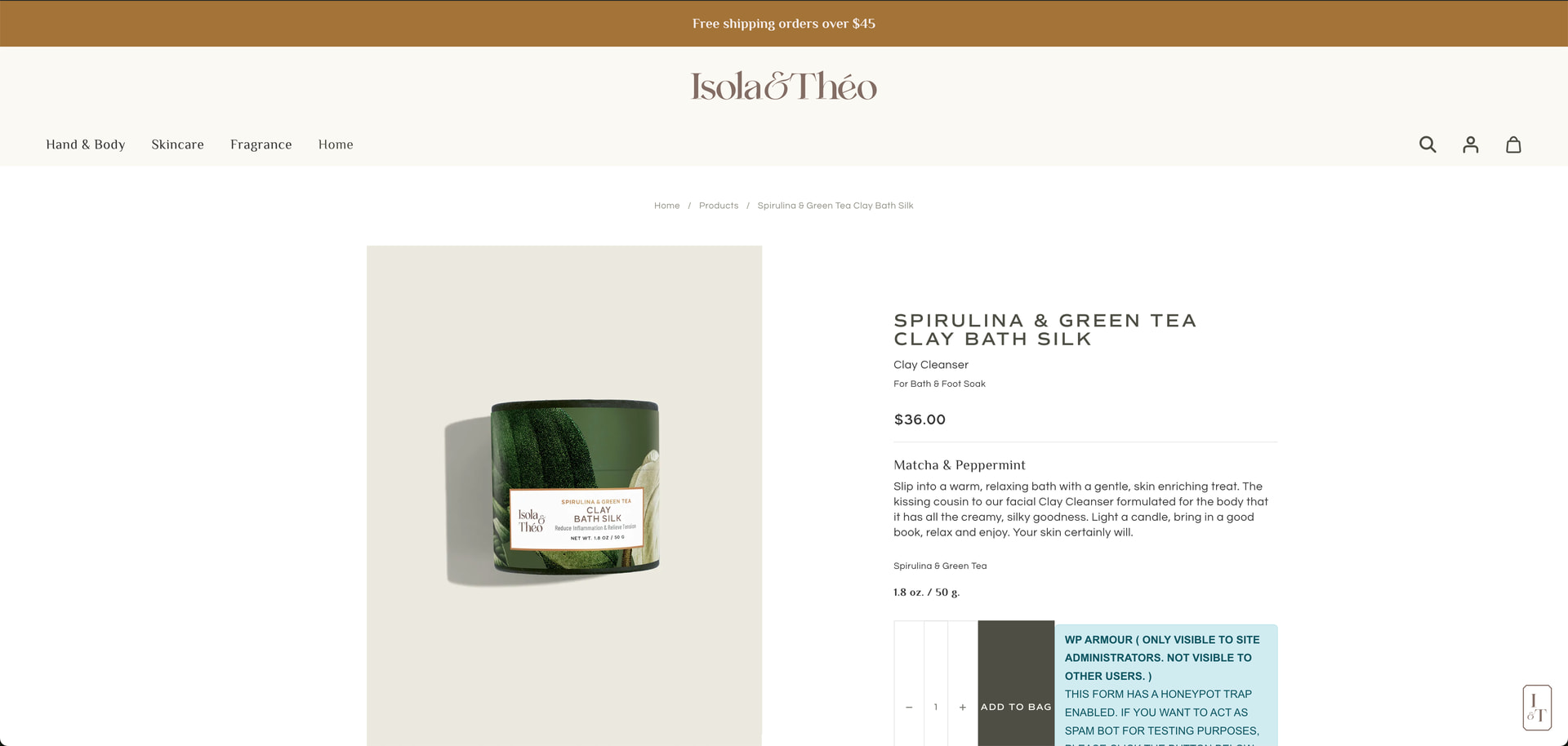
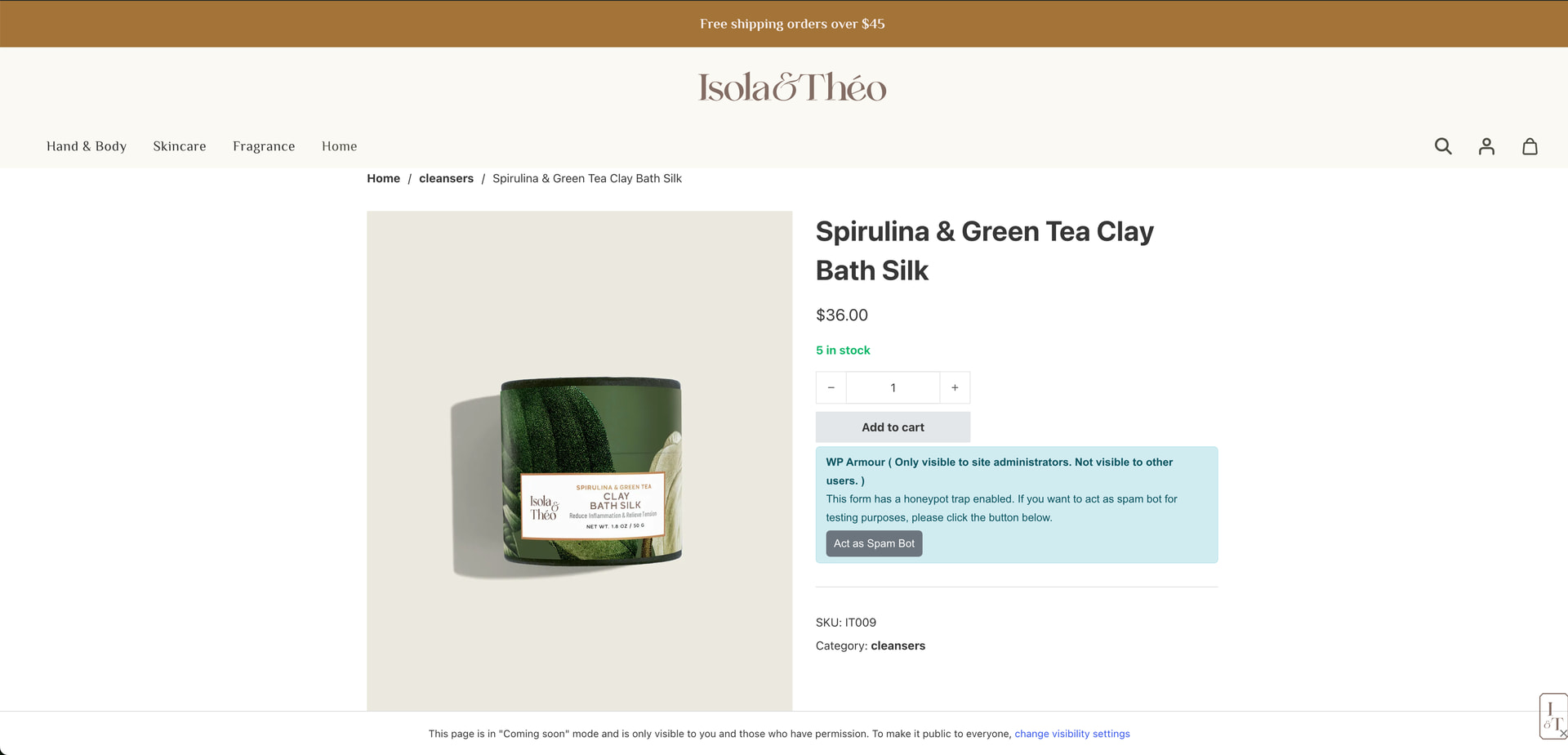
The WC Single Product Template won’t show when clicking from global areas like navigation or lead back via breadcrumbs. When previewed after editing a product itself (not just this example) I see my design (all the right fonts, colors, ACF fields), but if I go to the navigation or follow the previous path on the breadcrumbs (category page works fine) and click on a product, I get the standard WC template and I don’t know why. I’m sure I am just not doing something right in Bricks most likely but I am really stumped why I’ve only had this problem with Bricks as the only new variable with such bare bones plugins installed. Any help would be greatly appreciated.
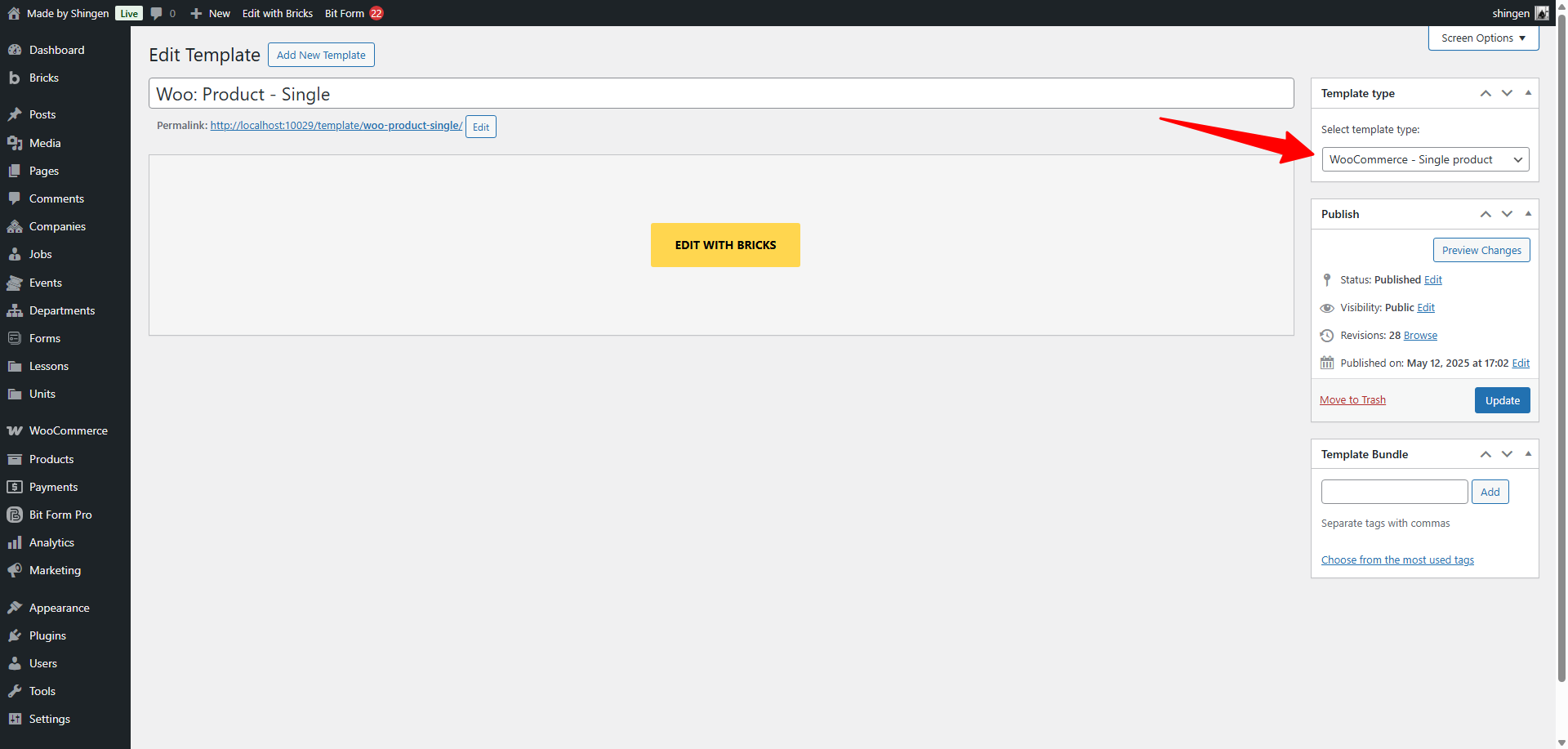
I’m sorry, yes, I neglected to say, that I did set it up as a Single Product page with WC. As I mentioned this is not the first WC I’ve built. I even tried creating a Single Page just to see if it was using that as a default and that still didn’t work.
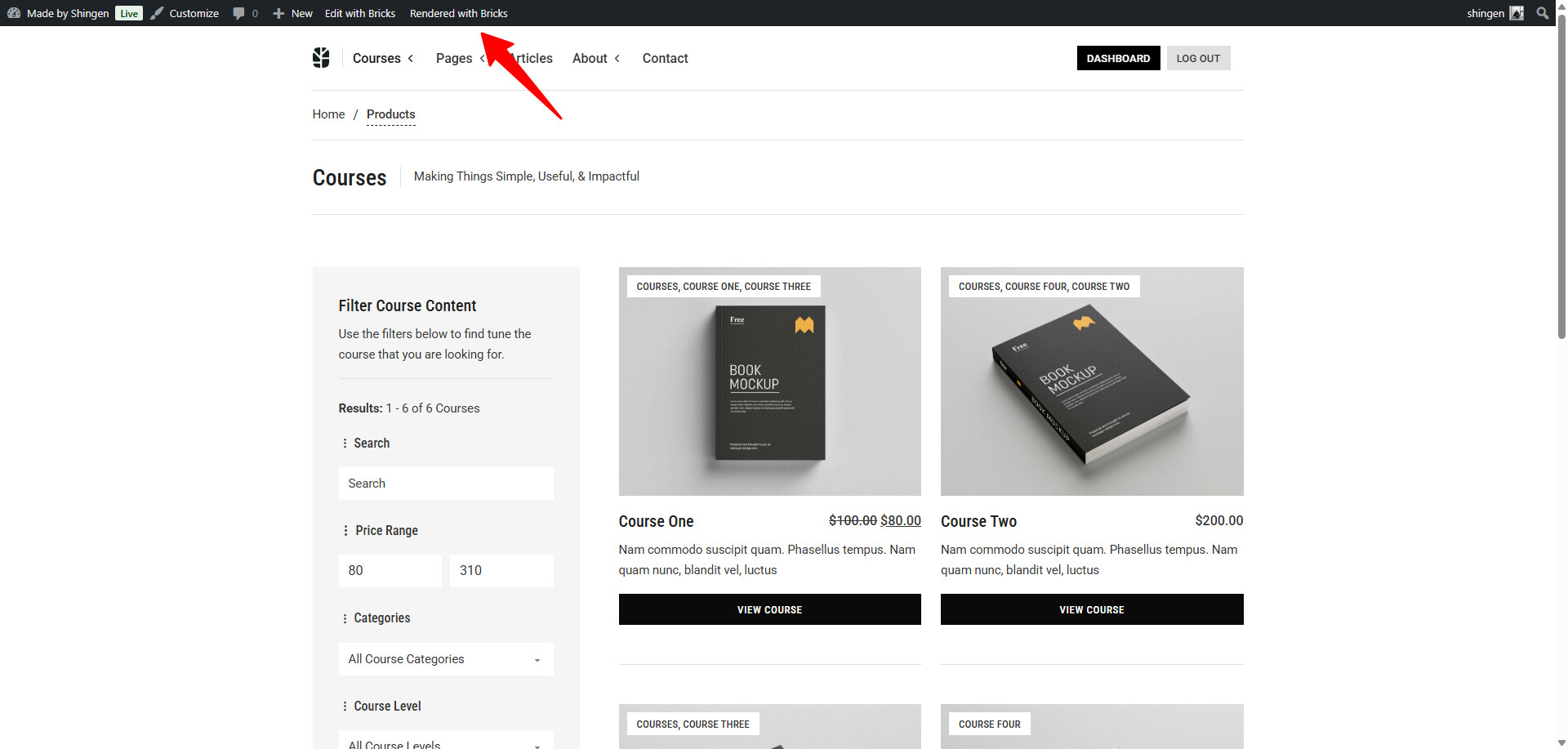
I think you’re on to something, Shingren, with the “Rendered with Bricks”. I never noticed, just on that template it says Rendered with WP. The “Cleansers” category page that displays right says “Rendered with Bricks” and works fine.
When I change to “Rendered with Bricks” it brings me back to the product page, which is weird, but I don’t see how I’m supposed to change it anywhere, and wouldn’t it be in the template, not the product?
Well typically if you have content within the Gutenberg or Wordpress content area, rendering with Wordpress will pull that data into the Builder. If you have a page built with content and you click the option at the top to render with Bricks, it will pull the data/content from the template.
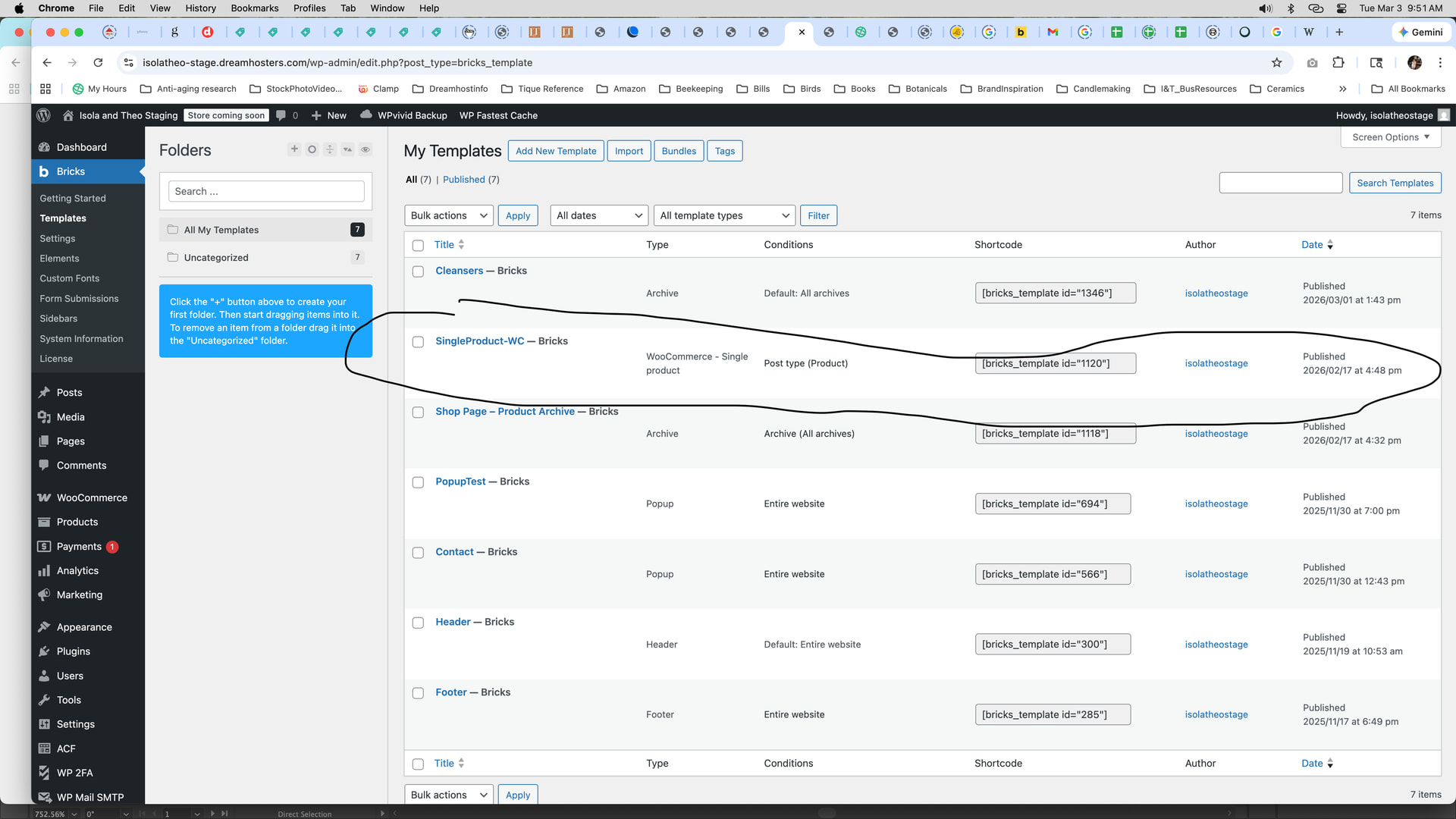
That is weird that it is pointing now to your product archive. Are you able to share some screenshots of your templates their settings?
I got it to work. Oh my gosh, thank you so much! And thank you for that explanation. It makes sense and I guess like you said, if you built it in blocks you would rely on WP to display it like that. This was driving me crazy for days. I knew it was something incredibly simple. Thank you so so much!! Can’t even tell you.
As far as I am aware, Bricks renders it data by default with WP as the secondary – but I could be mistaken on it, but from my experience, every site that I have done I first build from via Bricks and really the only data that comes from WP is Posts.
Yeah, I had only ever set these products up as Bricks I believe. I’d make the product page and then immediately choose “Edit with Bricks”. Is that what you mean or am I missing something? This is always how I’ve done with with the other two builders I know but that doesn’t mean it’s right.